Product
Features
Pricing
Resource

AI 3D Model Maker for Fast, High-Quality 3D Creation

Turn your image into a clean, detailed 3D model with Hi3D 3D Model Maker. Built for creators, makers, designers, and 3D printing users, Hi3D helps you move from reference image to usable 3D asset with less manual modeling work.

AI 3D Model Maker for Fast, High-Quality 3D Creation

All-in-One 3D Model Maker Online

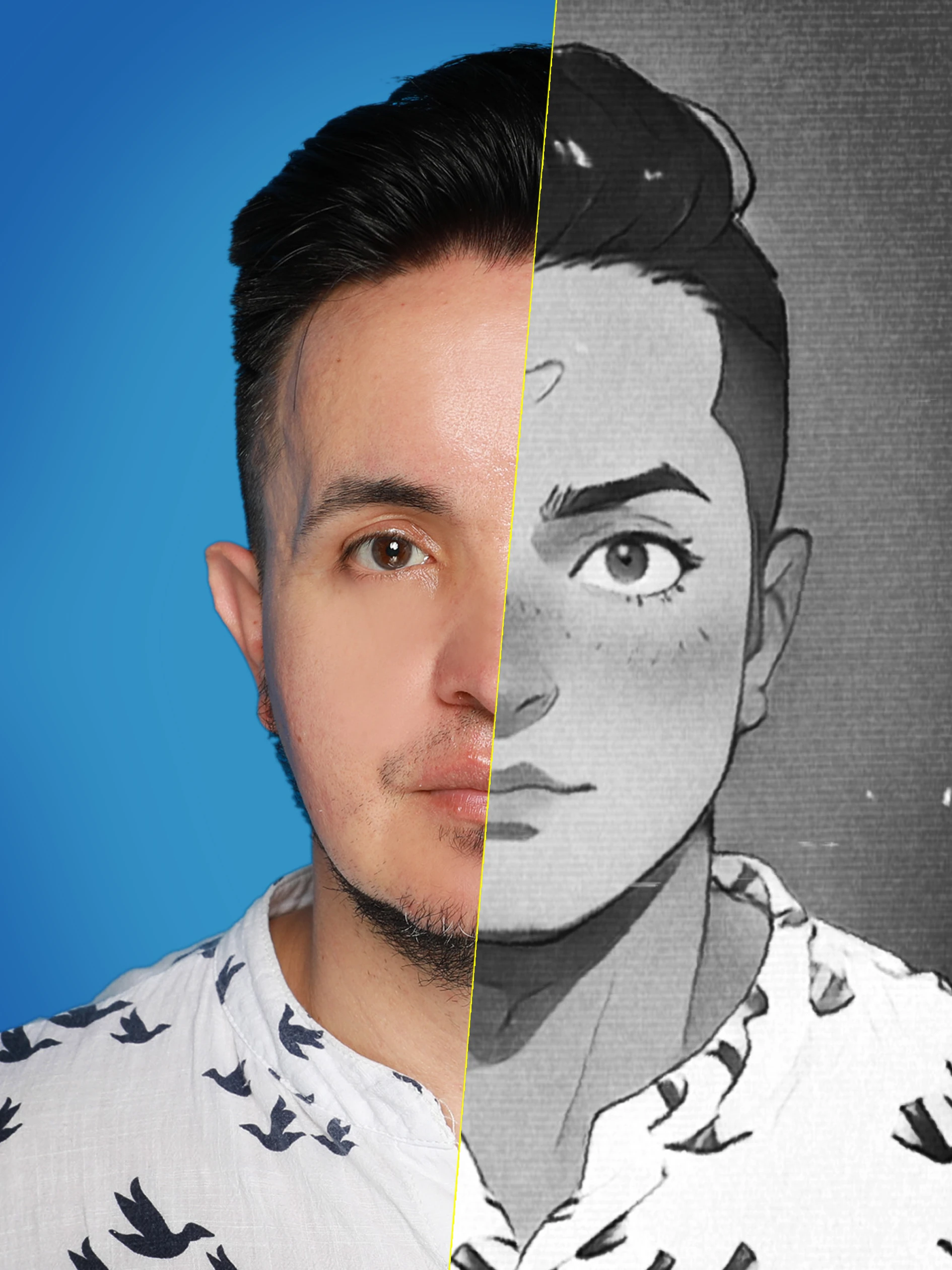
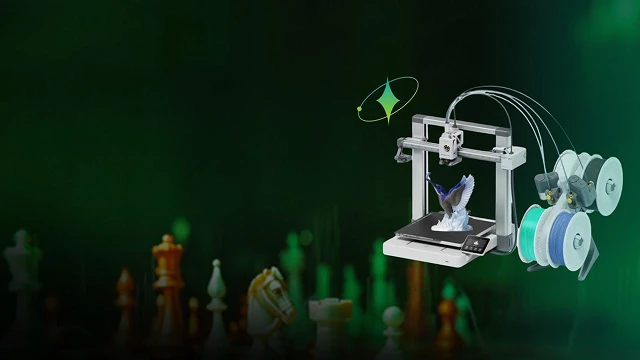
Hi3D combines image-to-3D generation, AI texturing, model splitting, multi-format export, and 3D printing tools in one workspace. Upload a reference image, generate a structured 3D model, and prepare it for creative or production workflows faster.

AI-Powered 3D Model Maker

Generate a 3D model from an image in minutes and reduce the time spent on early blocking, base mesh creation, and repetitive modeling steps. Hi3D focuses on usable geometry, clean structure, and detailed visual results, giving creators a stronger starting point for further editing, rendering, or printing.
AI-Powered 3D Model Maker

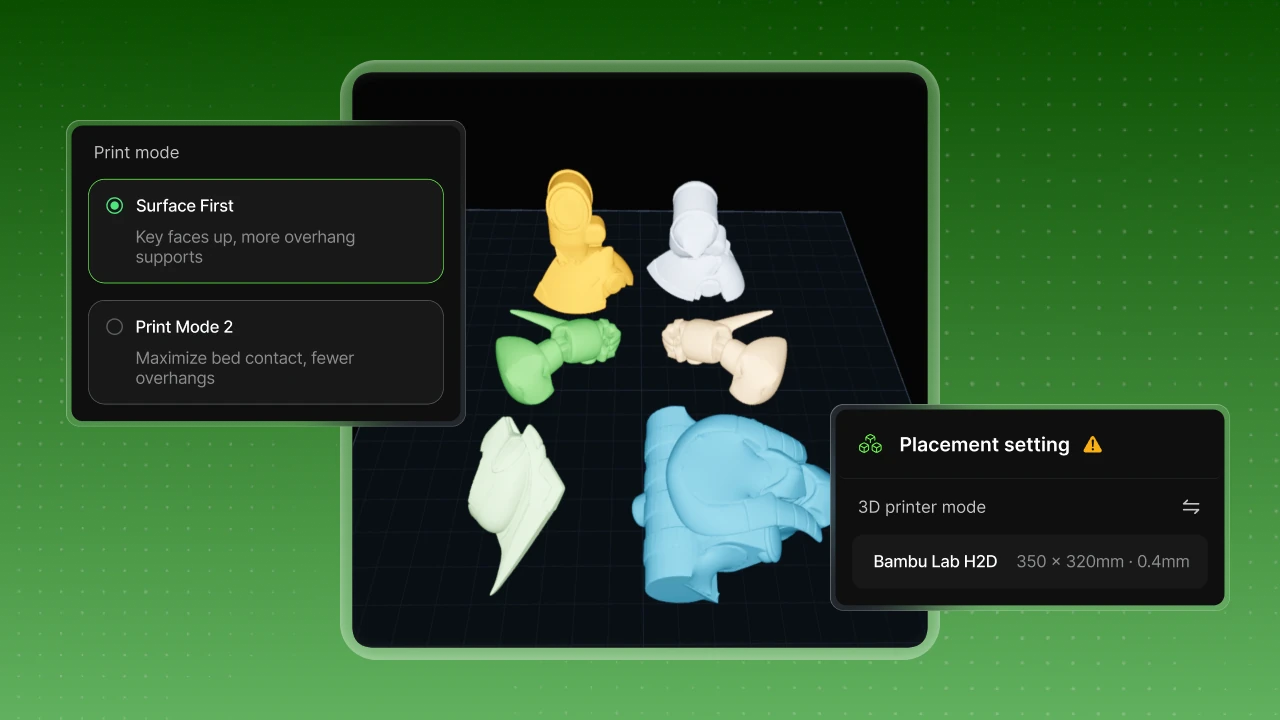
From Creative Image to 3D Print-Ready Workflow

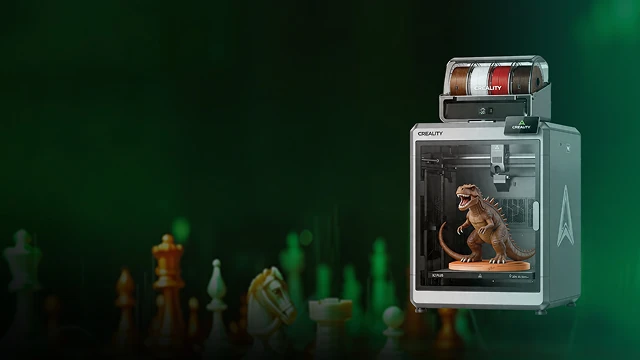
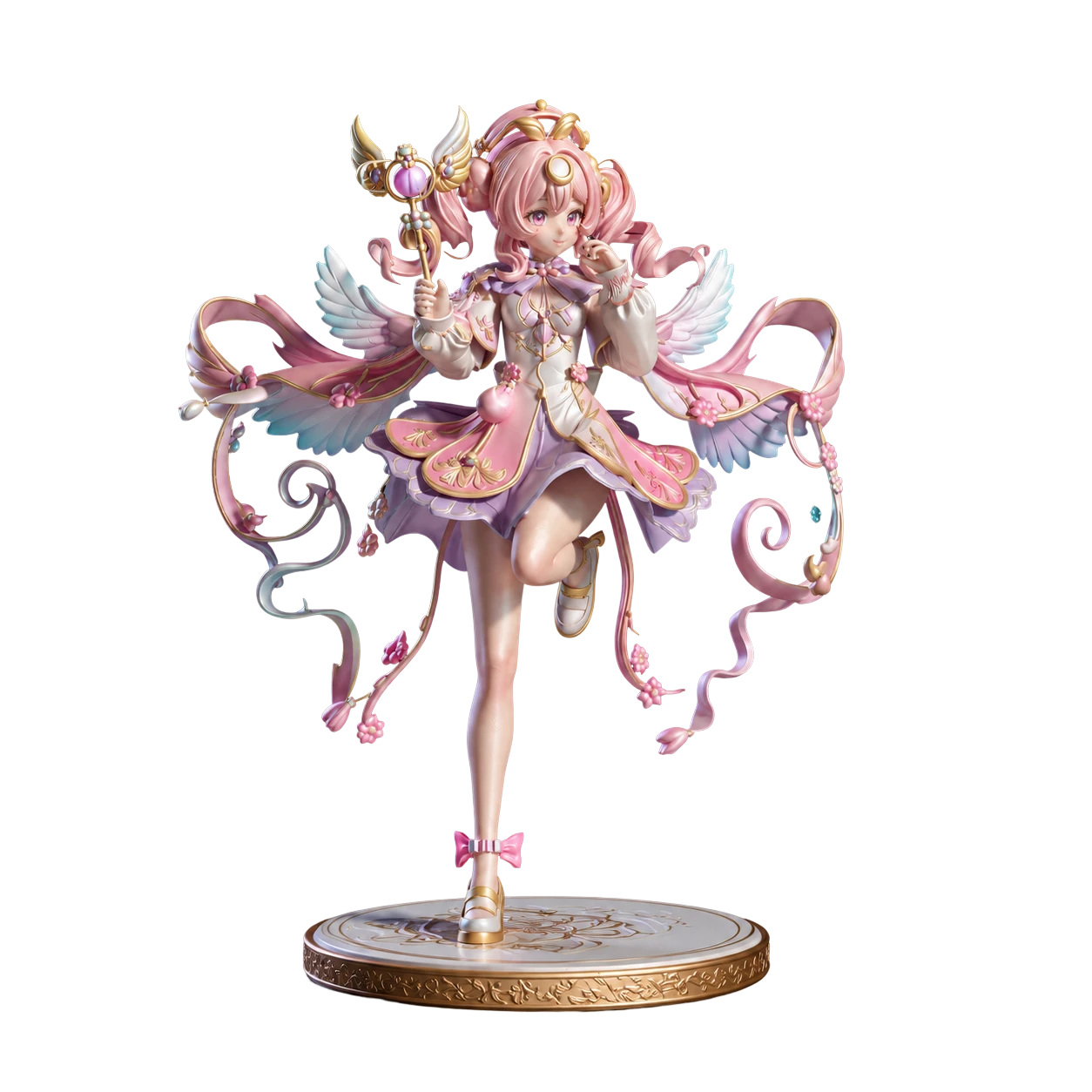
Hi3D can help turn a visual idea into a 3D model that is easier to prepare for physical output. With print-ready geometry, STL export, and printing-focused tools, it works as a practical 3d printer model maker for makers who want to create figures, art pieces, product concepts, decorations, and printable assets from image references.

From Creative Image to 3D Print-Ready Workflow

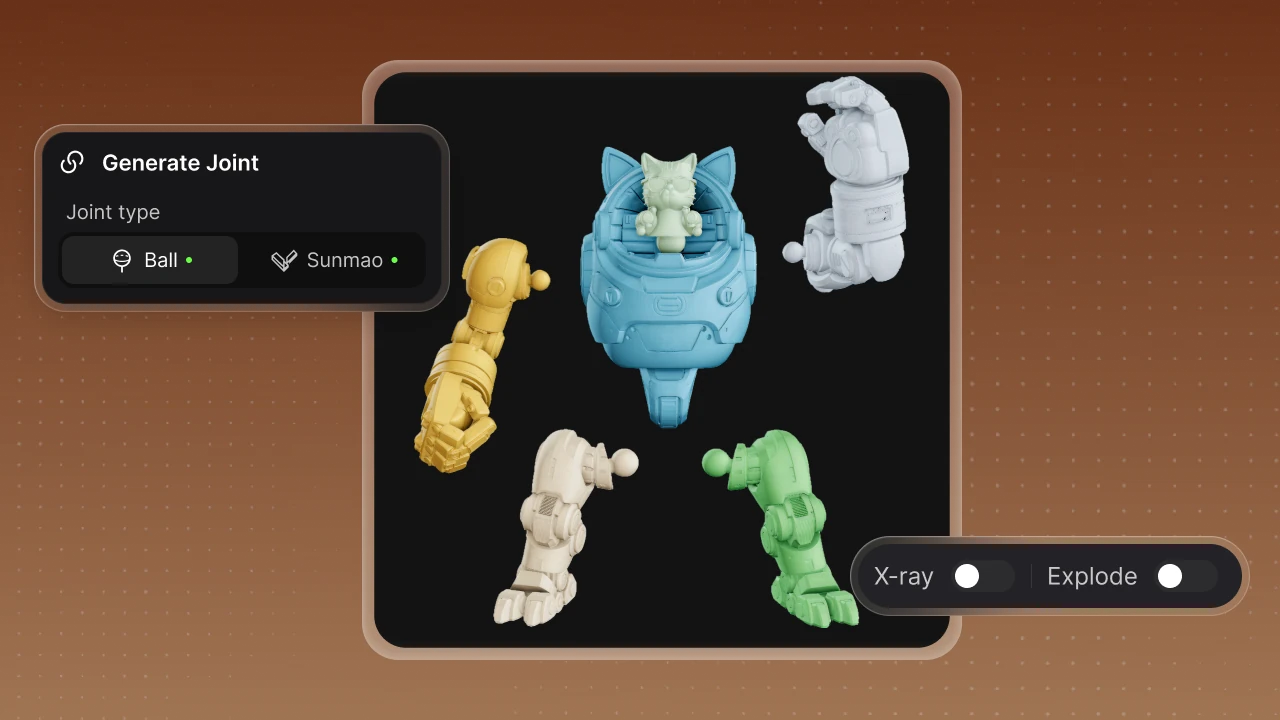
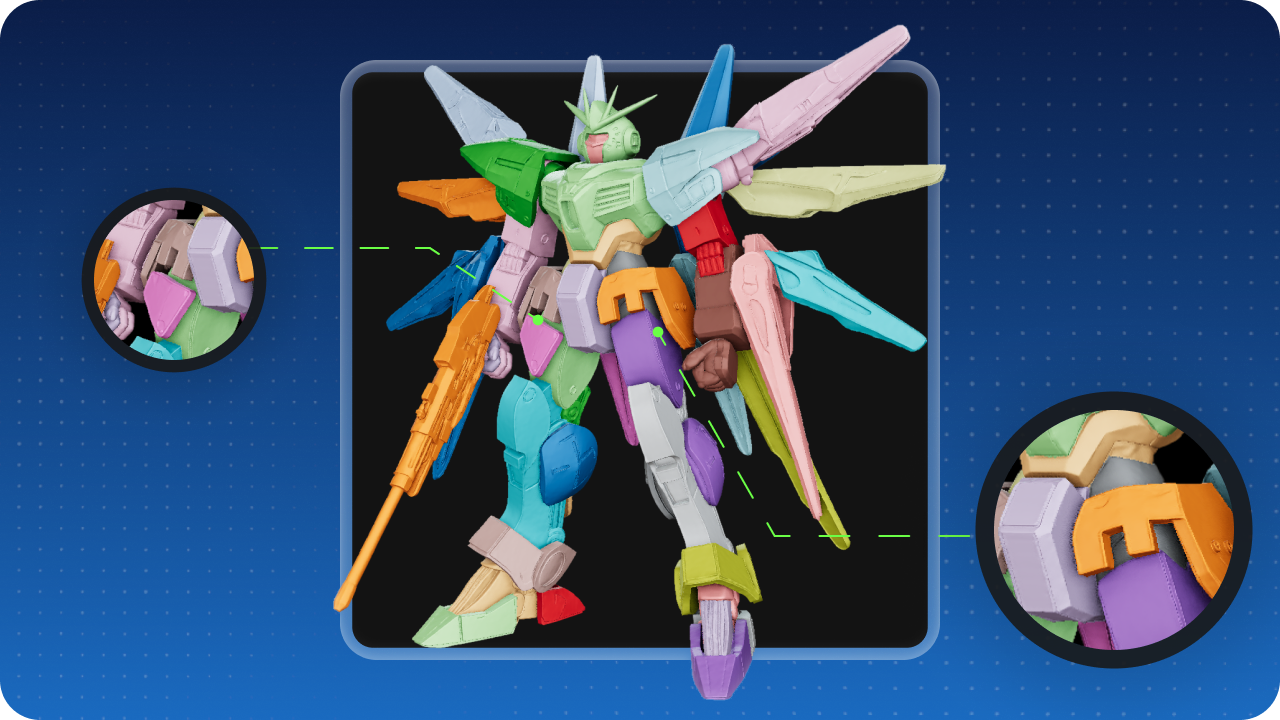
Smart Model Splitting for Printable Parts

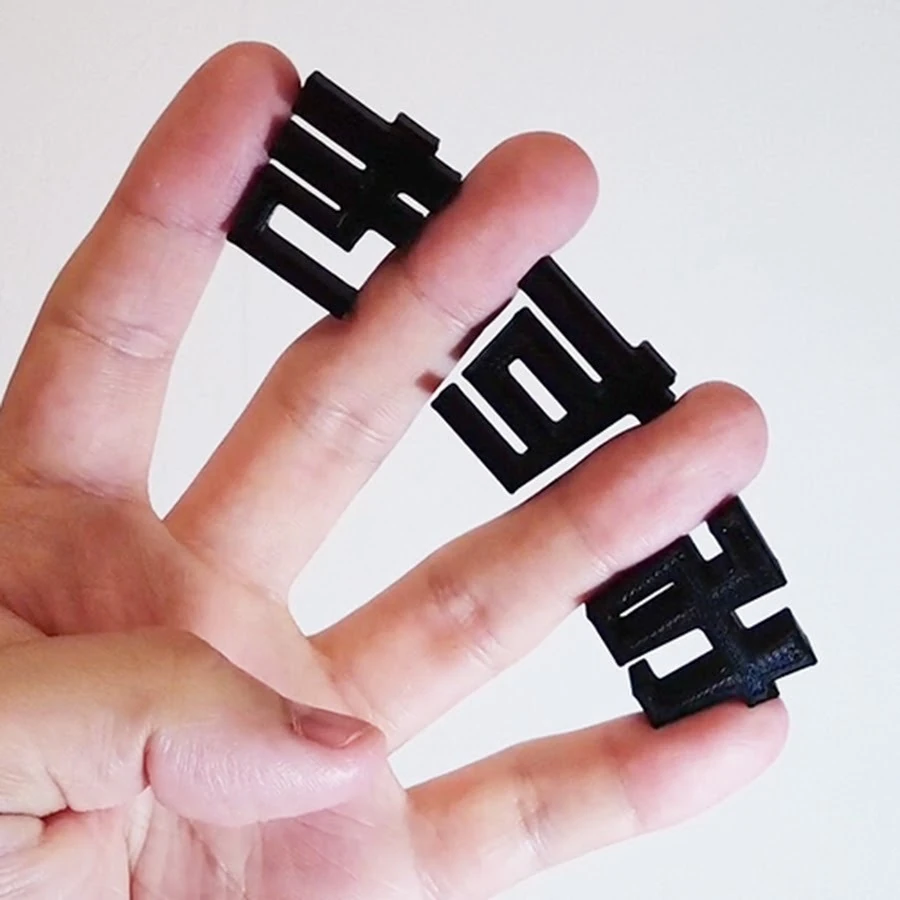
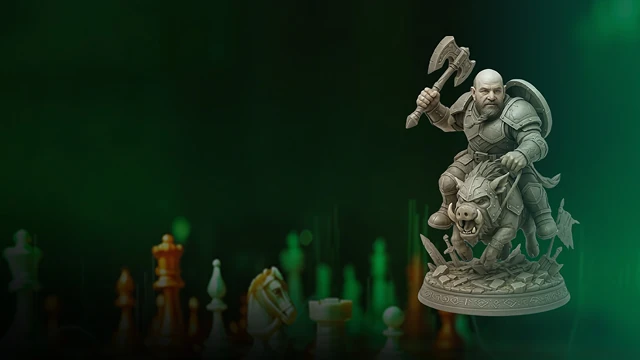
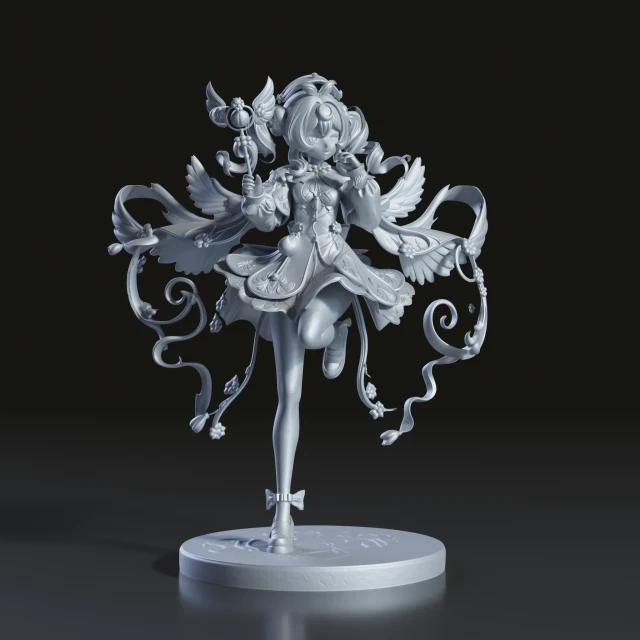
For character models and complex objects, Hi3D supports automatic character splitting into printable parts and can add connectors for easier assembly. This helps large or detailed models become more manageable for 3D printing, especially when users need to split a model into separate pieces before printing and assembling it.

Smart Model Splitting for Printable Parts

Multi-Color 3D Printing Support

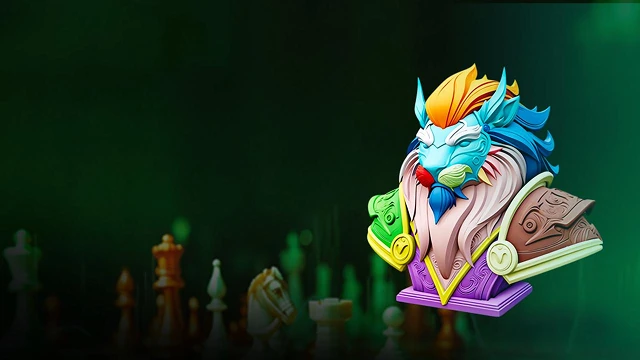
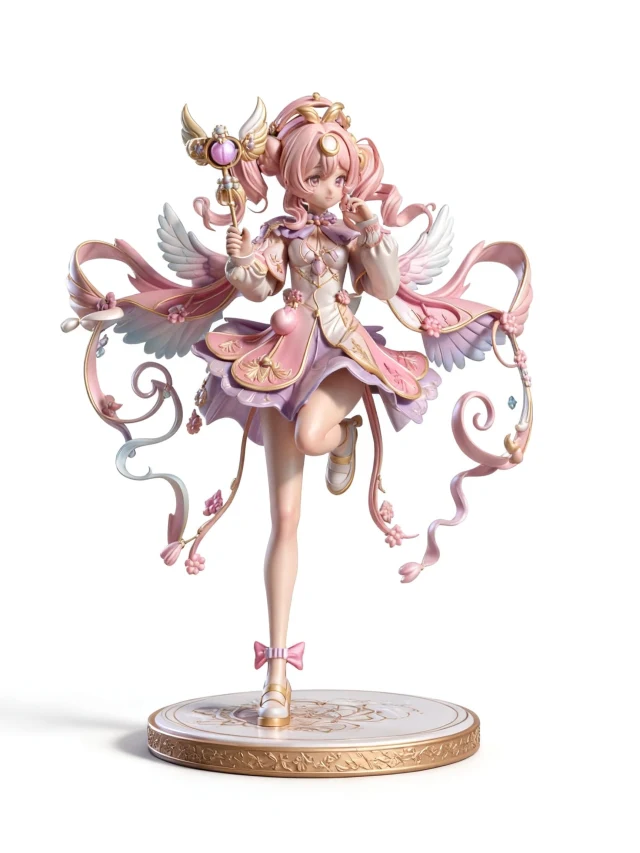
Hi3D includes multi-color segmentation tools that help separate models into clean color regions for multi-color workflows. Combined with texture generation and export options, this makes it easier to prepare colorful 3D assets and continue the process in compatible printing or slicing software.

Multi-Color 3D Printing Support

How to Use a 3D Model Maker Free

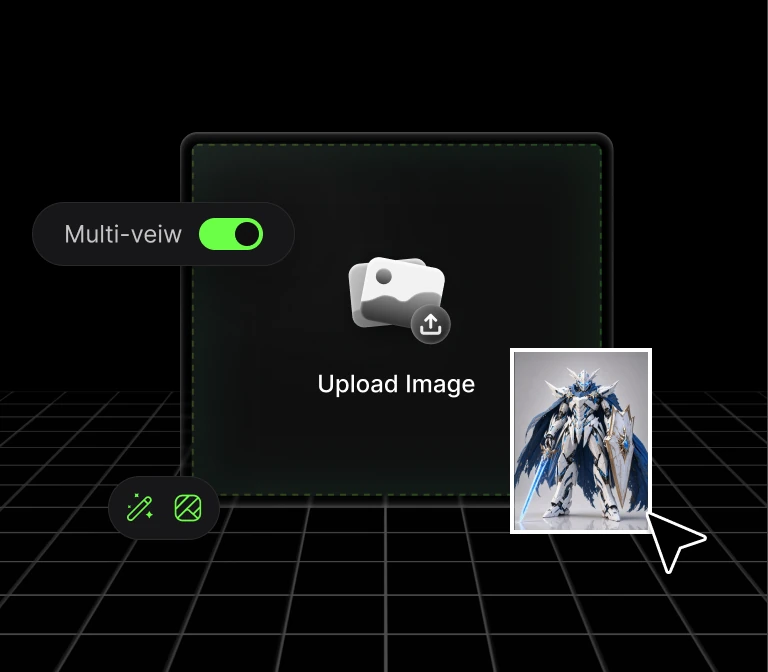
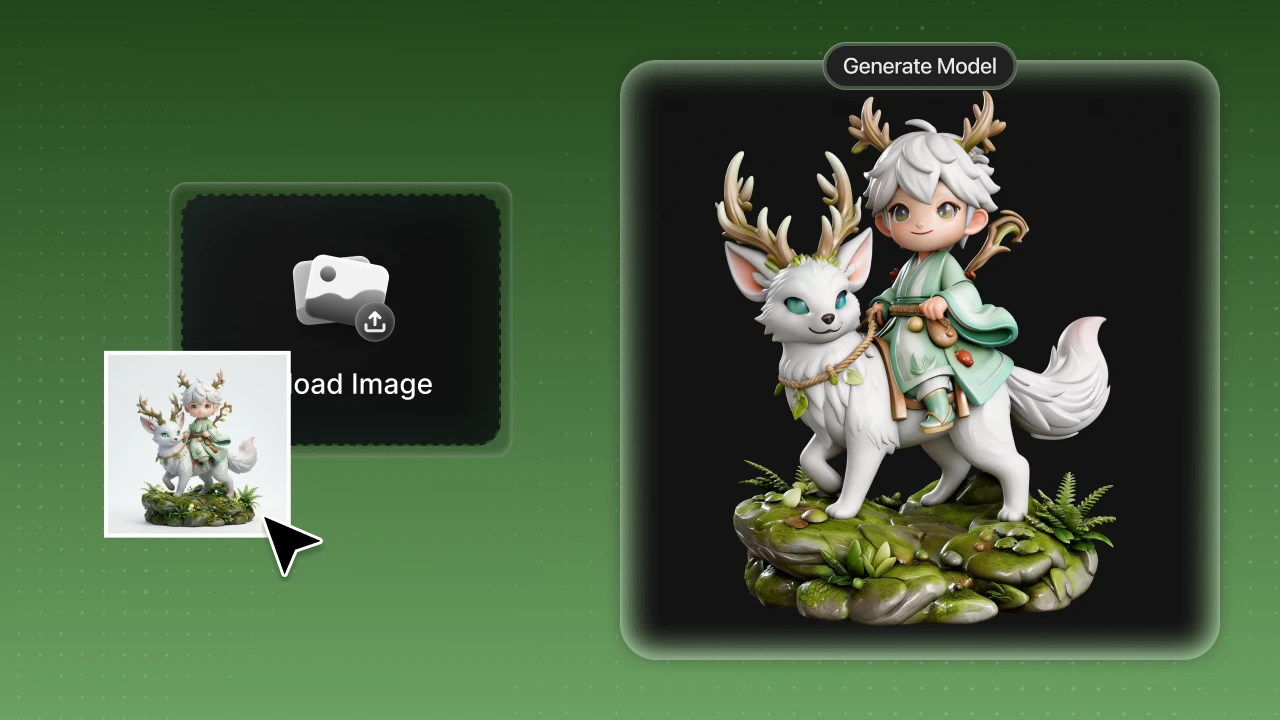
STEP1: Upload an Image

STEP1: Upload an Image

Upload a clear image with a visible subject. Hi3D supports common formats like JPG, JPEG, PNG, and WebP.

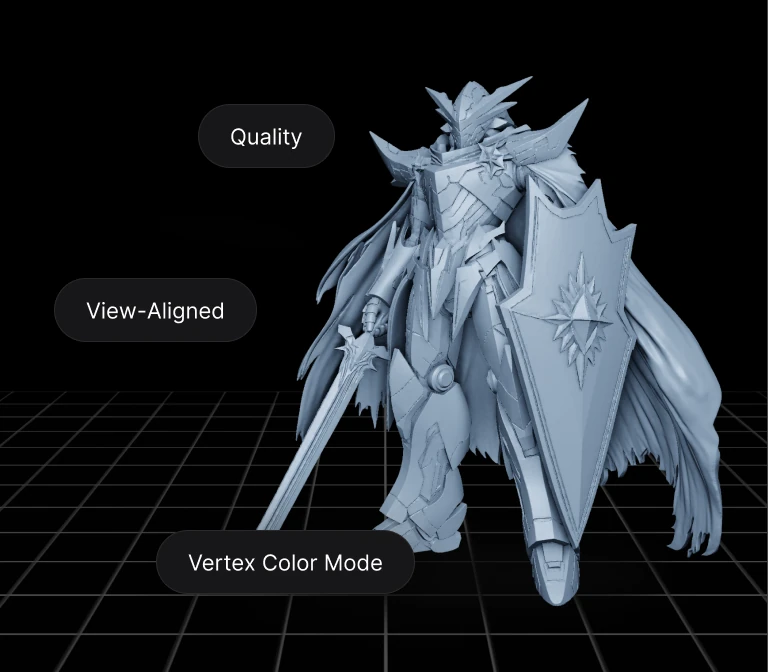
STEP2: Generate Your 3D Model

STEP2: Generate Your 3D Model

Let Hi3D turn your image into a structured 3D model for printing, design, games, or creative projects.

STEP3: Download and Continue

STEP3: Download and Continue

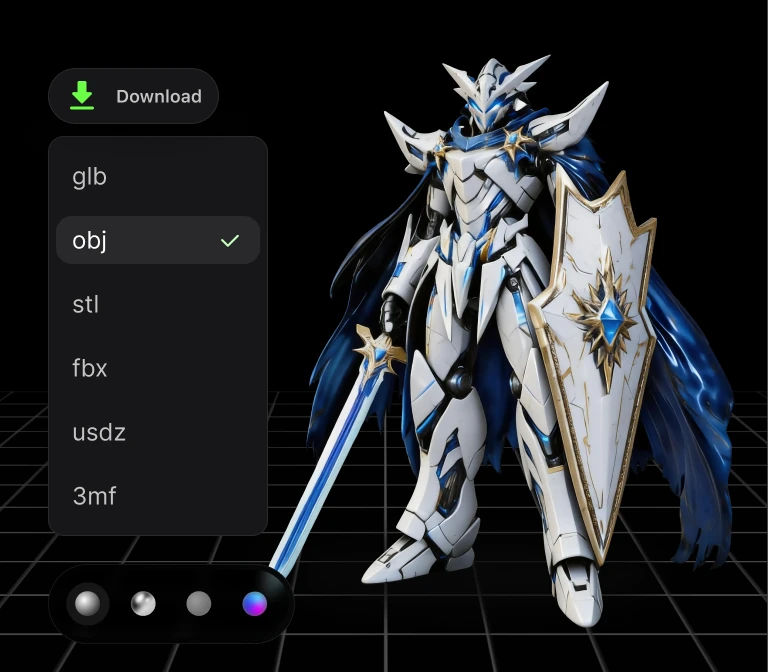
Export your model in formats such as GLB, OBJ, FBX, STL, or USDZ, then use it in your preferred 3D workflow.

Trusted by Creators Worldwide

Used by makers, artists, and engineers from 50+ countries to create real, production-ready 3D

0123456789
0123456789
+
Country
0123456789
,
0123456789
0123456789
0123456789
k+
Models Generated
0123456789
0123456789
%+
Recommendation Rate

Tips & Resources About 3D Model Maker

FAQ

Hi3D offers image-to-3D generation, AI texturing, 3D relief generation, model splitting, multi-color segmentation, multi-format export, and workflow integrations such as plugins and API access. These features help creators generate, refine, export, and prepare 3D assets more efficiently.

Yes. Hi3D allows users to start creating for free, making it suitable for testing AI 3D generation and exploring the workflow. Some advanced features, usage limits, credits, or commercial options may depend on the plan or account status.

You can use Hi3D to create 3D models for 3D printing, game design, film and VFX, art and sculpture, architecture, product visualization, fashion, jewelry, and other creative workflows. It is especially useful when you want to turn image references into structured 3D assets more quickly.

Hi3D includes multi-color segmentation tools designed to help separate color regions and support multi-color 3D printing workflows. Generated models can also be used with slicing or printing software depending on the file format and workflow you choose.

Hi3D supports exporting generated models in multiple formats, including GLB, OBJ, FBX, STL, and USDZ. STL is especially useful for 3D printing, while GLB, OBJ, and FBX are commonly used in 3D design, game, visualization, and creative production workflows.

Turn Any Idea into Production-Ready 3D

Turn Any Idea into Production-Ready 3D