Product
Features
Pricing
Resource

Image to 3D Model with AI

Turn an image to 3D model in minutes with Hi3D. Upload a photo, picture, sketch, or concept image, and let AI generate a structured 3D model you can review, export, and use in your creative workflow. Hi3D helps creators move from flat visuals to usable 3D assets faster, with tools for AI 3D generation, texturing, relief creation, model splitting, and multi-format export.

Image to 3D Model with AI
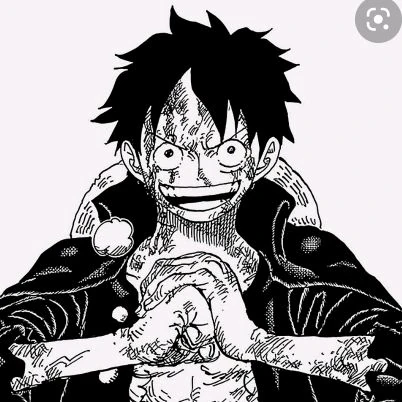
Reference Image

One-Click Image to 3D Model AI Workflow

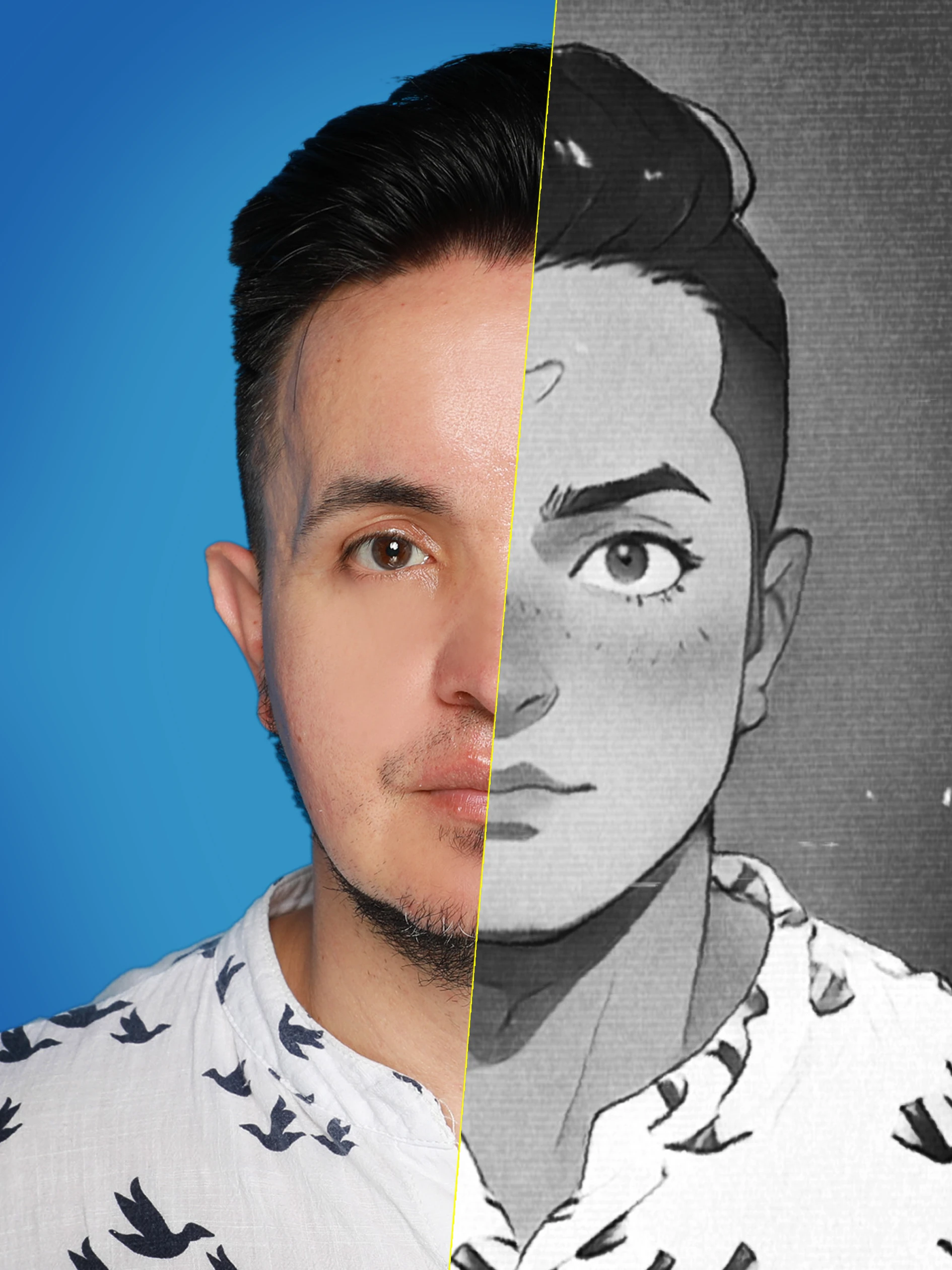
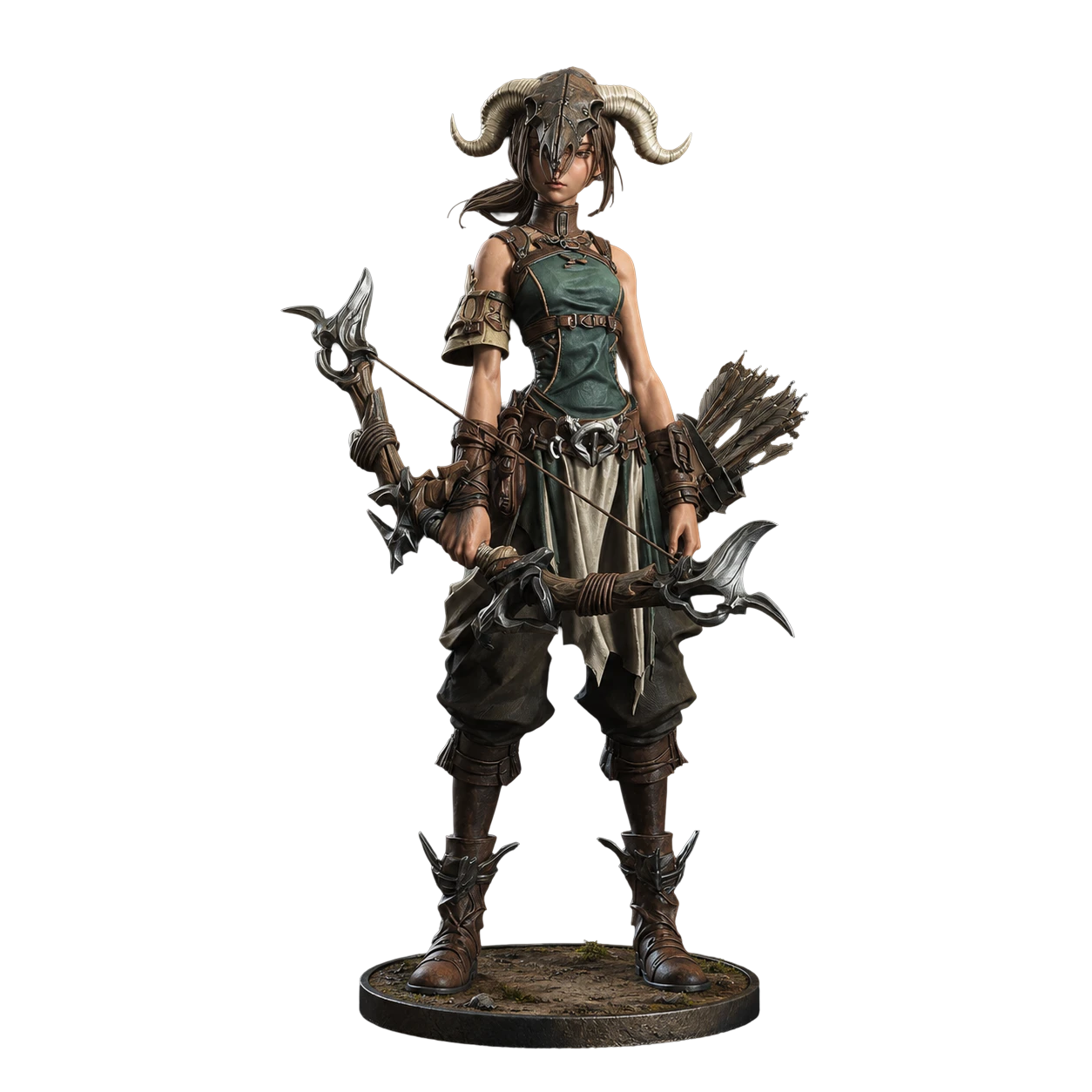
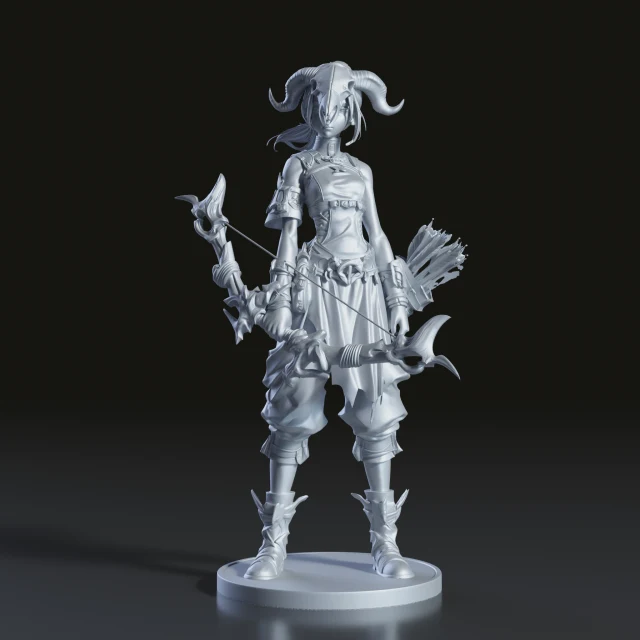
Hi3D makes image to 3D creation simple. Instead of starting from a blank modeling scene, you can upload a reference image and generate a clean 3D model as a starting point for 3D printing, digital art, game assets, product visualization, or further editing.

AI-Powered Image to 3D Model

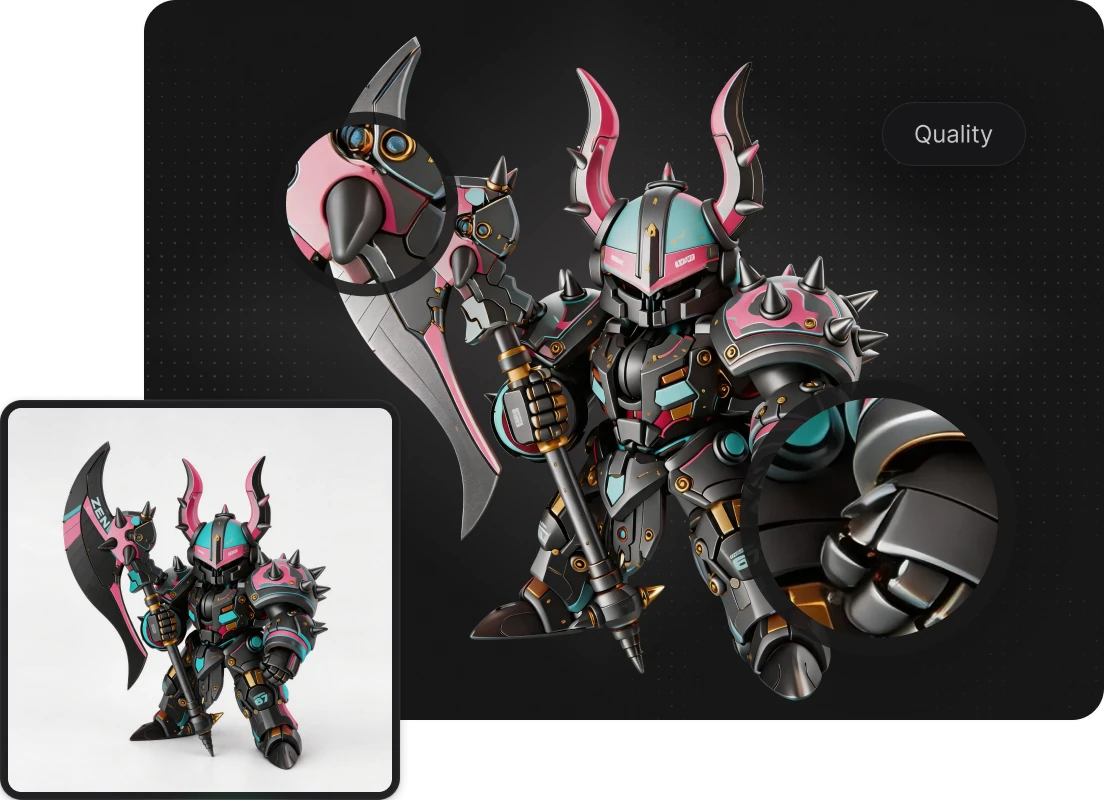
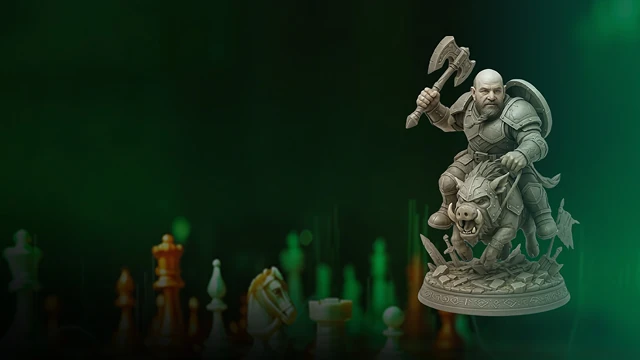
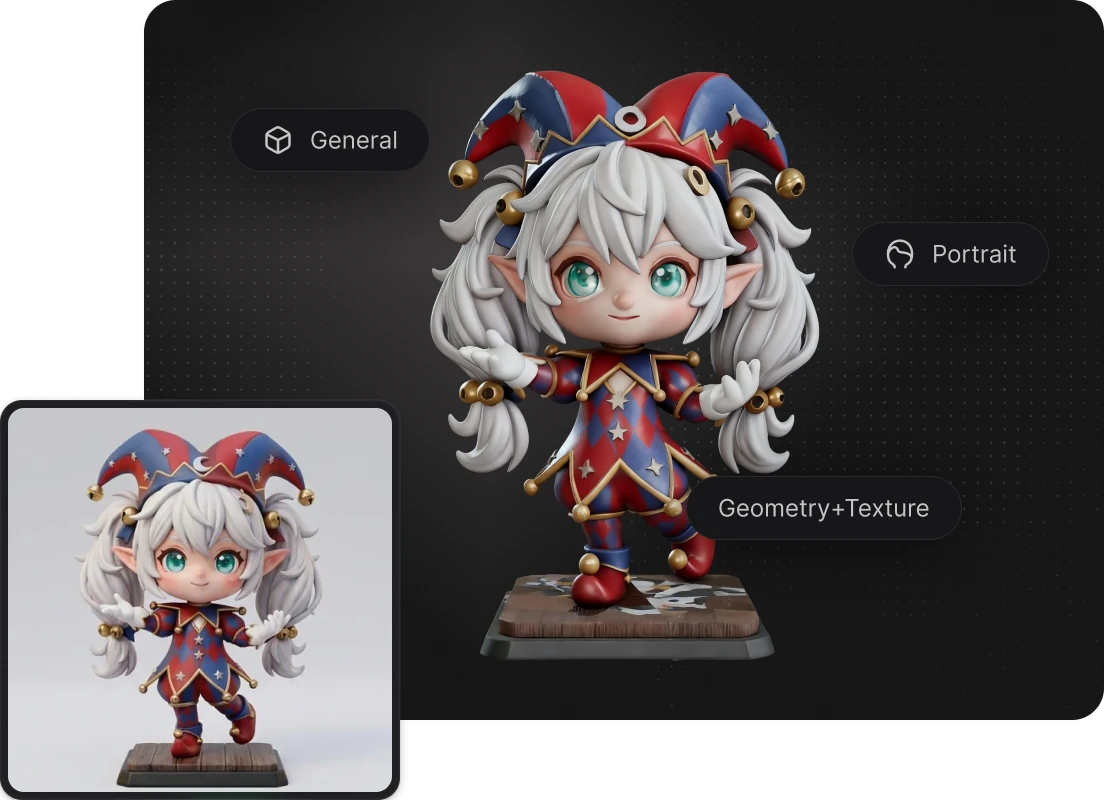
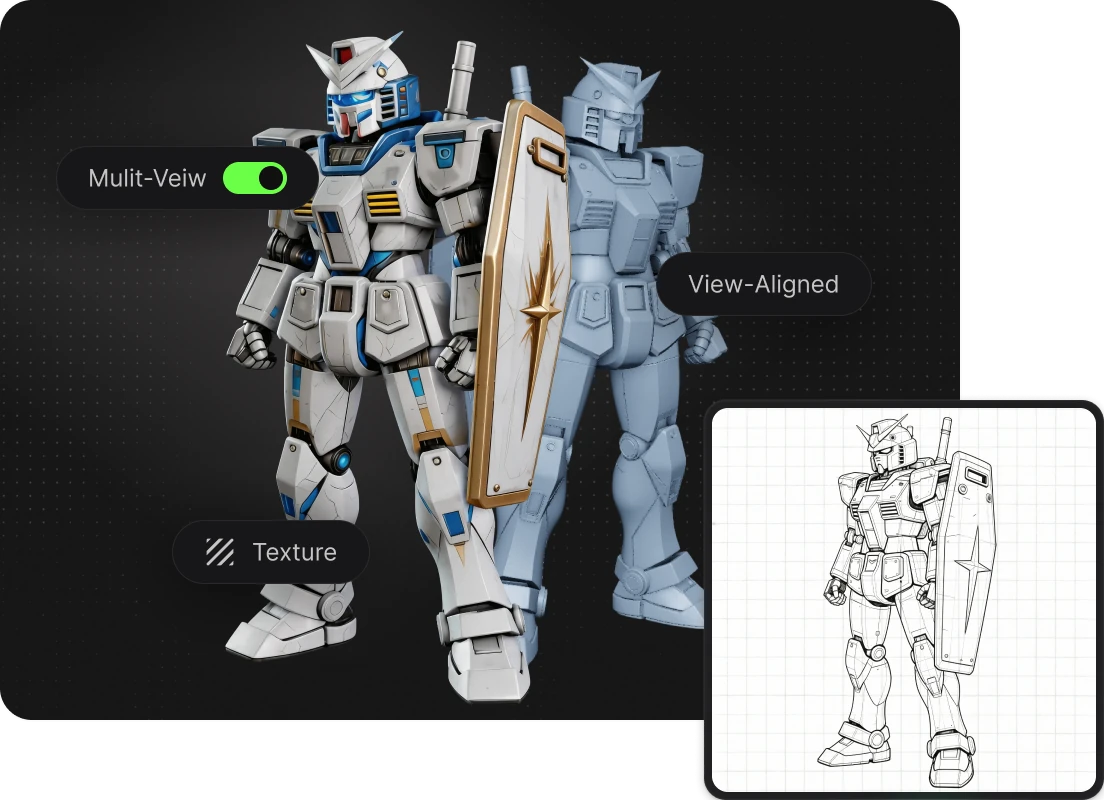
Use Hi3D as an image to 3D model AI tool to turn a flat reference image into a detailed and structured 3D result. Instead of spending hours on base mesh creation, manual blocking, and early modeling work, creators can use Hi3D to quickly generate a strong 3D starting point from a single image.
AI-Powered Image to 3D Model

2D Image to 3D Model for Real Creative Output

Hi3D helps convert a 2d image to 3d model for practical creative use, whether you are working from a sketch, character design, product image, concept art, or photo reference. It gives creators a faster way to transform 2D visual ideas into 3D models that can support real downstream workflows.

2D Image to 3D Model for Real Creative Output

Photo to 3D Model with Texture Detail

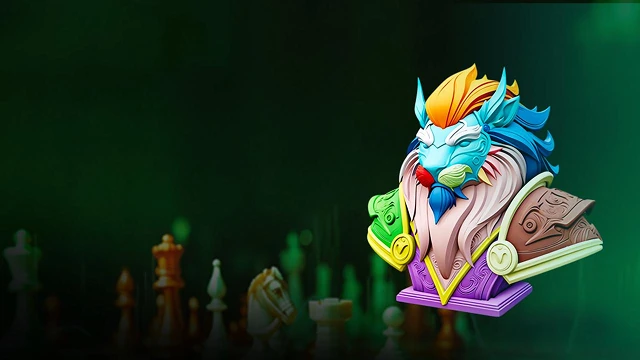
A good photo to 3D model workflow should preserve more than just shape. Hi3D supports AI texturing and high-detail 3D generation, helping transform visual details from the source image into a more complete 3D asset. For creators working from photos or artwork, this makes the generated model easier to use as a visual and structural base. Hi3D's homepage lists AI Texturing as a feature for applying high-resolution, PBR-ready textures to generated or uploaded models.

Photo to 3D Model with Texture Detail

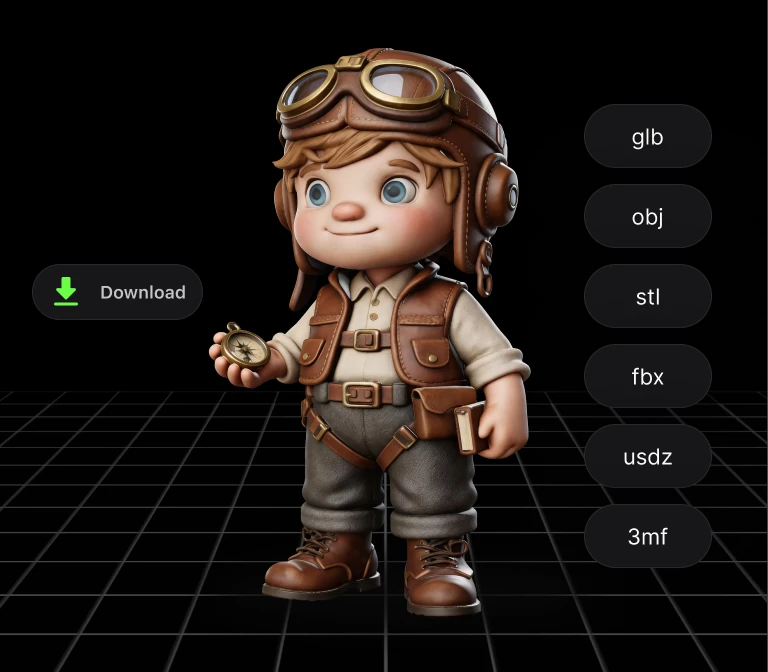
Picture to 3D Model with Common Export Formats

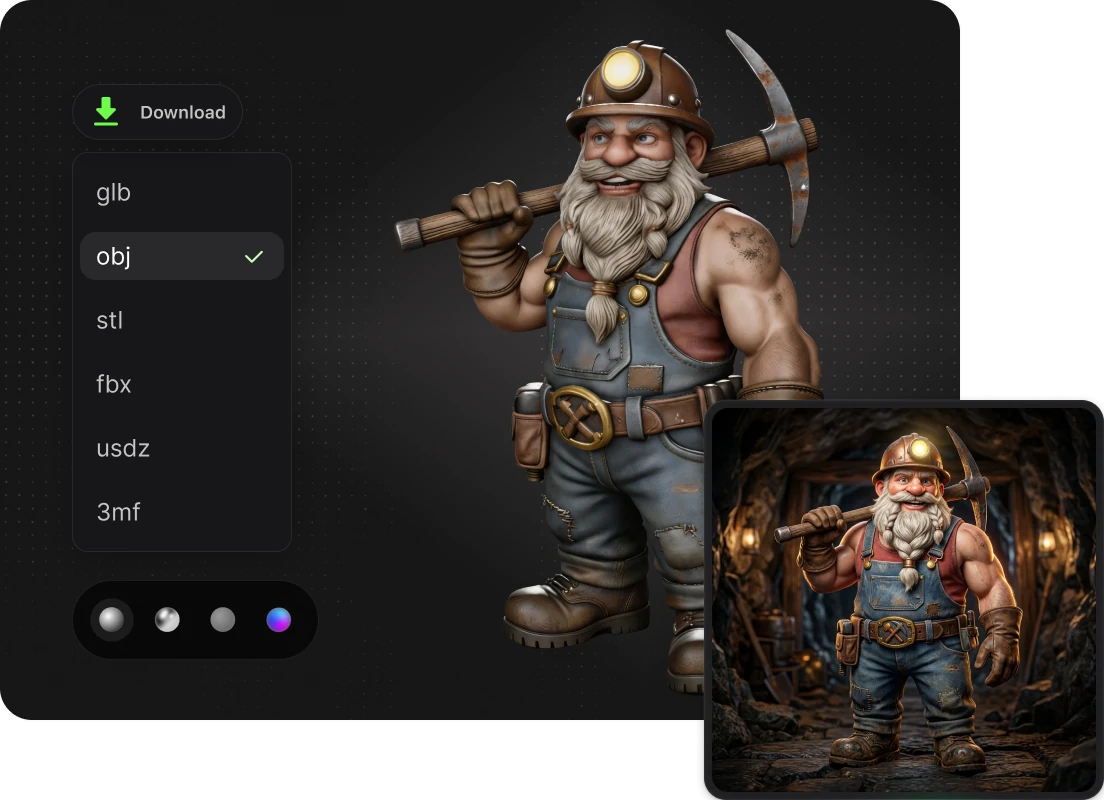
After generating your picture to 3d model result, you can export it for the next step in your workflow. Hi3D supports multiple 3D formats, including FBX, GLB, OBJ, STL, and USDZ, helping users continue in 3D printing, game, AR, or design pipelines.

Picture to 3D Model with Common Export Formats

How to Convert Image to 3D Model

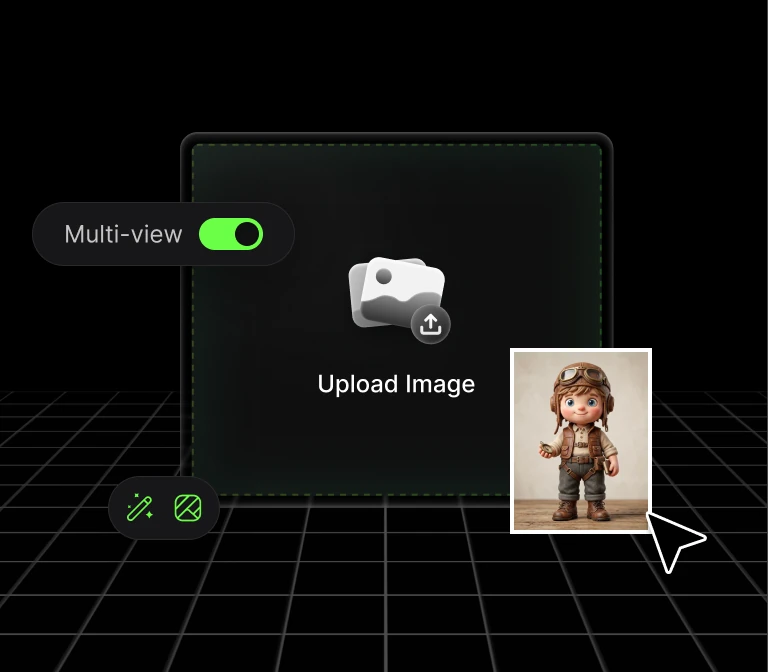
STEP1: Upload an Image

STEP1: Upload an Image

Upload a clear image with a visible subject. Hi3D supports common formats like JPG, JPEG, PNG, and WebP.

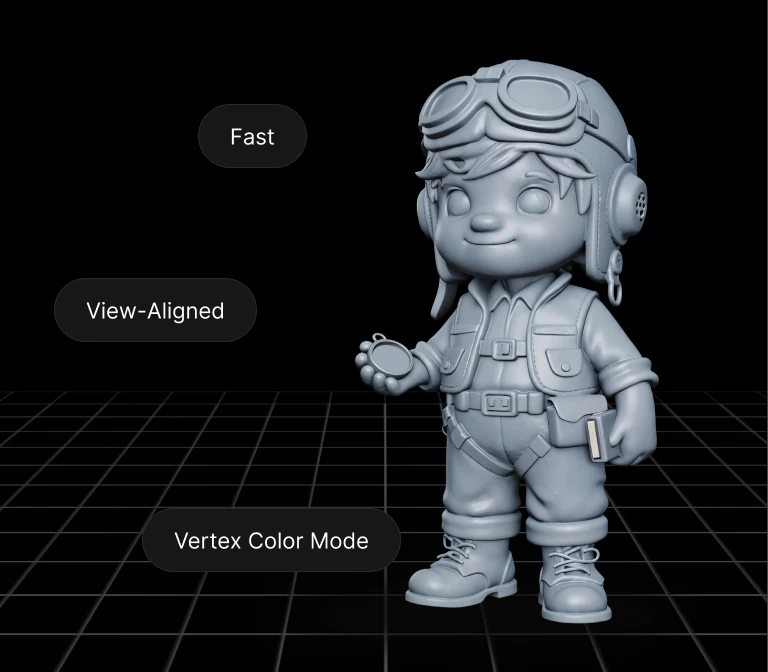
STEP2: Generate Your 3D Model

STEP2: Generate Your 3D Model

Let Hi3D turn your image into a structured 3D model for printing, design, games, or creative projects.

STEP3: Download and Continue

STEP3: Download and Continue

Export your model in formats such as GLB, OBJ, FBX, STL, or USDZ, then use it in your preferred 3D workflow.

Trusted by Creators Worldwide

Used by makers, artists, and engineers from 50+ countries to create real, production-ready 3D

0123456789
0123456789
+
Country
0123456789
,
0123456789
0123456789
0123456789
k+
Models Generated
0123456789
0123456789
%+
Recommendation Rate

Tips & Resources About 3D Model Maker

FAQ

Yes. Hi3D lets users start creating for free, so you can test the image to 3d model workflow before choosing a paid plan or advanced usage option. Some features, credits, or usage limits may depend on your account plan.

For better image to 3d results, use a clear image with a complete, visible subject and a simple background. Images with strong shape information, clean outlines, and fewer visual obstructions usually work better for 3D generation.

Yes. Hi3D can help convert a photo to 3d model by using AI to reconstruct a 3D asset from a single reference image. The generated result can be used as a base for 3D printing, creative production, visualization, or further editing.

Yes. Hi3D works as a 2d to 3d image converter for creators who want to turn flat images into 3D models. It supports workflows from image upload to model generation and export, helping users move from 2D references to usable 3D assets.

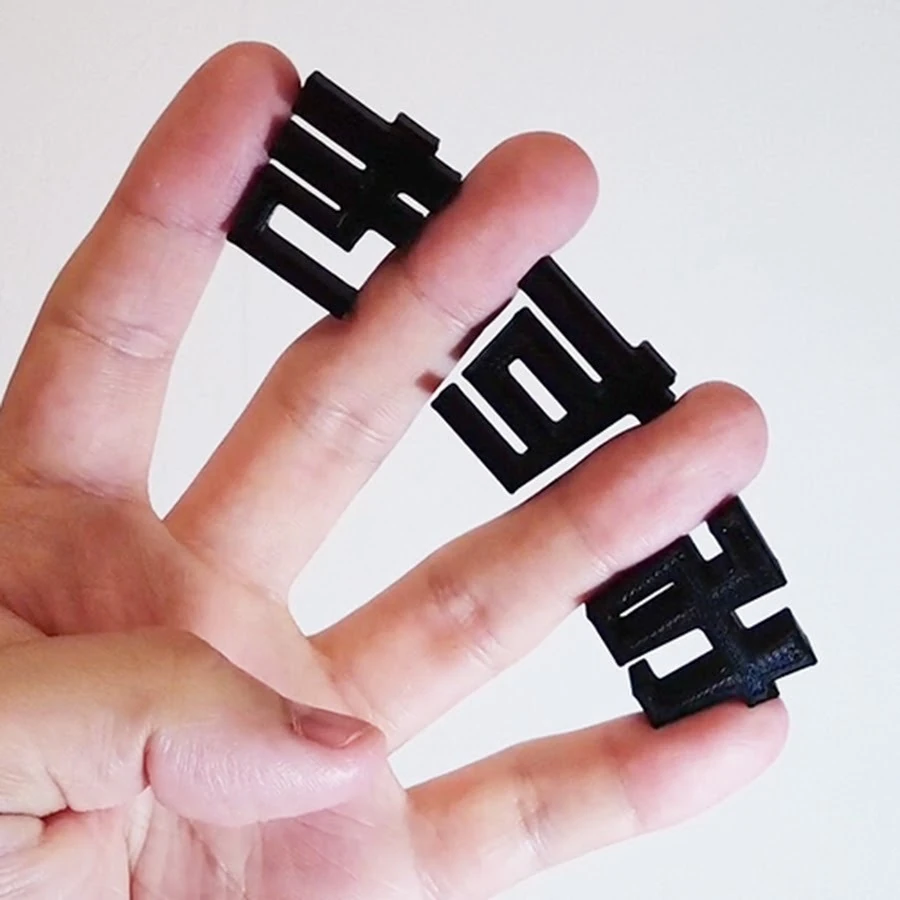
After using Hi3D’s image to 3d model AI workflow, you can export models in formats such as GLB, OBJ, FBX, STL, and USDZ. STL is useful for 3D printing, while GLB, OBJ, FBX, and USDZ are commonly used in 3D design, games, AR, and visualization workflows.

Turn Any Idea into Production-Ready 3D

Turn Any Idea into Production-Ready 3D