HI3DMaker Center
Your one-stop hub for everything 3D printing and making need—guides, tools, cases, and community wisdom.
Which Process Fits You?
Compare FDM, resin, CNC, and laser. Pick the right process for your first make.
Maker Workflow
AI drives your workflow — from generation to repair, split, and print.
Materials & Technology
From FDM to lost wax casting — find your ideal printing process.

Fused Deposition Modeling (FDM)
The most accessible 3D printing technology — affordable, versatile, and perfect for functional prototypes.

Material Jetting (MJP)
High-resolution printing with ultra-smooth surfaces and wax-supported overhangs. Ideal for jewelry and miniatures.

Stereolithography (SLA)
Industry standard for detailed work — jewelry, dental models, and professional-grade miniatures with near-invisible layer lines.

Selective Laser Sintering (SLS)
No support structures needed. Strong, flexible, and durable parts — ideal for functional prototypes and moving assemblies.

Multi Jet Fusion (MJF)
High-speed production of strong, precise parts. Supports full-color printing. Great for end-use products.

Lost Wax Casting
Transform 3D printed wax patterns into solid metal — gold, silver, bronze, and more. Perfect for custom jewelry and sculptures.
Printing & Hardware
Set up your printer. Optimize every print. Keep your machine running smoothly.
Printer Setup Essentials
Bed leveling, nozzle spacing, build plate care, and filament preparation—the foundations of successful printing.
Model Placement & Supports
Learn how orientation and support choices affect print strength, surface quality, and success rates.

Printer Maintenance Guide
Prevent clogs, wear, extrusion issues, and unexpected failures with simple maintenance habits.

Print Settings Explained
Temperature, cooling, retraction, and layer height—the key settings behind print quality and reliability.

Assembly & Fitment Tips
Design better joints, tolerances, and snap-fits to make multi-part FDM prints assemble smoothly.

Model Orientation Guide
The right orientation can improve strength, surface finish, print speed, and support efficiency.
Expert Case Studies
Learn how pros solve real challenges. Skip the guesswork.
User Stories
See what the community is making. Find inspiration for your next project.

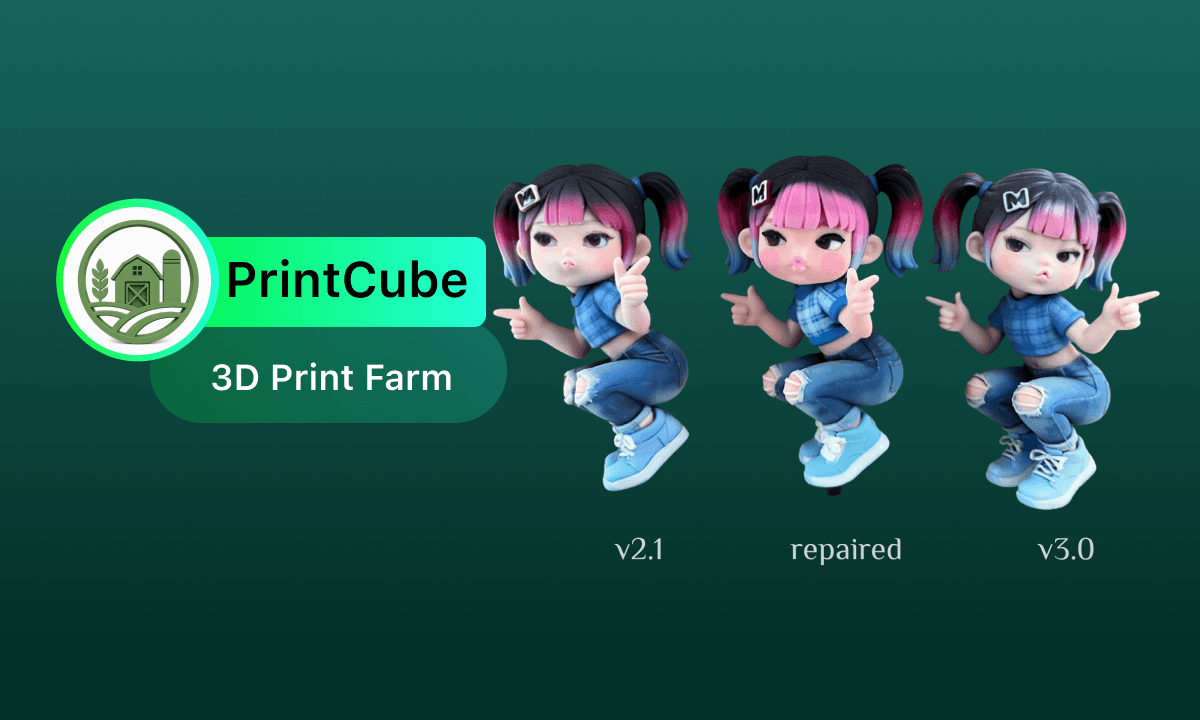
From "Can Generate" to "Can Produce": Hi3D 3.0 Explores a New AI 3D Production Workflow
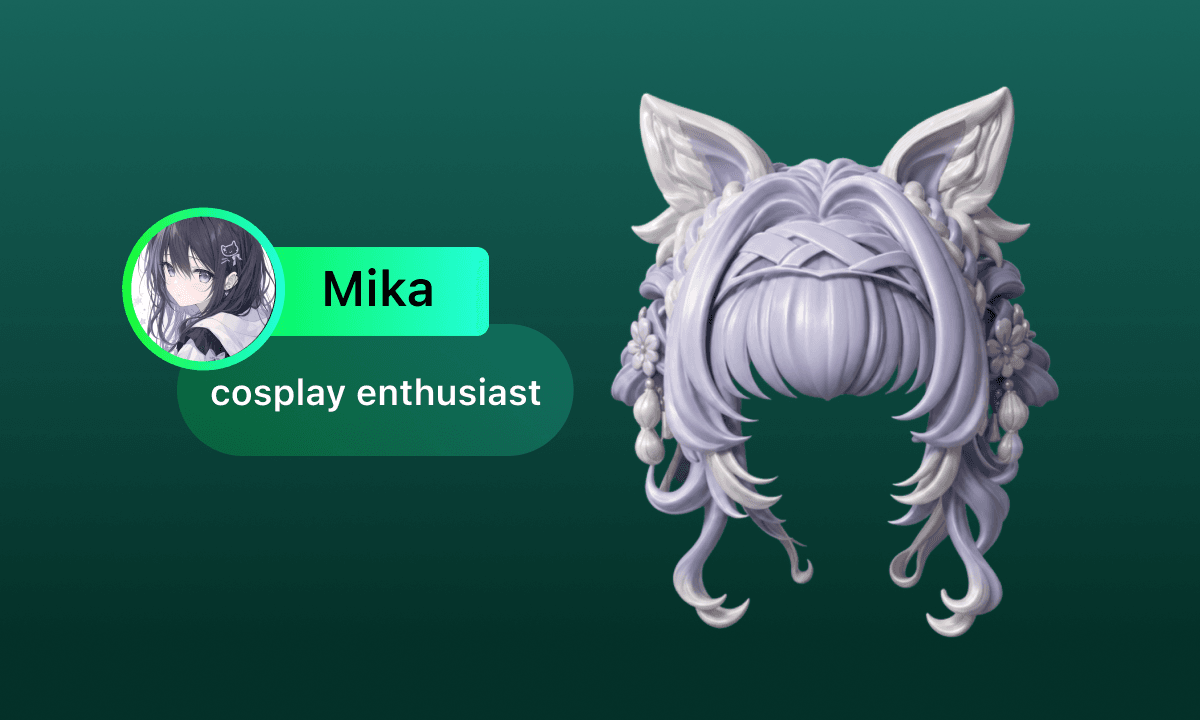
From ACG to Reality — Hi3D Helps Cosers Build Their Own Character Worlds

Not a Perfect Pet Model, but "It" from the Owner's Memory
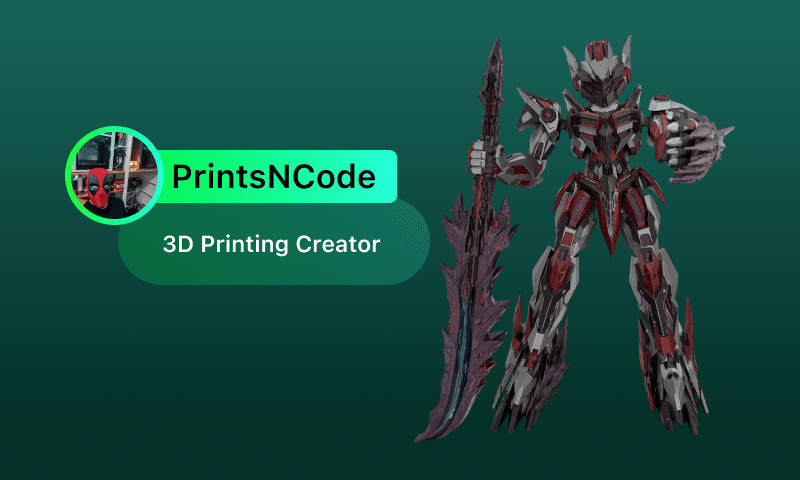
Creating from Passion, Growing with Technology: How Carlos Explores Endless Possibilities Through AI and 3D Printing
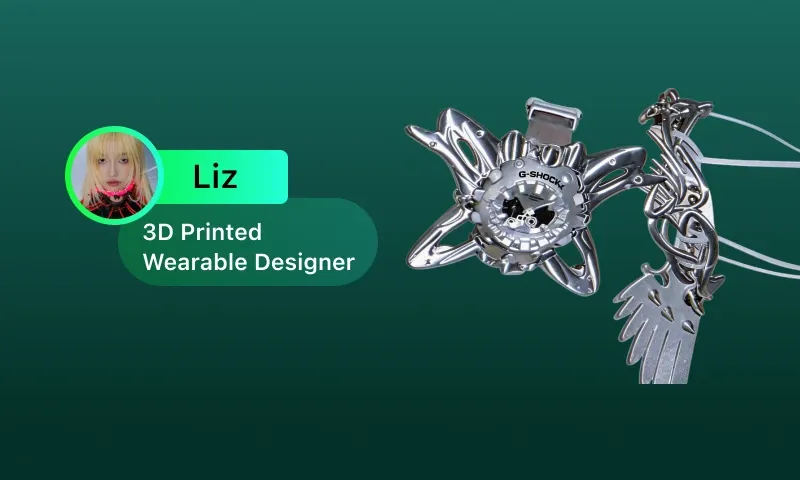
AI Meets Cyber-Fashion
FAQ
The most common questions for makers at every stage — answered at a glance.
In Hi3D, simply describe your idea in text to generate a concept image, then convert that image into a 3D model with one click. For multi-part designs, the built-in "split-to-print" feature automatically divides the model into printable pieces with connectors, and then generates optimal orientation and supports. From idea to print-ready file in minutes — no modeling skills needed.
Simply import the model into Hi3D Studio — the system automatically identifies issues like broken faces, non-manifold edges, or inverted normals through AI printability detection. With just one click to repair, it automatically fills holes and merges overlapping faces, outputting a complete watertight model that works perfectly in any slicer.
Layer height: 0.12-0.16mm for detail, 0.24-0.28mm for speed. Wall thickness: set to multiples of nozzle diameter (at least 0.8-1.2mm for 0.4mm nozzle). Infill: 10-15% gyroid/honeycomb for non-load-bearing parts, 30-50% for functional parts — gyroid and honeycomb offer better strength than rectilinear at the same density.
Use tree supports with contact area 0.8-1.2mm², enable support roof at 80% line width for easier peeling. After removal, wet-sand with 200-600 grit sandpaper; fill small pits with resin glue and sand. For ABS, use acetone vapor for 3-5 seconds (well-ventilated); for PLA, quickly sweep a lighter flame over the scar to melt and level it — practice to avoid burning.
It's usually due to insufficient cleaning or incomplete drying before curing. Correct process: soak in 95%+ IPA for 5 minutes with shaking (or ultrasonic for 2-3 minutes), scrub crevices with a soft brush, then rinse with clean IPA. Air dry for at least 15 minutes (or use compressed air) before curing at 60°C for 10-15 minutes. If still white, do a final rinse with distilled water and dry thoroughly. Avoid direct sunlight on uncured resin.