Product
Features
Pricing
Resource

AI 3D Texture Generator for Production-Ready 3D Models

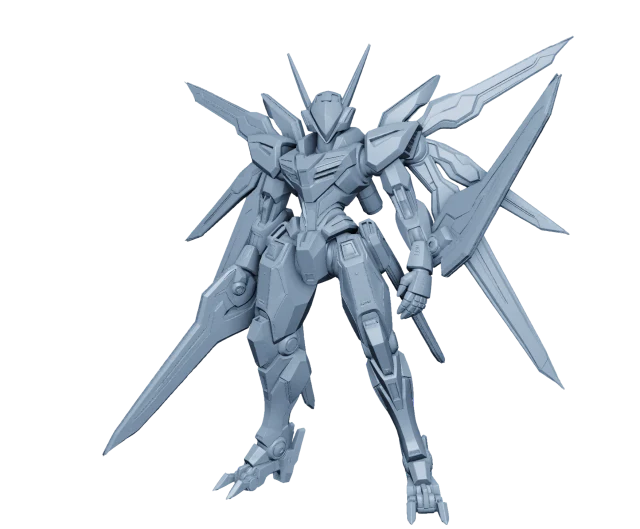
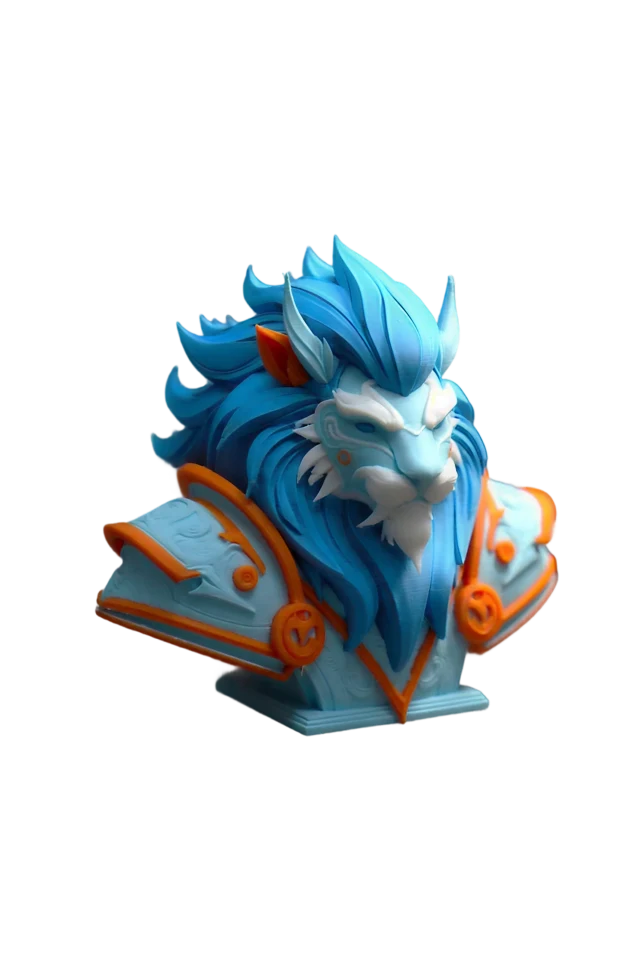
Use Hi3D as an AI 3d texture generator to add high-resolution, PBR-ready textures to your 3D models in one workspace. Whether you are working with a generated model or an uploaded asset, Hi3D helps turn plain geometry into a more realistic, production-ready 3D result.

AI 3D Texture Generator for Production-Ready 3D Models

Production-Grade AI 3D Texturing

Hi3D brings AI 3D model texturing into a simple, creator-friendly workflow. Instead of manually building materials from scratch, you can use AI to apply realistic texture detail to your model and continue refining it for your preferred 3D pipeline.

AI-Powered AI 3D Texture Generator

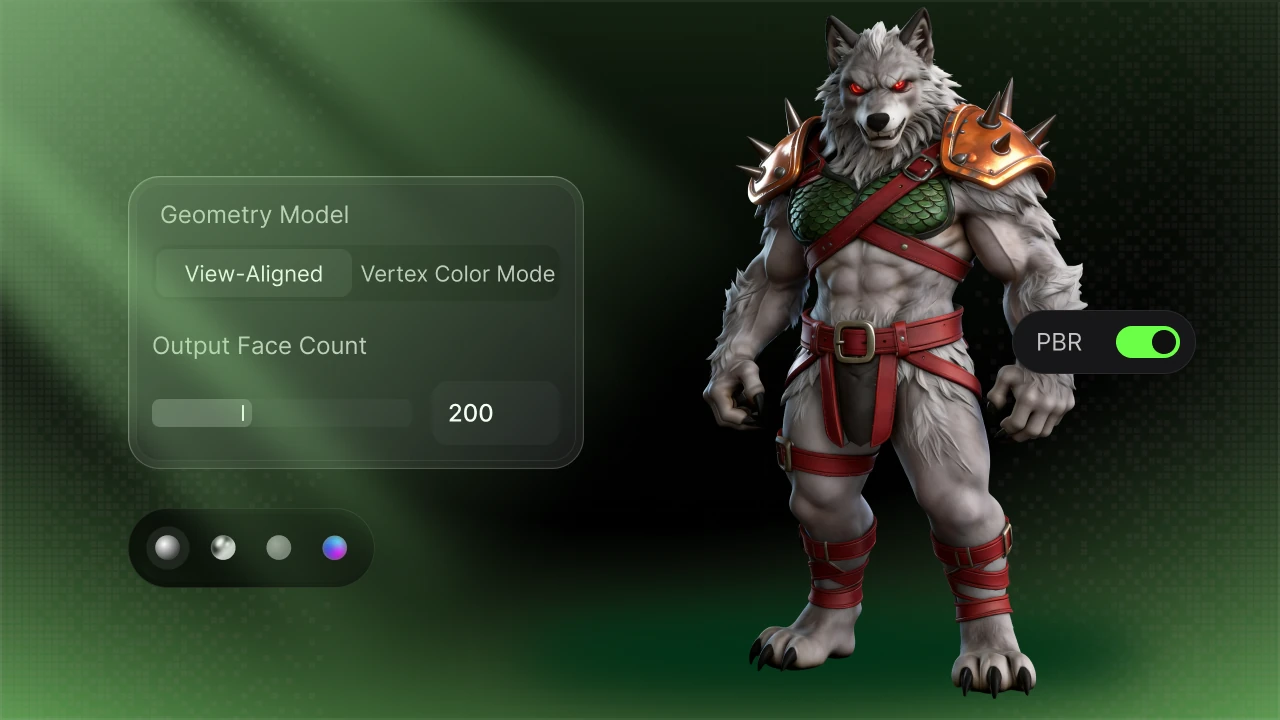
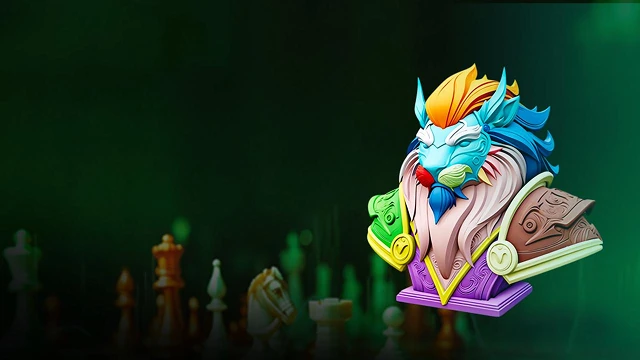
Hi3D works as an AI 3d texture generator that helps add rich surface detail to generated or uploaded 3D models. With PBR-ready texture results, creators can turn simple geometry into more complete visual assets faster. It reduces repetitive texture setup and gives you a stronger starting point for creative production.
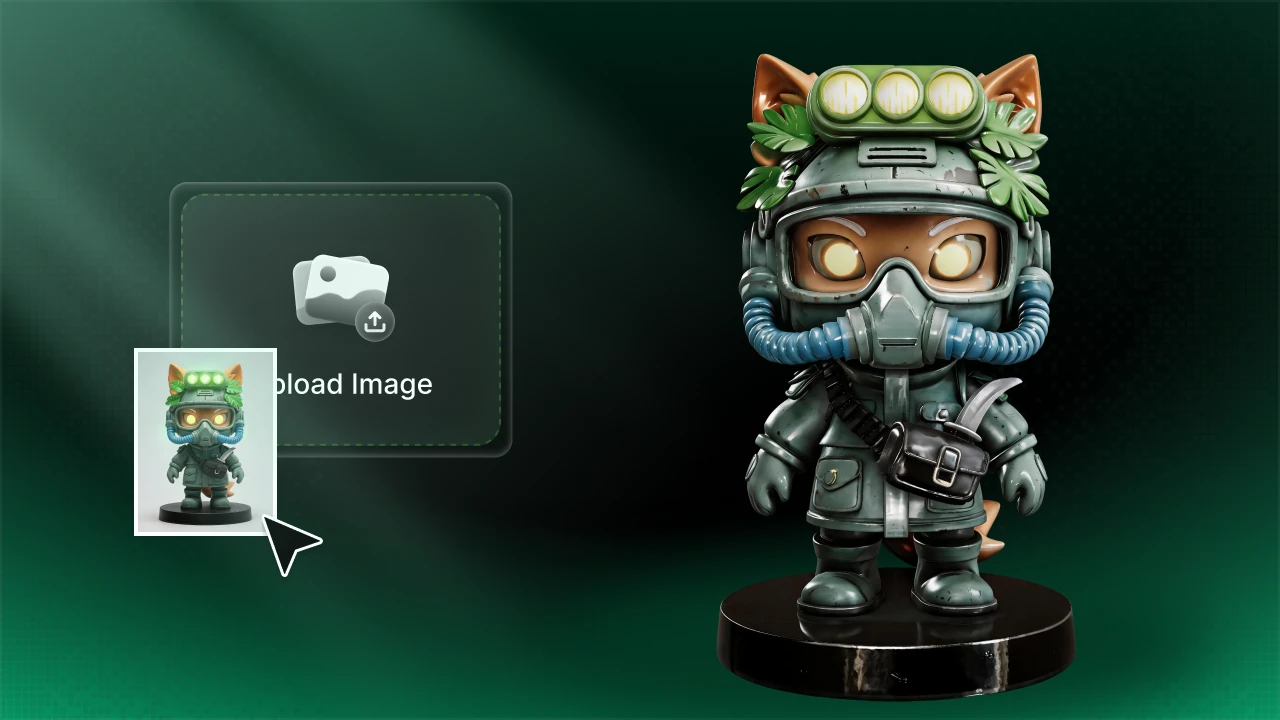
AI-Powered AI 3D Texture Generator

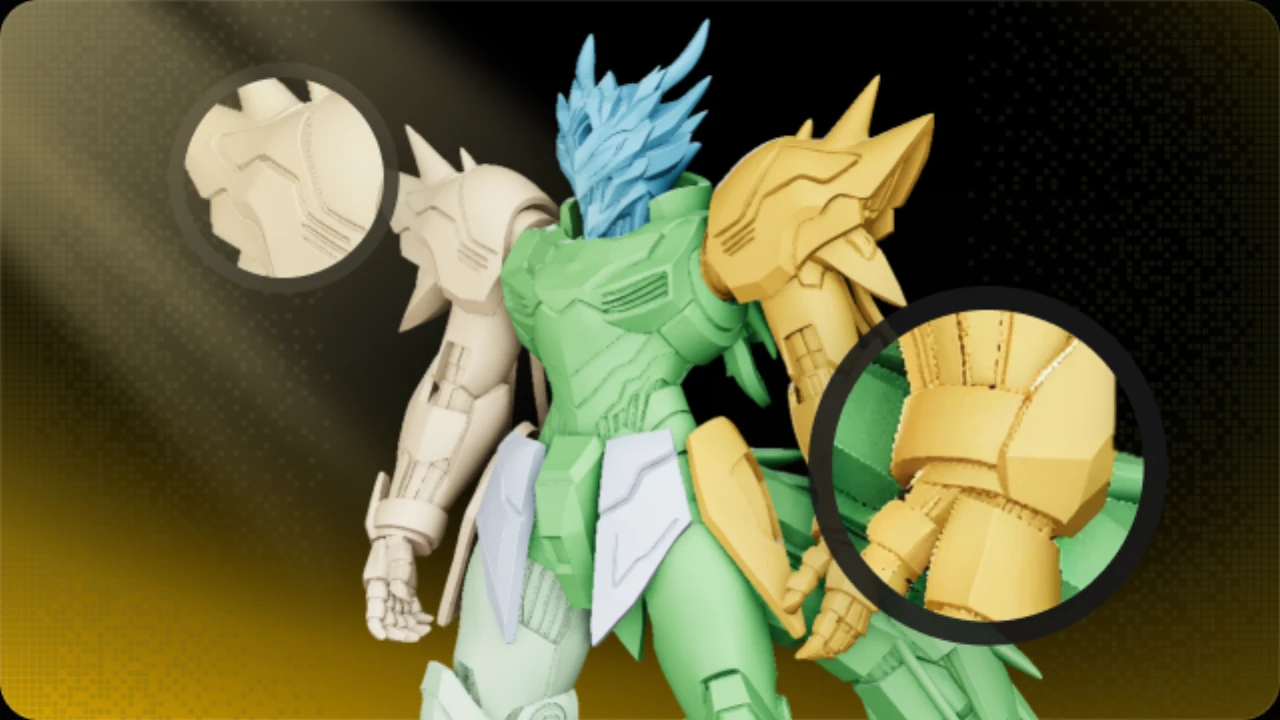
Seamless AI 3D Model Texturing Workflow

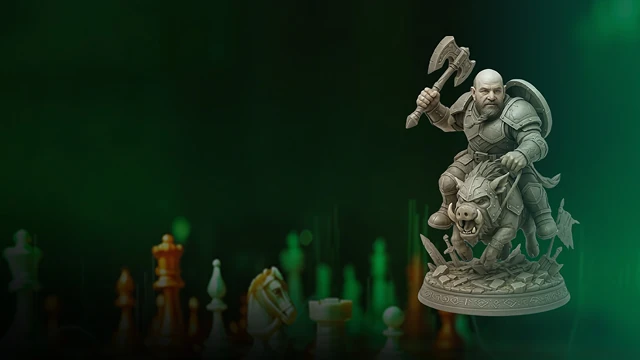
Hi3D makes AI 3d model texturing easier by applying texture detail across the model surface, reducing repetitive manual material work. You can quickly create a textured model base, then refine or optimize it in your preferred 3D software. This helps keep your workflow efficient from model generation to final visual output.

Seamless AI 3D Model Texturing Workflow

PBR-Ready AI 3D Model Texture Generator

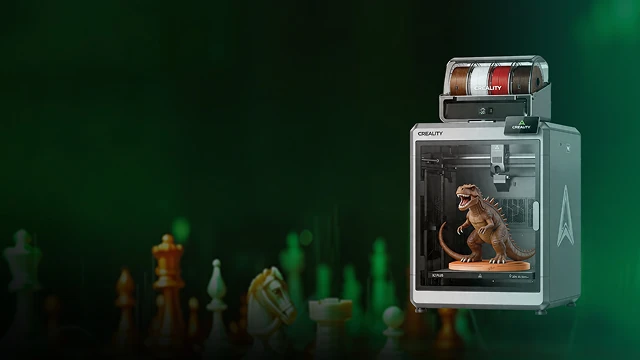
As an AI 3d model texture generator, Hi3D supports high-resolution, PBR-ready textures that help models look more natural in lighting, rendering, and production workflows. It is useful for character models, product concepts, collectibles, digital art, and visualization assets. The result is a more realistic 3D model that can fit into different creative pipelines.

PBR-Ready AI 3D Model Texture Generator

AI Texturing with Multi-Format Export

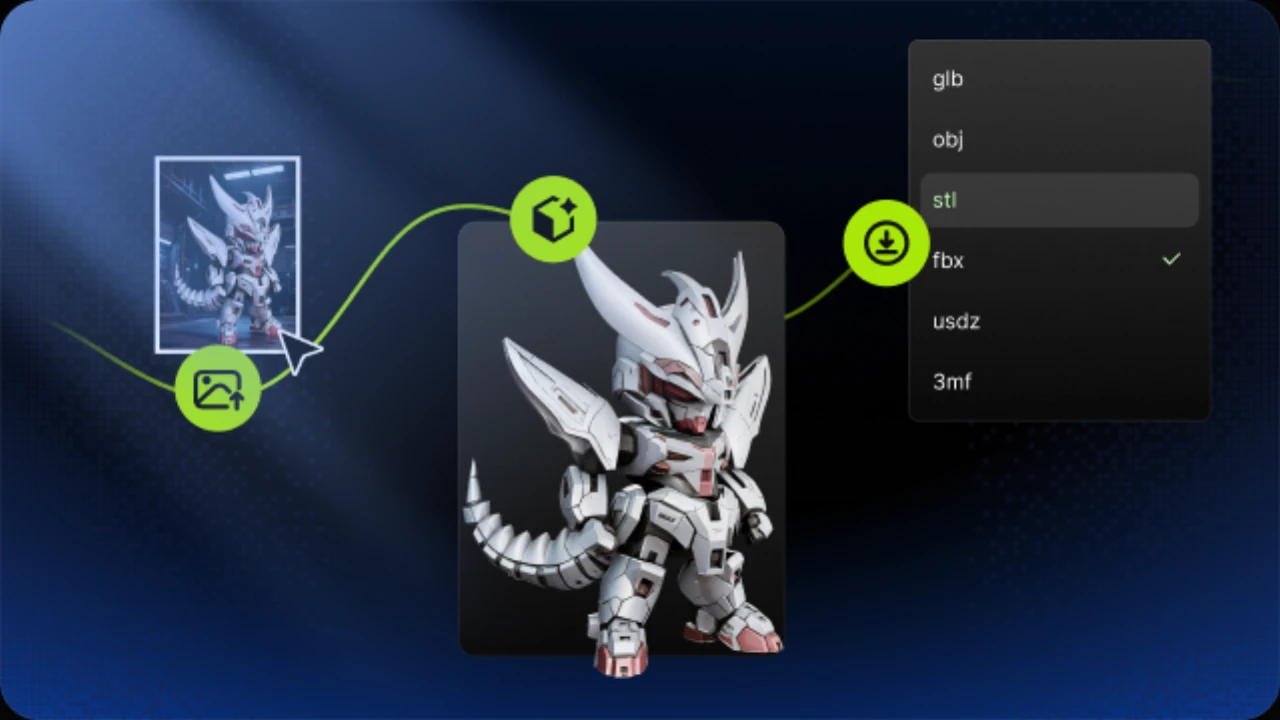
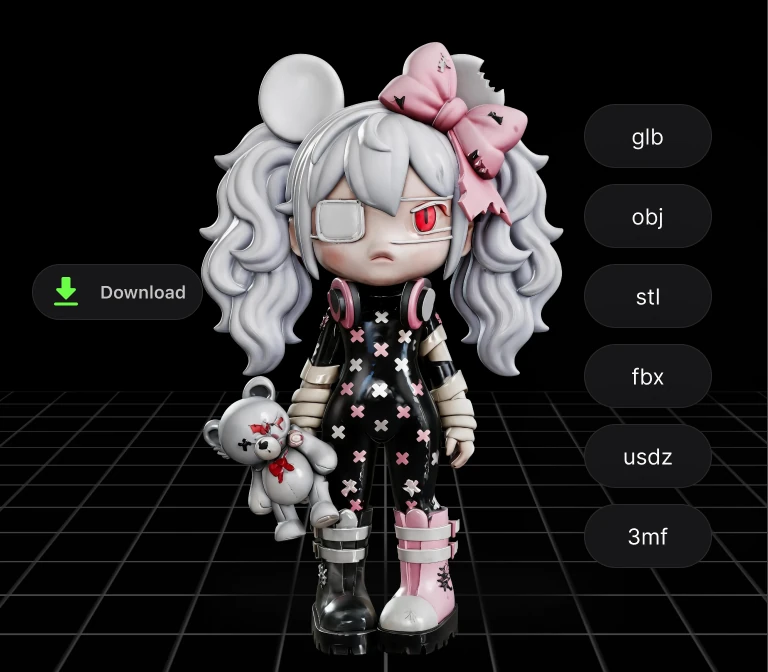
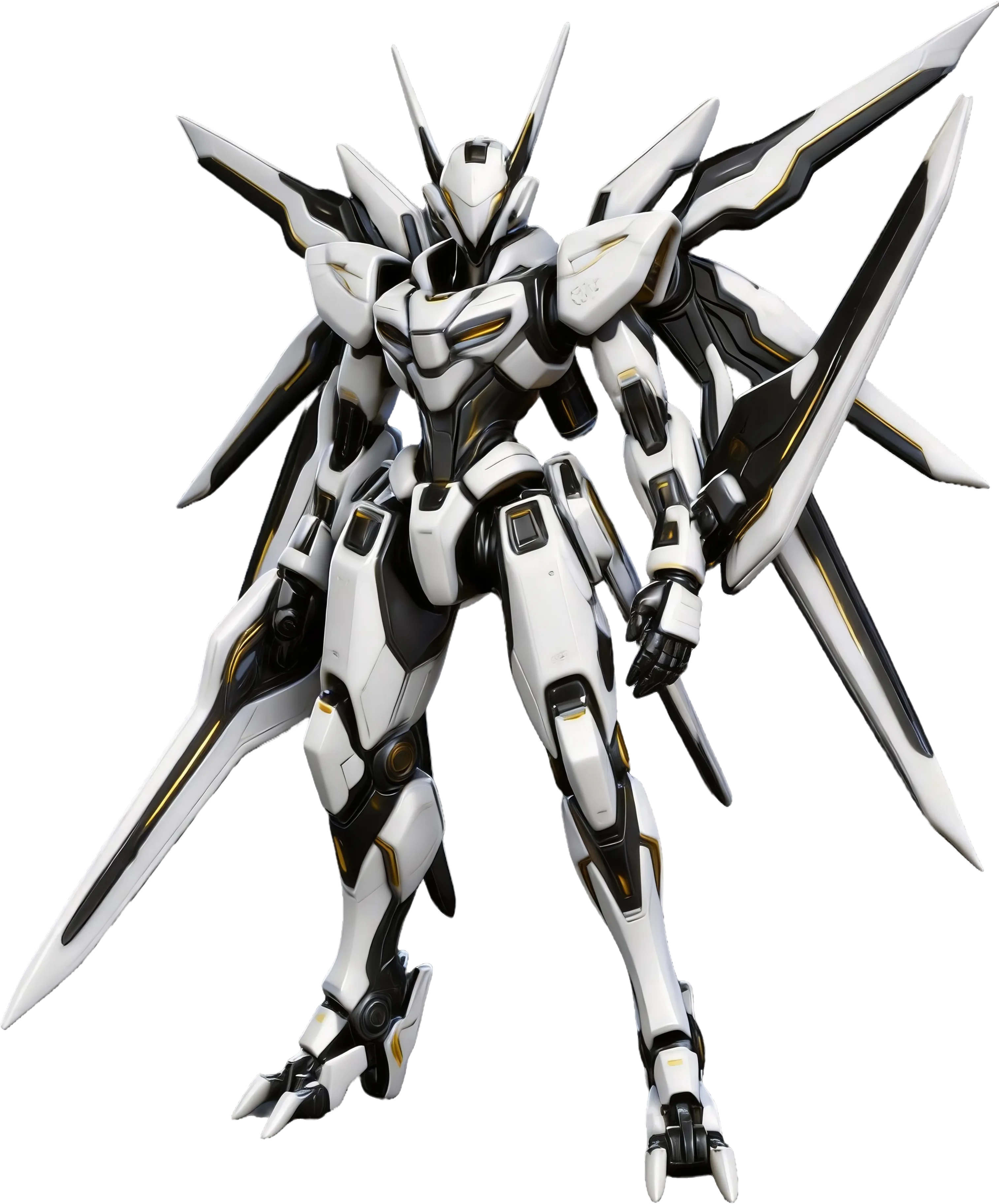
After using AI texturing in Hi3D, you can export your model in common formats such as FBX, GLB, OBJ, STL, and USDZ. This makes it easier to continue in 3D printing, games, AR, rendering, or design pipelines. You can move from texture generation to downstream production without unnecessary format conversion.

AI Texturing with Multi-Format Export

How to Use AI Texturing for 3D Models

STEP 1: Upload or Select a 3D Model for AI Texturing

STEP 1: Upload or Select a 3D Model for AI Texturing

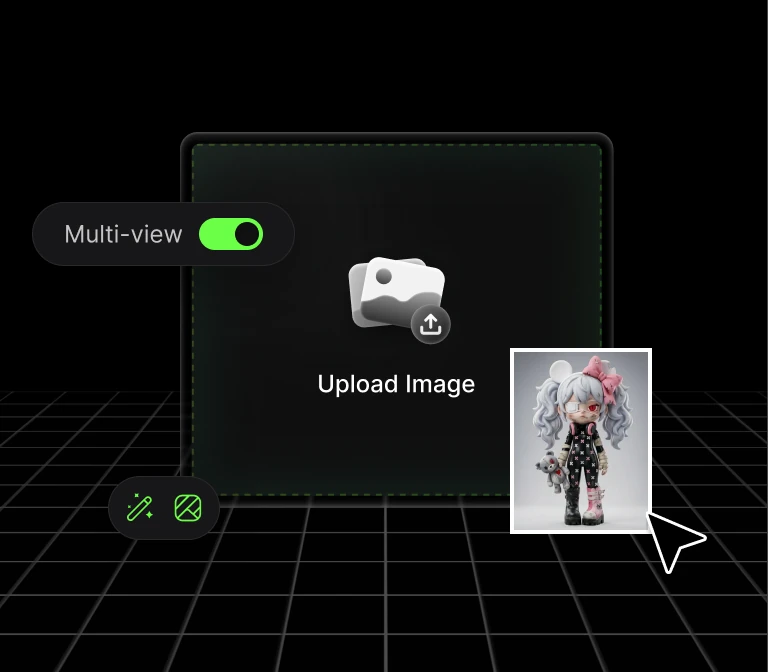
Start with a generated model from Hi3D or upload an existing 3D model. Choose a model with clear geometry so the AI 3D texture generator can create a more useful texture result.

STEP 2: Generate AI 3D Model Texturing

STEP 2: Generate AI 3D Model Texturing

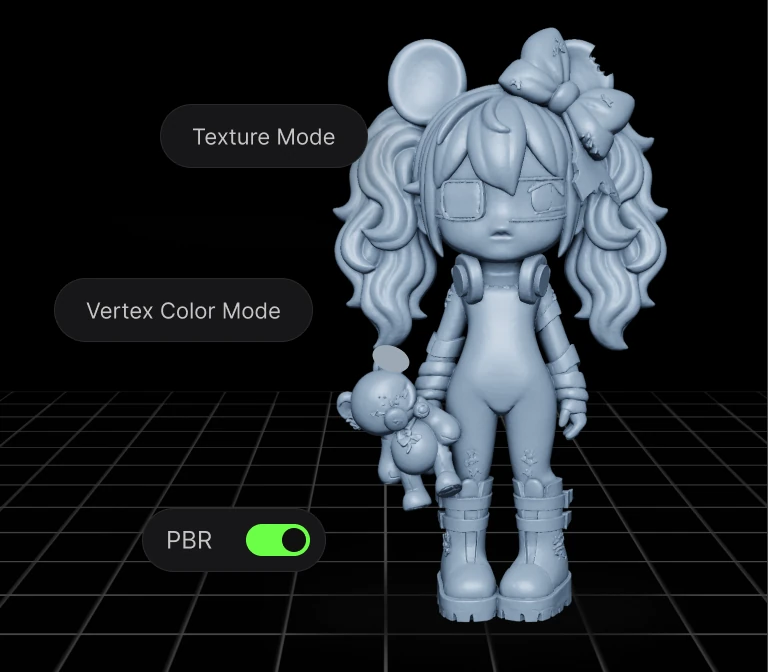
Use Hi3D to apply PBR-ready textures to your model. The AI 3D model texturing workflow helps add visual detail and material realism without building every texture manually.

STEP 3: Export Your AI Textured 3D Model

STEP 3: Export Your AI Textured 3D Model

Download your textured model in supported formats such as FBX, GLB, OBJ, STL, or USDZ.

Trusted by Creators Worldwide

Used by makers, artists, and engineers from 50+ countries to create real, production-ready 3D

0123456789
0123456789
+
Country
0123456789
,
0123456789
0123456789
0123456789
k+
Models Generated
0123456789
0123456789
%+
Recommendation Rate

Tips & Resources About 3D Model Maker

FAQ

An AI 3D texture generator uses AI to help create or apply texture detail to 3D models. In Hi3D, AI Texturing can apply high-resolution, PBR-ready textures to generated or uploaded 3D models, helping creators move from plain geometry to more realistic assets faster.

Yes. Hi3D can be used as an AI 3D model texture generator for generated or uploaded 3D models. It helps creators add realistic texture detail and prepare models for downstream workflows such as rendering, 3D printing, digital art, product visualization, and game asset creation.

AI texturing works best when the model has clear geometry and enough surface structure for the texture to align naturally. Generated models, character concepts, product-style models, collectibles, and creative 3D assets can all be good starting points.

Yes. AI 3D model texturing can be useful when visual surface detail matters, especially for full-color or presentation-oriented workflows. For standard single-color 3D printing, geometry and printability are usually more important than texture, but textured models can still support visualization, preview, and multi-color creative workflows.

After using AI texturing in Hi3D, you can export models in common 3D formats such as FBX, GLB, OBJ, STL, and USDZ. These formats help creators continue in 3D printing, games, AR, rendering, and design pipelines.

Turn Any Idea into Production-Ready 3D

Turn Any Idea into Production-Ready 3D

Product
Web Studio
API Platform
Features
Image to 3D
Multi-view to 3D
Relief
Segmentation
Models
General Model
Portrait Model
Resource
Blog
API Docs
About us
Pricing