'%20/%3e%3cdefs%3e%3clinearGradient%20id='howStepsArrowGrad'%20x1='2.66667'%20y1='3.63675'%20x2='42.6667'%20y2='3.63675'%20gradientUnits='userSpaceOnUse'%20%3e%3cstop%20stop-color='white'%20stop-opacity='0.3'%20/%3e%3cstop%20offset='1'%20stop-color='white'%20/%3e%3c/linearGradient%3e%3c/defs%3e%3c/svg%3e)

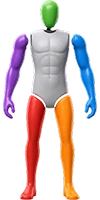
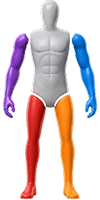

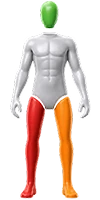

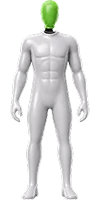

Recognize Character Structure & Split Automatically
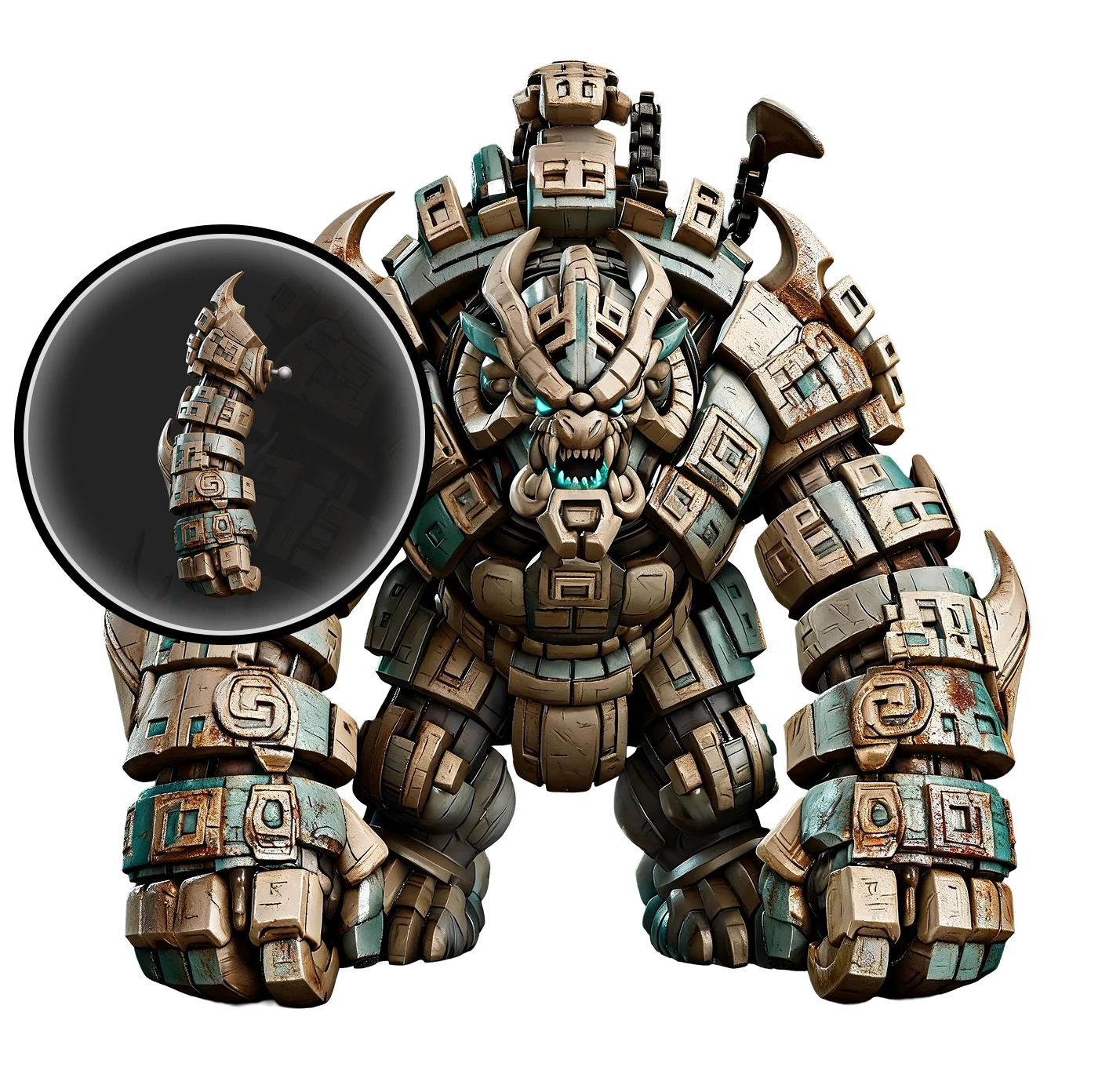
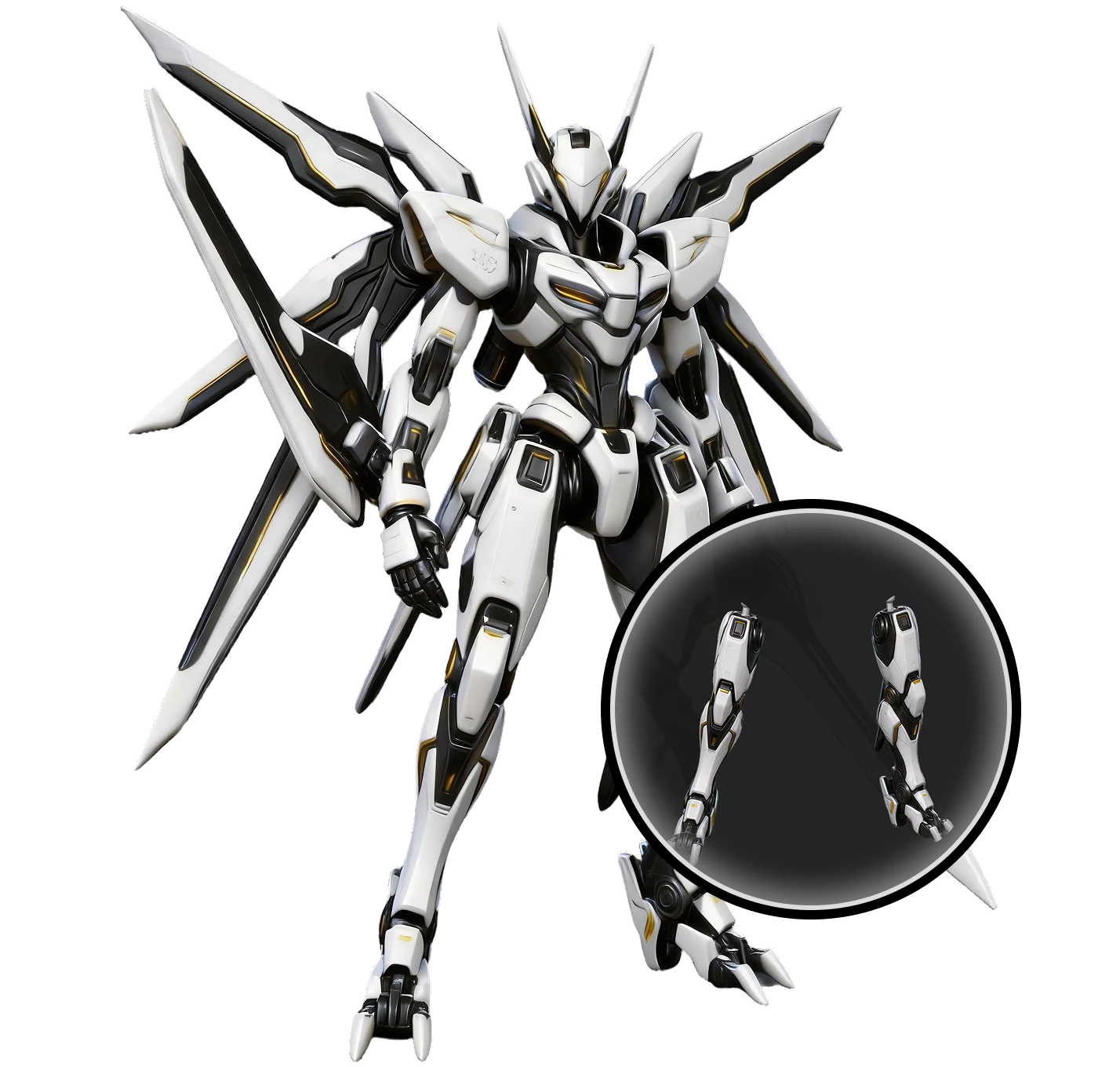
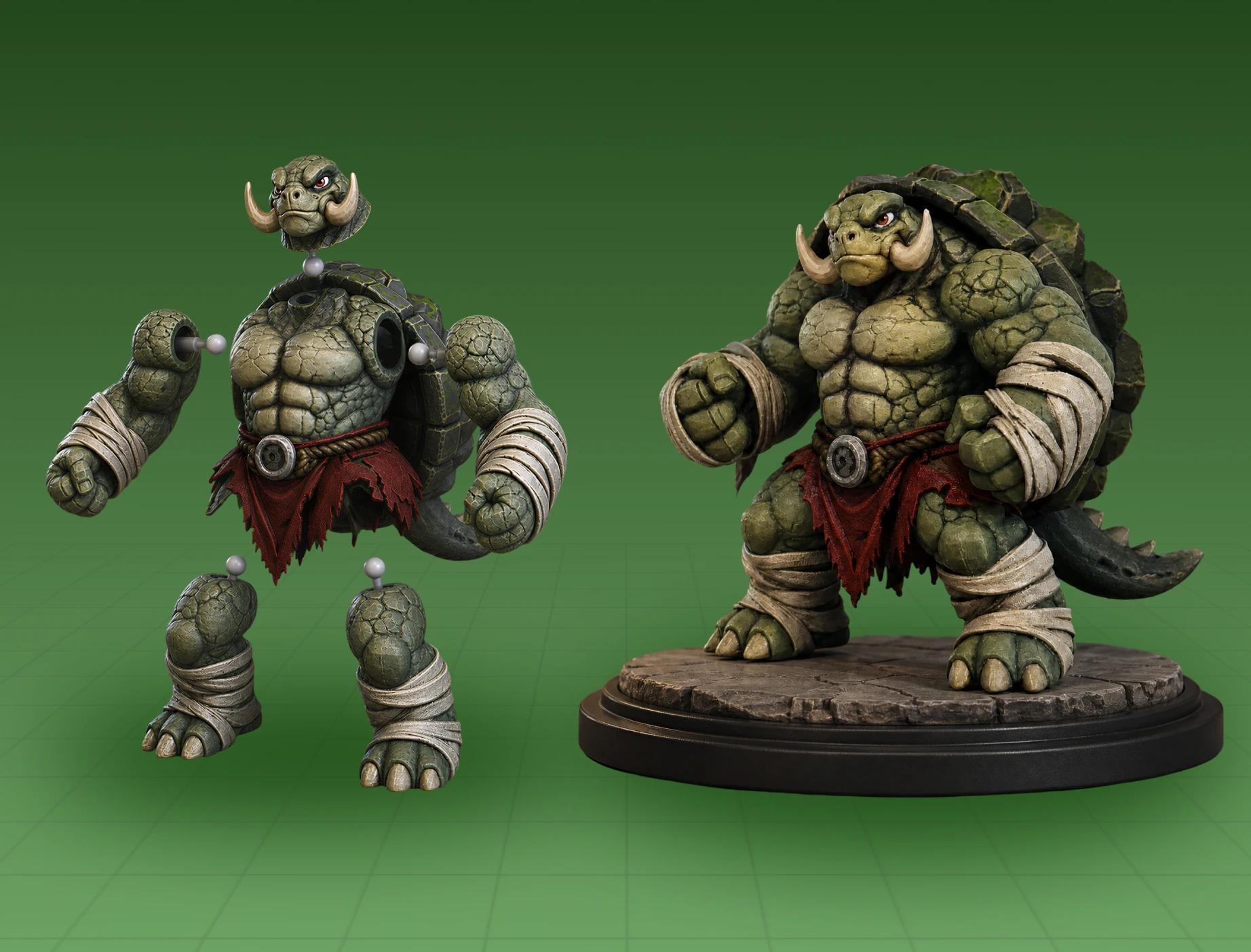
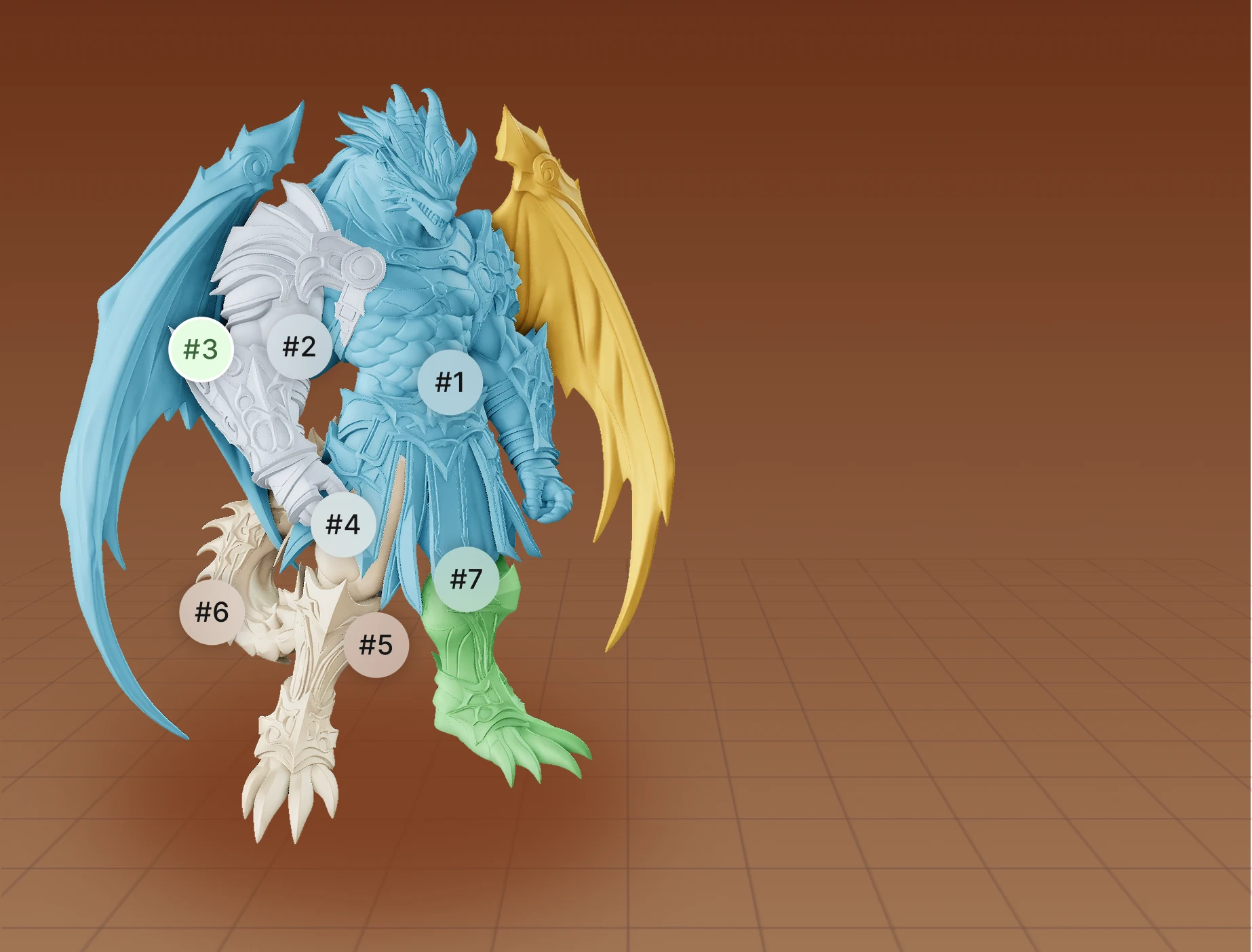
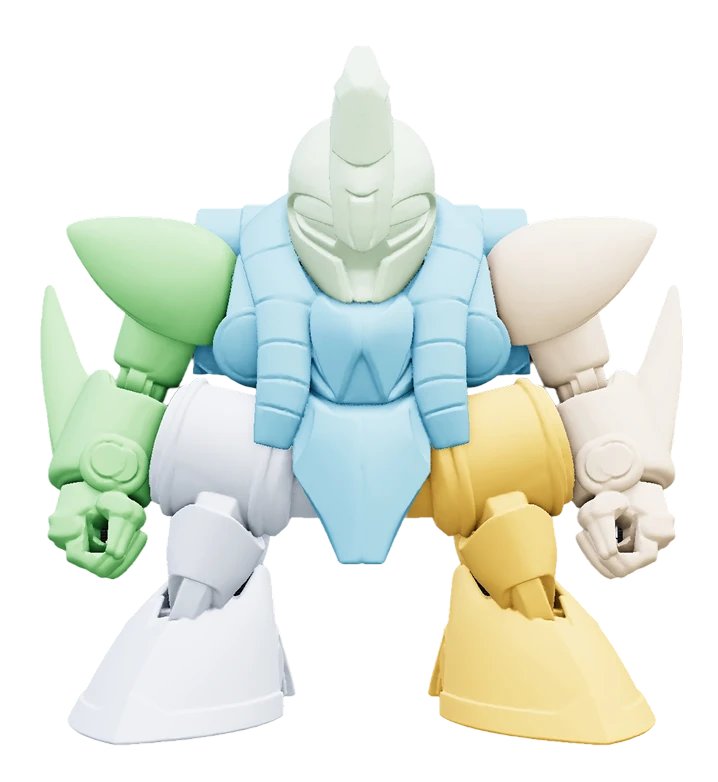
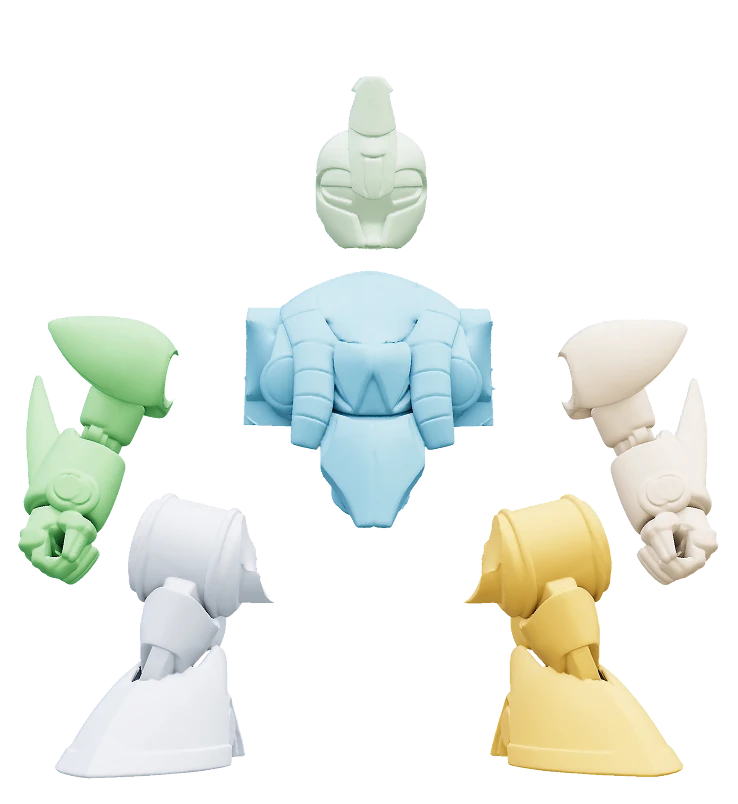
Upload a character model and select a splitting template. Hi3D automatically detects the head, torso, arms, and legs, then separates them into individual parts with no manual cutting required.
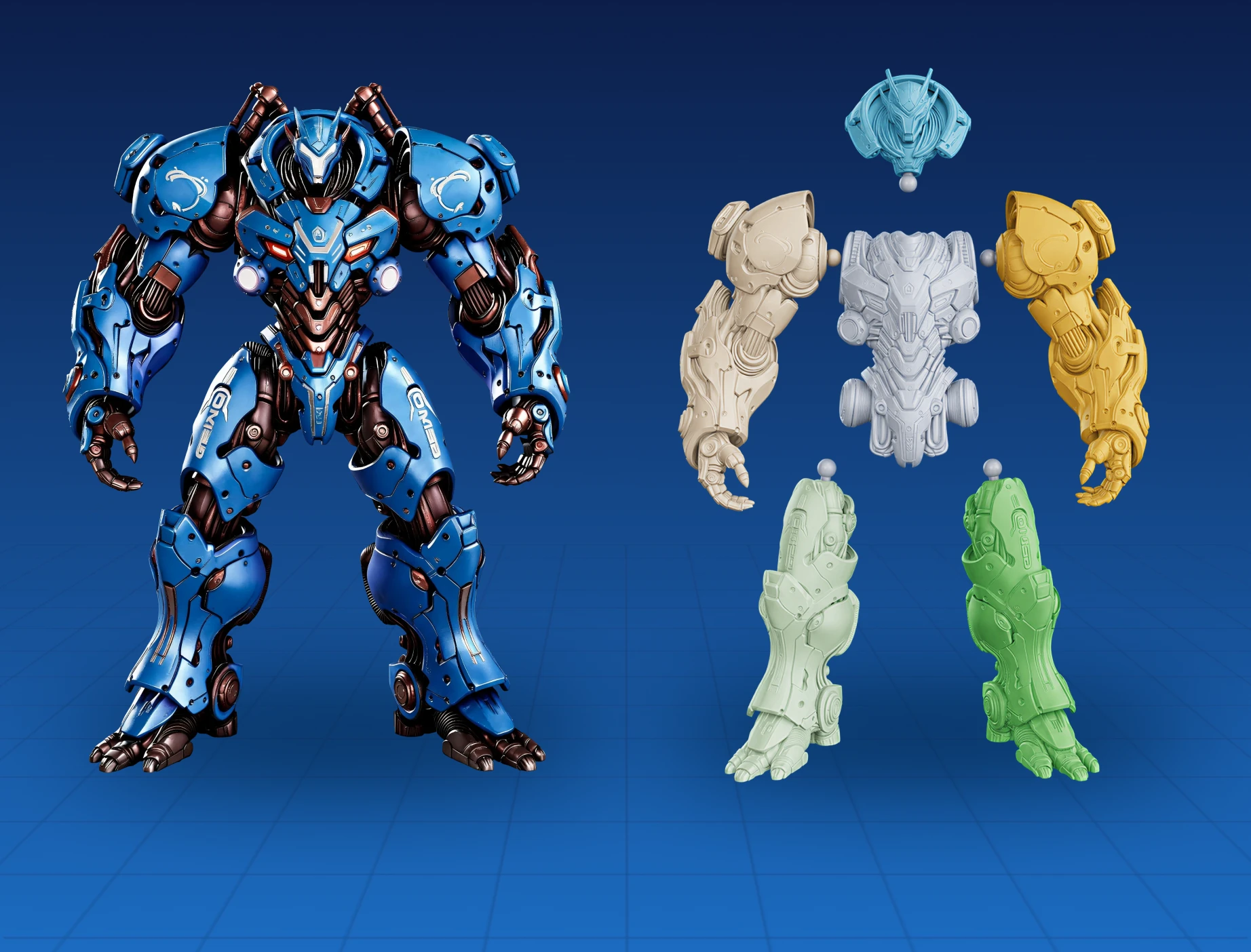
Detect model structure and split a 3D model into multiple parts in one click—making editing, assembly, and 3D printing easier.

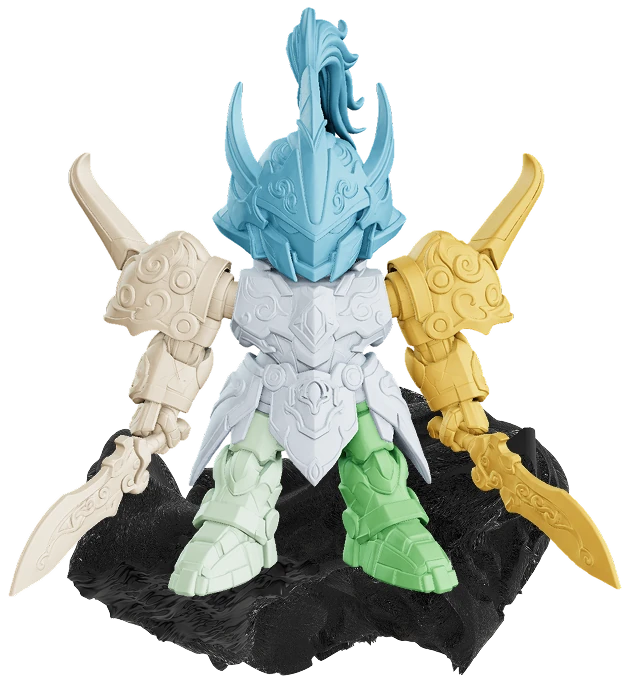
Complete model splitting, connector setup, and print preparation in just four simple steps.
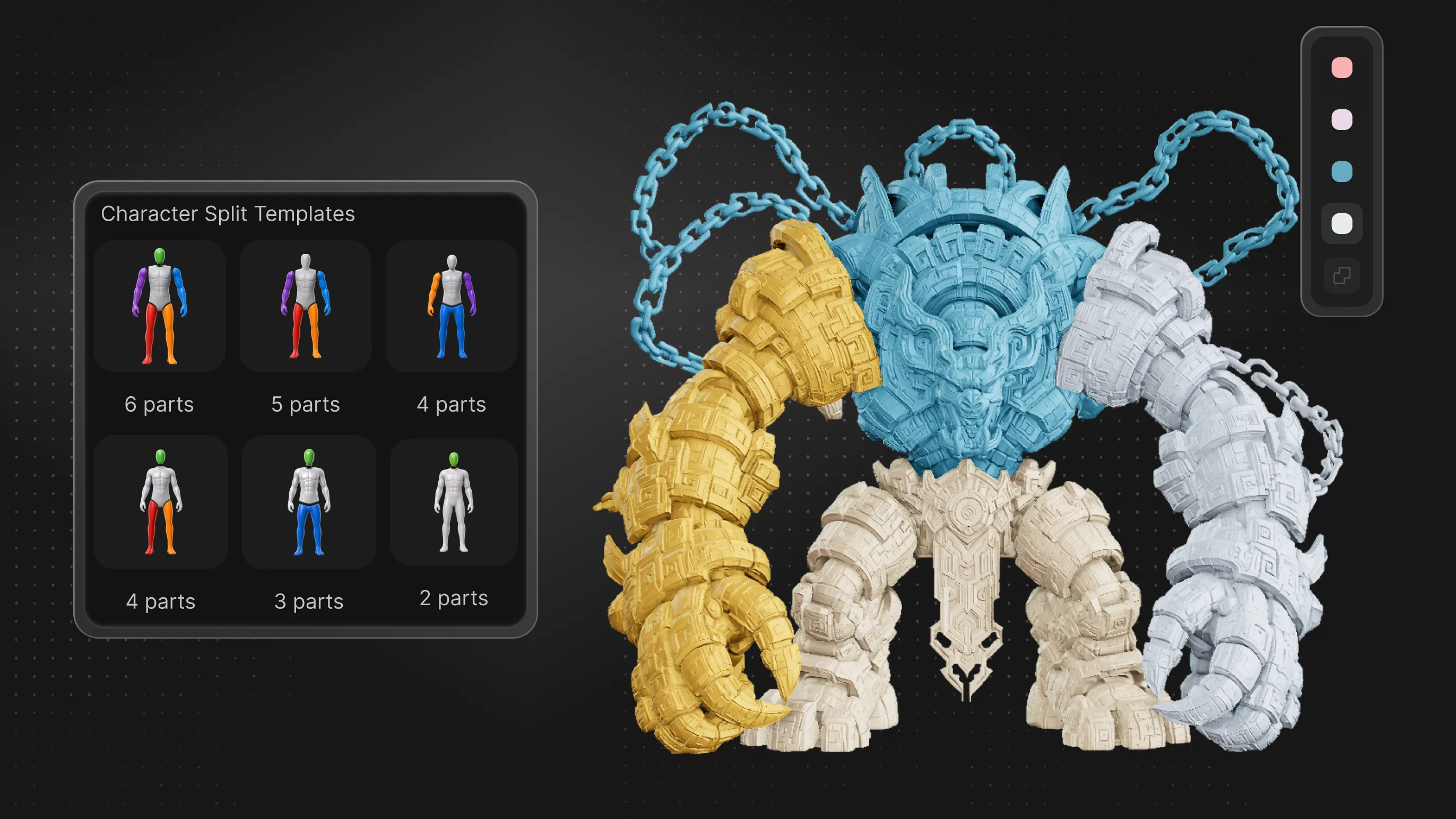
Automatically split, repair, and generate connectors for print-ready, assembly-ready parts.
Upload a character model and select a splitting template. Hi3D automatically detects the head, torso, arms, and legs, then separates them into individual parts with no manual cutting required.
Automatically split, repair, and generate connectors for print-ready, assembly-ready parts.
Upload a character model and select a splitting template. Hi3D automatically detects the head, torso, arms, and legs, then separates them into individual parts with no manual cutting required.
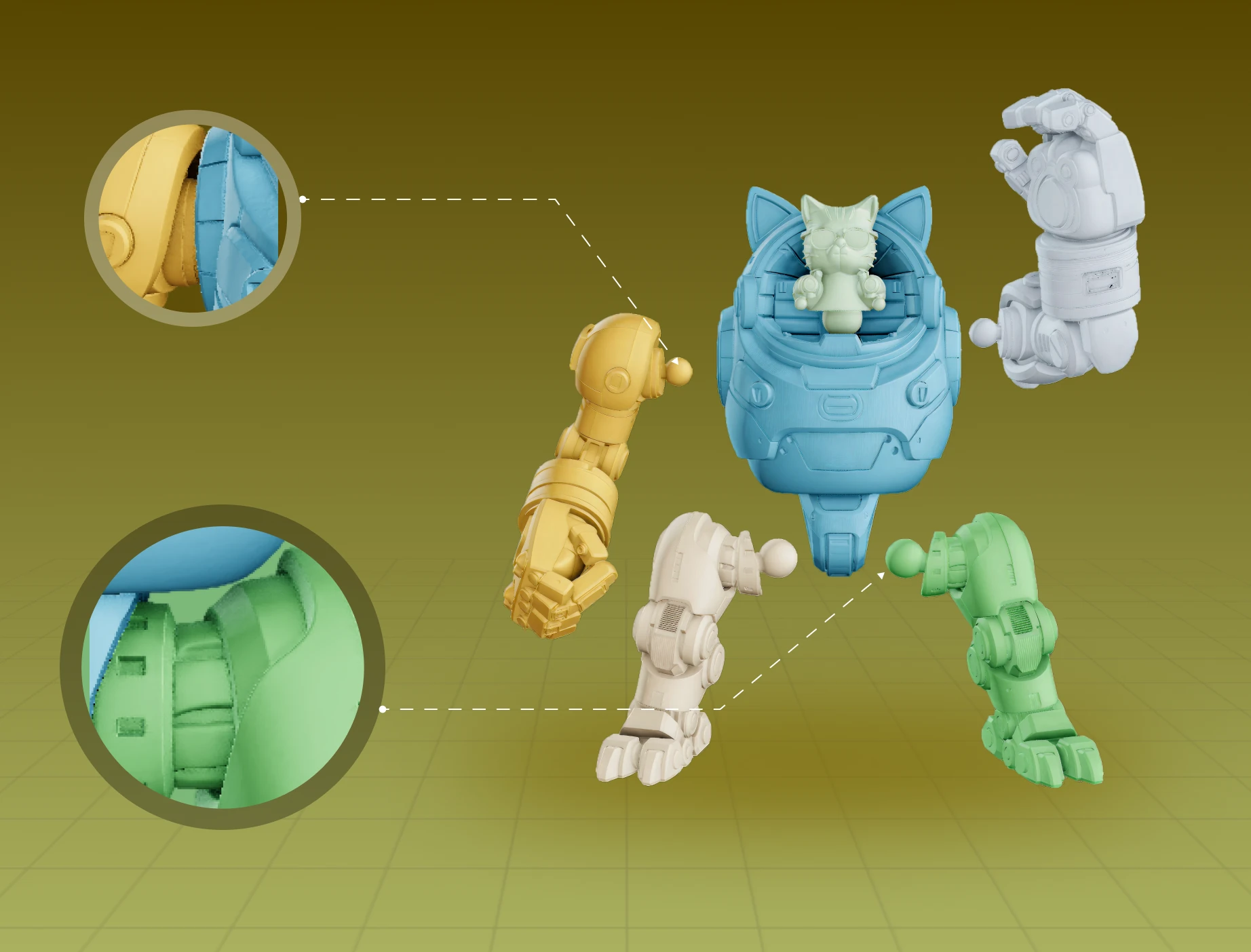
Every split part is automatically repaired and sealed to reduce broken surfaces, holes, and slicing errors, so it's ready to print without additional fixes.
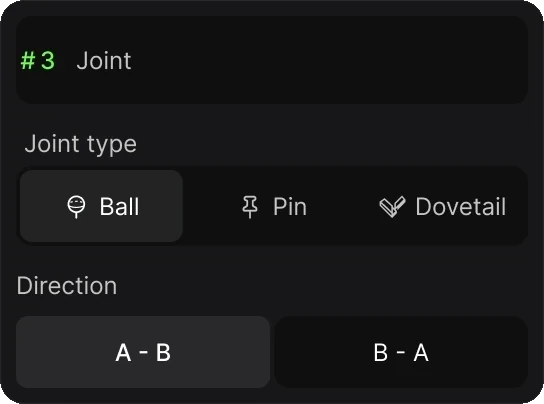
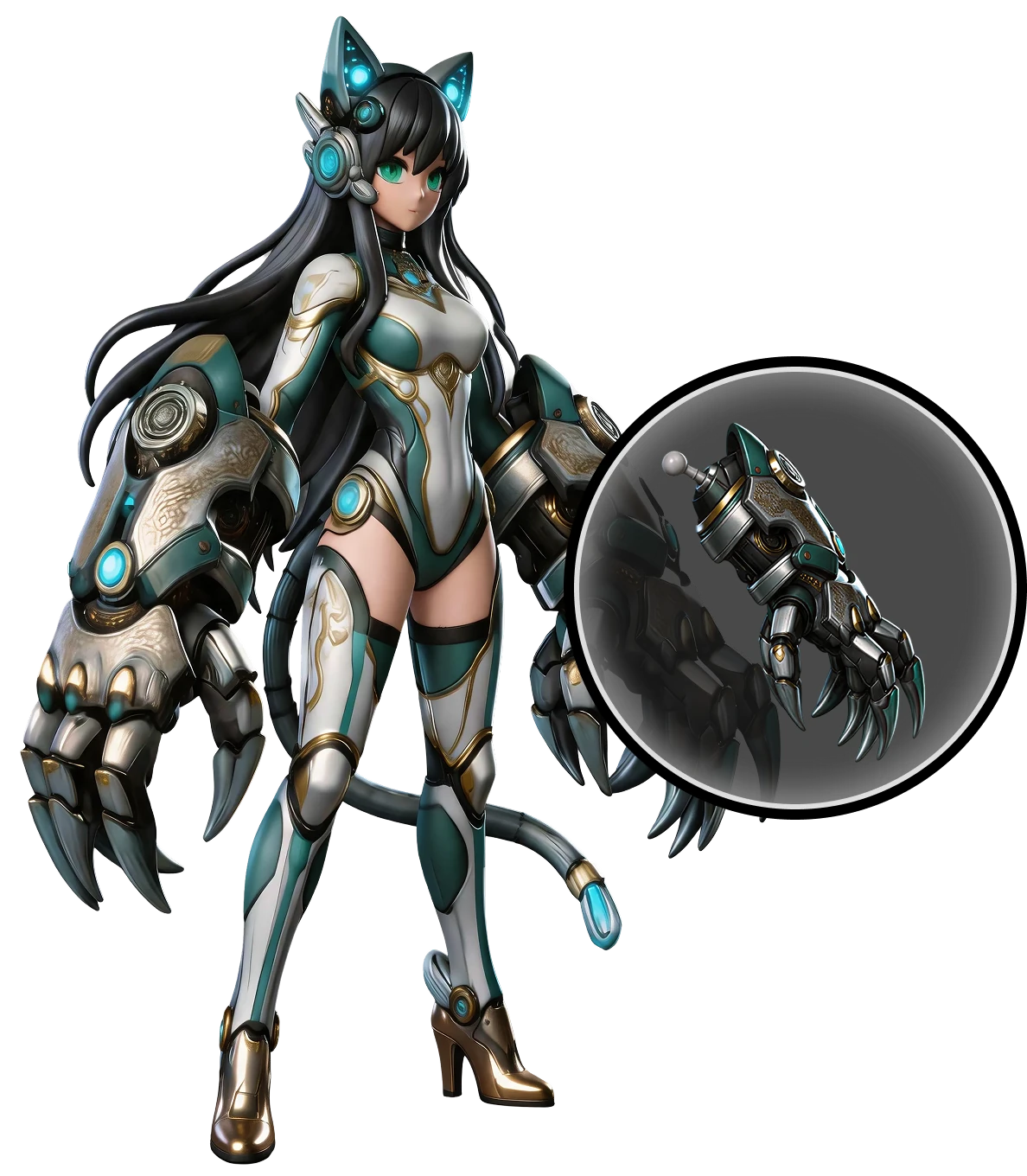
Generate pins, mortise & tenon, or ball joints with one click for stable assembly or articulated models with movable parts.
Adjust the connector position, size, and type in Hi3D Studio, then export your model when it's ready for printing.
Automatically split, repair, and generate connectors for print-ready, assembly-ready models.
Used by makers, artists, and engineers from 50+ countries to create real, production-ready 3D

Large models print more reliably when split into parts, with easier assembly.

AI splitting reduces manual cleanup and connector design time.

Ball joints give character models more pose flexibility.

A simple workflow makes printable model creation easy for beginners.

Precise connectors make complex toy assembly faster and easier.

Print and edit parts individually for faster model iteration.

Splitting large prototypes saves material and reduces rework costs.

Watertight parts improve slicing and printing success rates.
Used by makers, artists, and engineers from 50+ countries to create real, production-ready 3D
Large models print more reliably when split into parts, with easier assembly.
AI splitting reduces manual cleanup and connector design time.
Ball joints give character models more pose flexibility.
A simple workflow makes printable model creation easy for beginners.
Precise connectors make complex toy assembly faster and easier.
Print and edit parts individually for faster model iteration.
Splitting large prototypes saves material and reduces rework costs.
Watertight parts improve slicing and printing success rates.
Large models print more reliably when split into parts, with easier assembly.
AI splitting reduces manual cleanup and connector design time.
Ball joints give character models more pose flexibility.
A simple workflow makes printable model creation easy for beginners.
Precise connectors make complex toy assembly faster and easier.
Print and edit parts individually for faster model iteration.
Splitting large prototypes saves material and reduces rework costs.
Watertight parts improve slicing and printing success rates.

Hi3D Studio Full Workflow Tutorial
Hi3D Split-to-Print Guide
The Last Mile of Multicolor 3D Printing
The Last Mile of Multicolor 3D Printing
Learn how to split a 3D model into parts, add connectors, prepare watertight parts, and get your model ready for 3D printing.
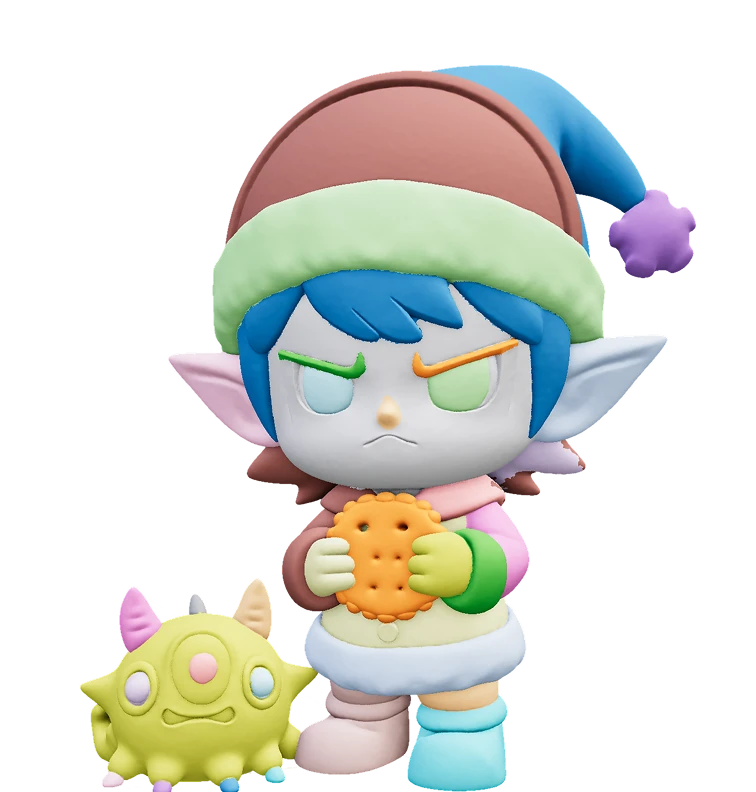
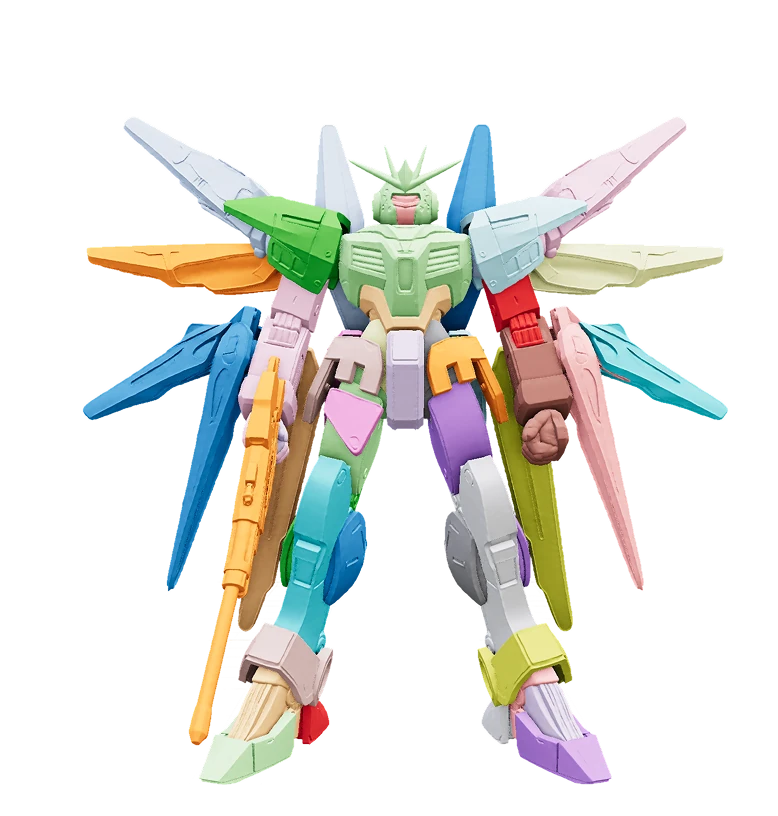
Hi3D works with character figurines, action figures, mechs, vehicles, and more. It can split a complete 3D model into the head, torso, limbs, weapons, base, or other individual parts for easier printing, multicolor printing, assembly, and articulation.
Yes. Upload your model and choose a processing mode or splitting template. Hi3D automatically detects its structure and splits it into parts without manual cutting, surface repair, or complex Boolean operations.
Yes. Hi3D automatically makes split parts closed and watertight to reduce holes, non-manifold geometry, and slicing errors. After adding connectors, export the parts and continue with layout, slicing, and printing.
Hi3D supports mortise-and-tenon joints, pins, plug-in connectors, and ball joints. Fixed connectors are ideal for figurines, vehicles, and display models, while ball joints work well for poseable characters, mechs, and action figures.
Yes. In Hi3D Studio, you can change connector type, position, orientation, and size, remove unnecessary connection points, and fine-tune them based on print size, tolerance, and assembly needs.