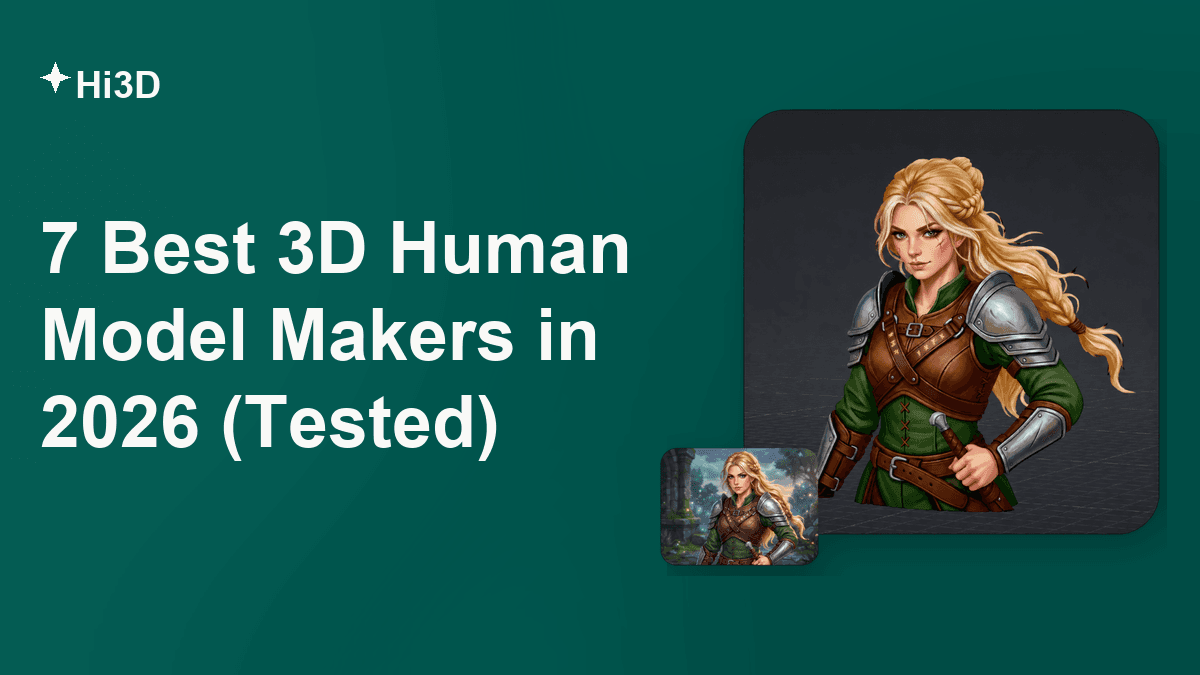
A good 3D human model maker should produce the kind of person you can actually use—not merely a convincing front-view picture. We reviewed seven very different options for 2026, from browser-based image-to-3D generation to animation-ready avatars and Blender character systems. Hi3D is our best overall choice for turning 2D character references into detailed, downloadable 3D assets, while Avaturn and Avatar SDK are better when a ready-made avatar rig matters most.
What Makes a Good 3D Human Model?
A good 3D human model combines believable anatomy, coherent geometry, useful textures, and a format that fits its destination. A beautiful preview is not enough. A game character must deform cleanly, a close-up digital double needs facial detail, and a figure intended for printing needs closed geometry and sensible part separation. The best tool therefore depends first on what you need to do after generation.
The criteria below compare all seven products and provide a checklist for judging any human 3D model maker.
1. Recognizable form and proportion
A character should preserve the reference's silhouette, head-to-body ratio, facial landmarks, and pose. This becomes difficult when the source is angled, cropped, covered by hair, or hiding one arm. Single-image systems must infer unseen surfaces, so their back view is a prediction rather than recorded truth. Clear, full-body references with simple backgrounds reduce ambiguity.
2. Coherent geometry and usable topology
Geometry determines whether the model holds up when rotated, edited, animated, or printed. For animation, clean edge flow around shoulders, elbows, eyes, and mouth matters more than raw polygon count. For 3D printing, watertight surfaces, suitable thickness, stable contact points, and manageable overhangs matter more. AI-generated meshes can still need retopology, hole repair, or a sculpting pass, especially around fingers, hair, loose clothing, and hidden limbs.
3. Textures that survive more than one camera angle
Skin tone, clothing patterns, eyes, hair, and accessories are essential to likeness. Look for continuous UVs, consistent color on unseen areas, and enough resolution for the intended viewing distance. PBR-ready materials are useful for relighting in games and renders, but they are unnecessary for a monochrome resin print. A strong 3D human model maker should either generate appropriate textures or let you refine them without rebuilding the character.
4. A rig that matches the job
Rigging is not automatically included in every generated mesh. Game, animation, VTubing, and virtual-event projects benefit from a standard humanoid skeleton, sensible skin weights, facial blendshapes, visemes, and compatibility with tools such as Mixamo, Unity, or Unreal Engine. A printable figurine may need none of these. Check this before choosing an image-to-3D service: adding a good rig later can take longer than generating the mesh.
5. Control without unnecessary friction
Fast generation is useful, but iteration determines whether a tool belongs in a real workflow. Changing body shape, repairing a face, choosing textured output, adding views, lowering detail, or regenerating a weak result matters more than one impressive demo. Browser tools reduce setup; desktop suites and plugins usually offer deeper control with a steeper learning curve.
6. Practical exports and clear licensing
OBJ, GLB/glTF, FBX, STL, 3MF, and USDZ serve different downstream uses. Confirm that your plan includes the format, texture resolution, privacy setting, and commercial rights you need. “Free” often means a small credit allowance, a watermarked texture, public assets, attribution, or one free character rather than unlimited production. A 3D human model maker free plan is best treated as an evaluation route until its license and download limits are checked.
7 Best 3D Human Model Makers
The seven tools fall into four groups: general image-to-3D generation, avatar builders, professional character suites, and research or illustration tools. That grouping matters because two products can both promise a “3D character” while producing fundamentally different deliverables.
| Rank | Tool | Editorial score | Actual output | Free access | Best for |
|---|---|---|---|---|---|
| 1 | Hi3D | 93/100 | General textured 3D model; printable exports | Free plan with 100 lifetime credits | Best overall 2D-to-3D workflow |
| 2 | Avaturn | 88/100 | Rigged GLB avatar | Creator access available; developer pricing is paid | Games, VTubing, and web avatars |
| 3 | HEADSHOT 3 | 87/100 | Detailed head/full character in Character Creator 5 | Paid plugin; AI generation may use points | Directed digital doubles |
| 4 | Avatar SDK | 86/100 | Rigged GLB/glTF or FBX avatar | First default export free | Fast browser-based full-body avatars |
| 5 | SAM 3D | 84/100 | Human pose and body-shape mesh | Models/code available under SAM License | Researchers and developers |
| 6 | HumGen3D | 83/100 | Parametric, rigged Blender human | Limited trial; watermarked 4K textures | Blender artists and crowd scenes |
| 7 | Canva | 60/100 | PNG/JPG 3D-style character image | Limited free AI uses | Concept art and social graphics |
1. Hi3D: Best Overall 2D-to-3D Human Model Maker
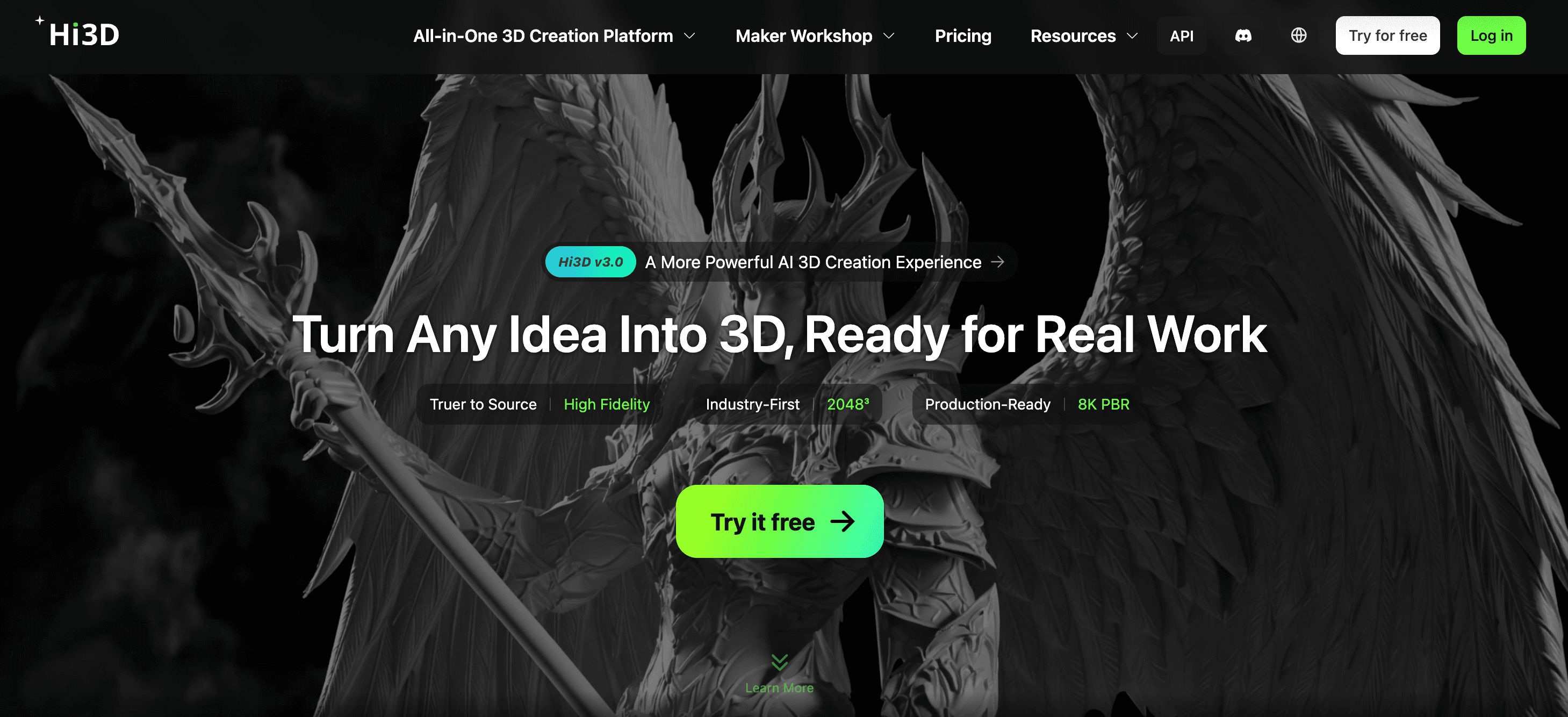
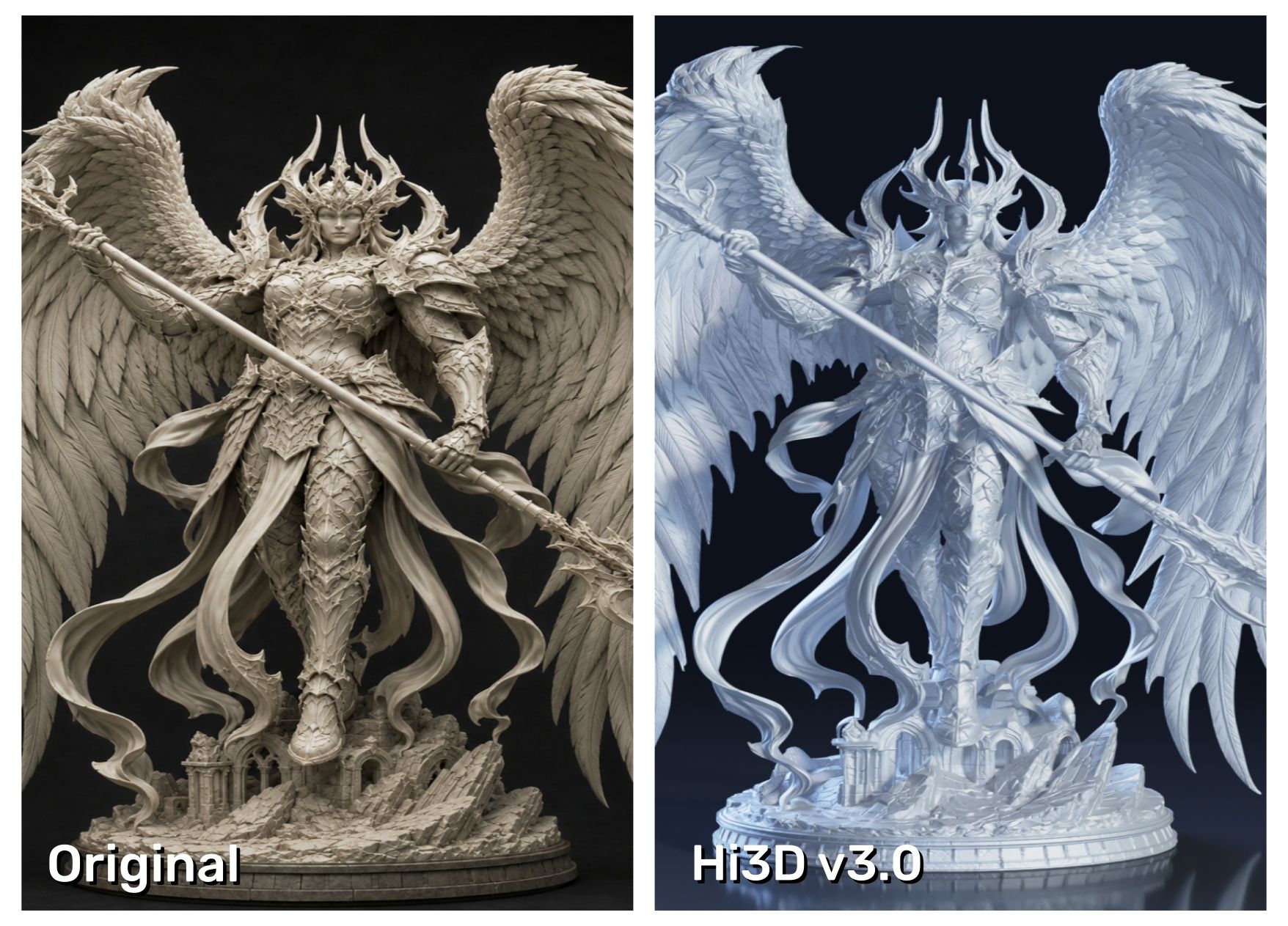
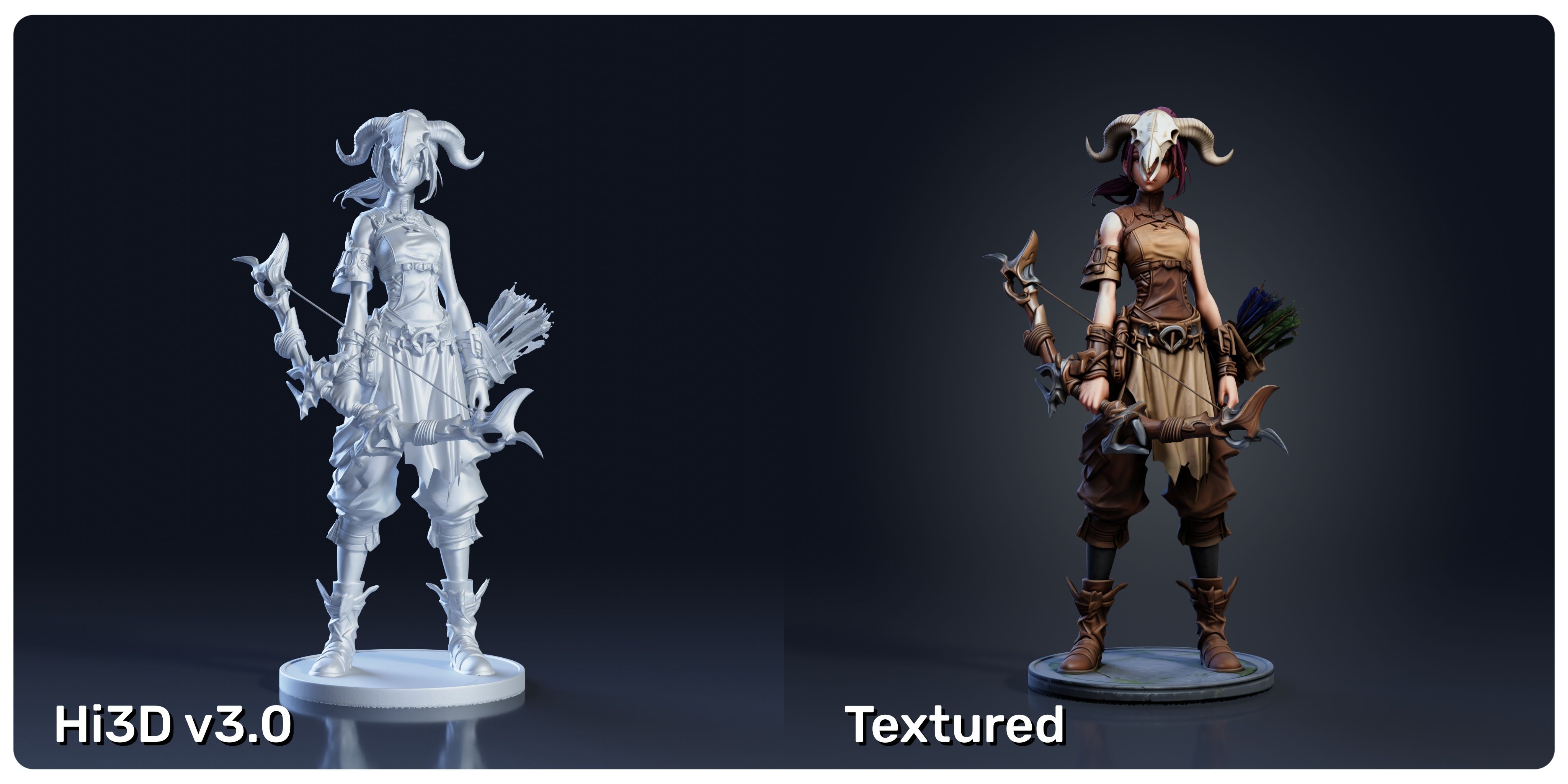
Hi3D is the most versatile choice here when the starting point is a 2D character image and the destination is a genuine 3D asset. Instead of locking you into one standardized avatar body, it reconstructs the subject's form, surface detail, and implied hidden structure. That makes it suitable for stylized heroes, realistic portraits, full-body character concepts, collectibles, and models that will continue into another 3D package.
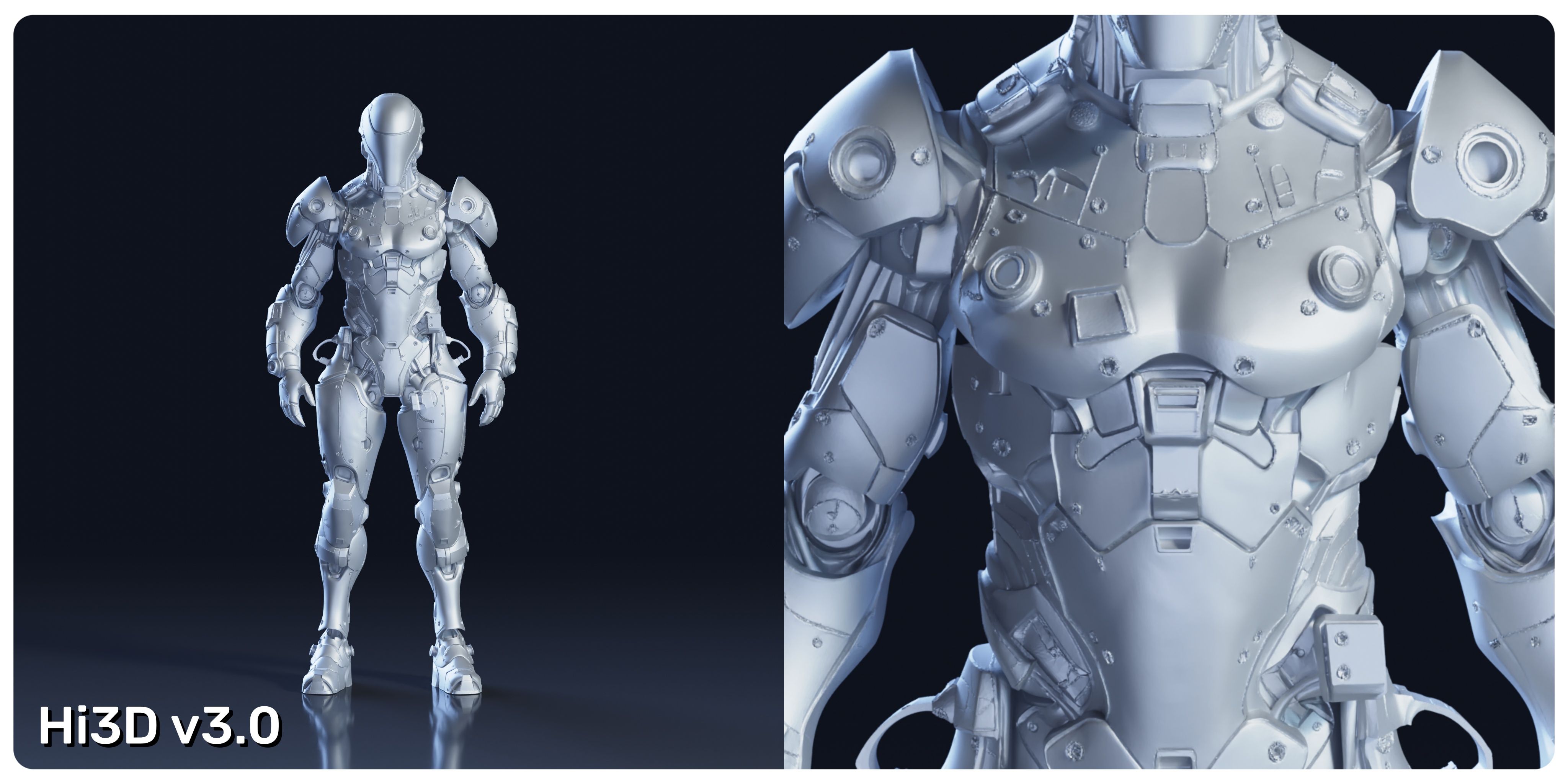
Its strongest advantage is breadth. The latest Hi3D v3.0 workflow is designed around higher-fidelity 2D-to-3D reconstruction rather than a dress-up avatar system. Hi3D currently describes v3.0 with up to 2048³ geometric representation and 8K PBR capability. In practical terms, the higher geometry target is intended to retain small facial forms, hair masses, garment folds, emblems, and sculptural details more clearly. Improved reasoning for occluded areas is also meant to reduce common completion errors when the source image does not show the back or when limbs overlap, though ambiguous images still deserve inspection.
The workflow goes further than generation. Hi3D documents image and multi-view input, textured or geometry-focused creation, and exports including STL, OBJ, 3MF, GLB, and USDZ. Its printing path can split models, generate connectors, arrange parts, separate colors, and connect to common slicers. It supports digital assets and physical character models without requiring a professional desktop suite at the start.
Hi3D is also a genuine 3D human model maker online. New accounts receive 100 lifetime credits on the Free plan, although free models are public under CC BY 4.0 and downloads are limited. Paid plans add private and commercial use and larger monthly allowances. It remains an AI starting point, not a replacement for manual rigging, deformation testing, or precision CAD validation.
Pros:
- Turns varied 2D human and character references into actual 3D assets rather than forcing every subject into one avatar template.
- Hi3D v3.0 emphasizes fine geometry, hidden-structure reasoning, and high-resolution textures for closer inspection.
- Covers more of the production path, including multi-format export, split-to-print, color separation, and slicer-oriented preparation.
- Browser-based defaults make the first result approachable for beginners, while multi-view and downstream editing support more experienced creators.
Cons:
- Free-plan assets are public and attribution-based, with storage and download limits.
- Credit cost varies by model and task, so repeated high-quality iterations can require a paid plan.
Recommended for:
- Beginners, character artists, game-asset prototypers, collectible designers, and 3D-printing creators who want the broadest 2D-to-3D workflow in one place.
2. Avaturn: Best for Animation-Ready Selfie Avatars
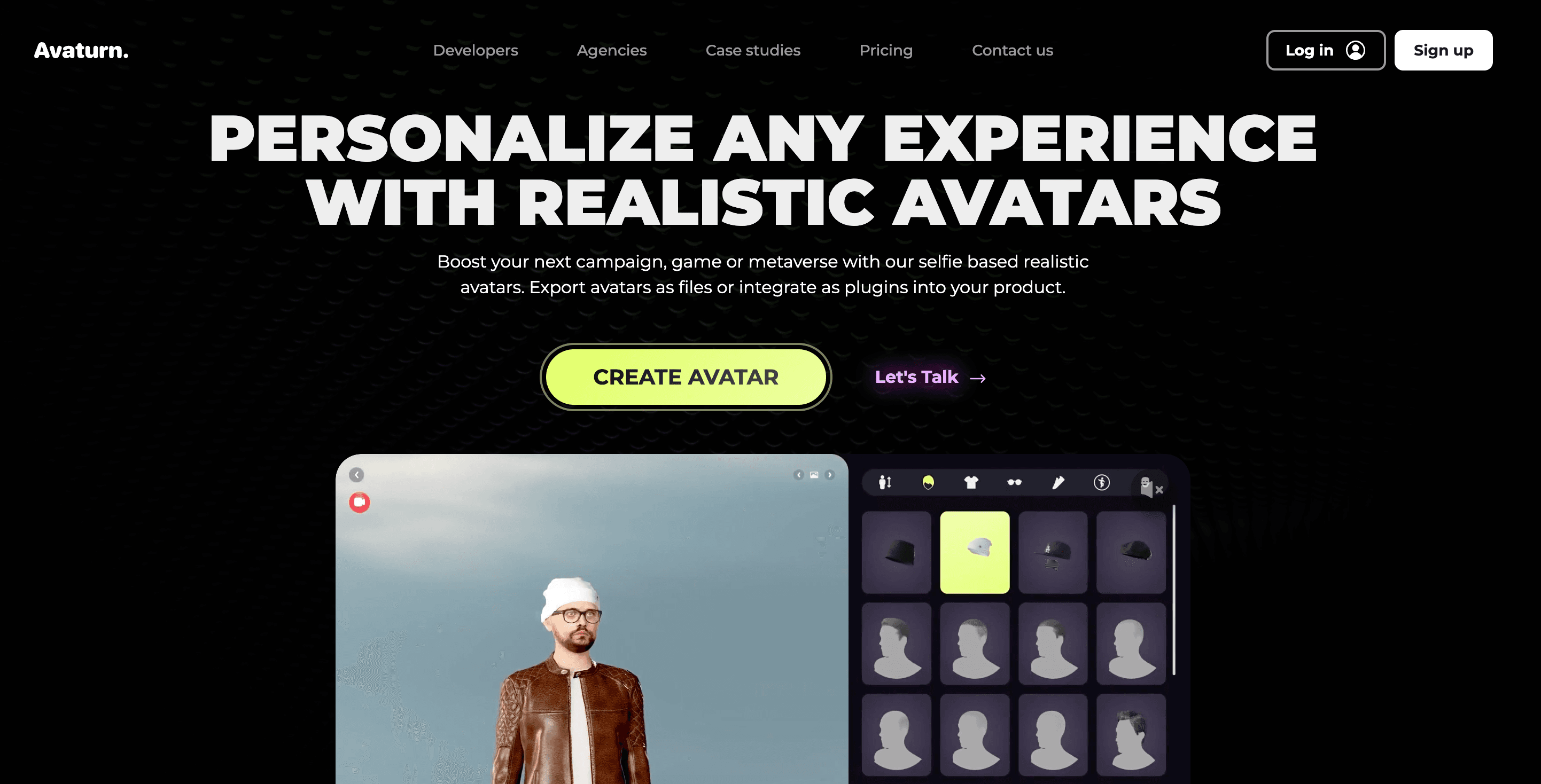
Avaturn turns a selfie into a recognizable full-body avatar, then lets the user choose body types, hair, clothing, and accessories. The output uses a standard humanoid rig; Avaturn also documents ARKit blendshapes and visemes for its animation-capable avatar type. GLB exports can move into Blender, Unity, Unreal Engine, Maya, Cinema 4D, and web experiences.
This is a better choice than a general 3D model maker human workflow when consistency and animation readiness matter more than reproducing unusual clothing or silhouette details exactly. Avaturn's documentation explains a useful tradeoff: its more realistic T1 avatar has a static face, while the T2 type supports facial animation but may be slightly less recognizable. The web-focused design also favors modest textures and efficient assets over cinematic mesh density.
Developer use is expensive: the published Pro integration plan is $800 per month for up to 1,000 avatars, with branding and SDK controls. That price is aimed at products embedding Avaturn, not a solo creator making one avatar.
Pros:
- Produces a full-body, rigged avatar from a selfie with little manual modeling.
- Includes clothing and appearance customization after initial generation.
- Supports humanoid animation, ARKit blendshapes, visemes, and common real-time workflows.
- GLB output is lightweight and broadly portable.
Cons:
- Template-based bodies are less suitable for one-off fantasy anatomy or exact garment reconstruction.
- Users must choose between maximum likeness and facial animation capability.
- GLB may require conversion or an importer in applications without native glTF support.
- The $800-per-month published developer plan is excessive for small embedded-avatar projects.
Recommended for:
- Game teams, virtual-event builders, VTubers, and app developers who need consistent, animation-ready selfie avatars.
3. HEADSHOT 3: Best for High-Control Digital Doubles
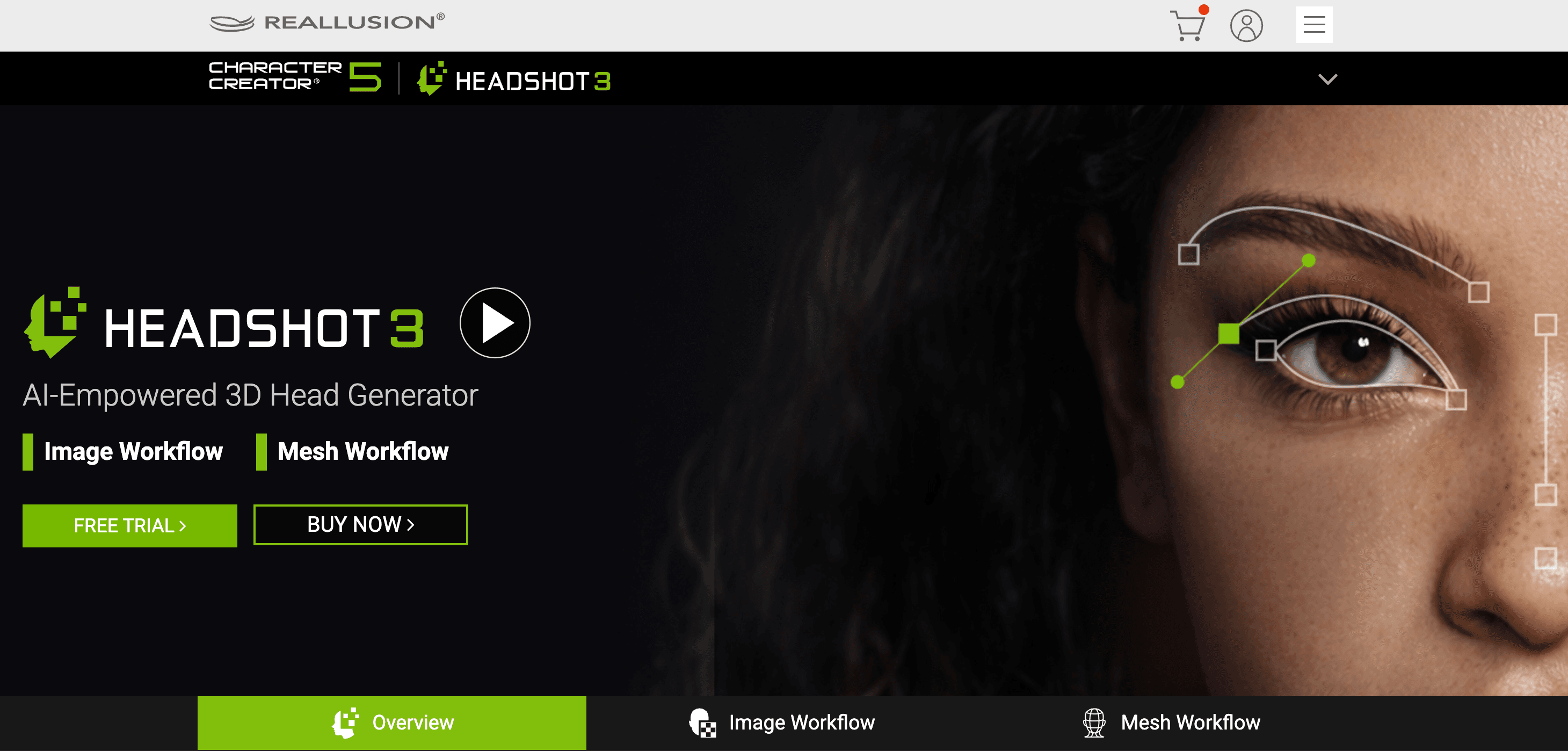
HEADSHOT 3 is the specialist option for turning portrait references or scanned head meshes into detailed characters inside Character Creator 5. Its image workflow analyzes facial landmarks and depth, supports front and side references, and can generate a matching body shape from a full-body image. Artists can then correct lens distortion, adjust facial zones with morphs, refine topology, reproject textures, and work on skin detail.
That control is the reason to choose HEADSHOT 3. It is not the fastest 3D human model maker online free option; it is a Windows desktop pipeline for artists who want to keep refining likeness and facial performance. The current list price shown for HEADSHOT 3 is $199, with a displayed member promotion of $149 at the time checked, while the Character Creator 5 bundle is listed at $498 with a displayed promotion of $329. AI image generation can also consume separate AI points.
Pros:
- Offers deep control over facial shape, lens correction, texture reprojection, normals, and skin appearance.
- Supports photo-to-head, mesh wrapping, stylized characters, and a path to a complete body.
- Character Creator topology and facial systems suit animation-focused professional work.
- Non-destructive texture tools help fix source-photo shadows, stray hair, and projection gaps.
Cons:
- Requires Character Creator 5 and Windows, so it is not a lightweight browser solution.
- Costs substantially more than free or credit-based web generators.
- The number of controls and linked Reallusion systems create a steeper learning curve.
- Some AI-assisted reference generation uses additional points beyond the plugin purchase.
Recommended for:
- Character artists, digital-double specialists, filmmakers, and game studios that prioritize facial likeness and editable production controls.
4. Avatar SDK: Best Free First Full-Body Avatar
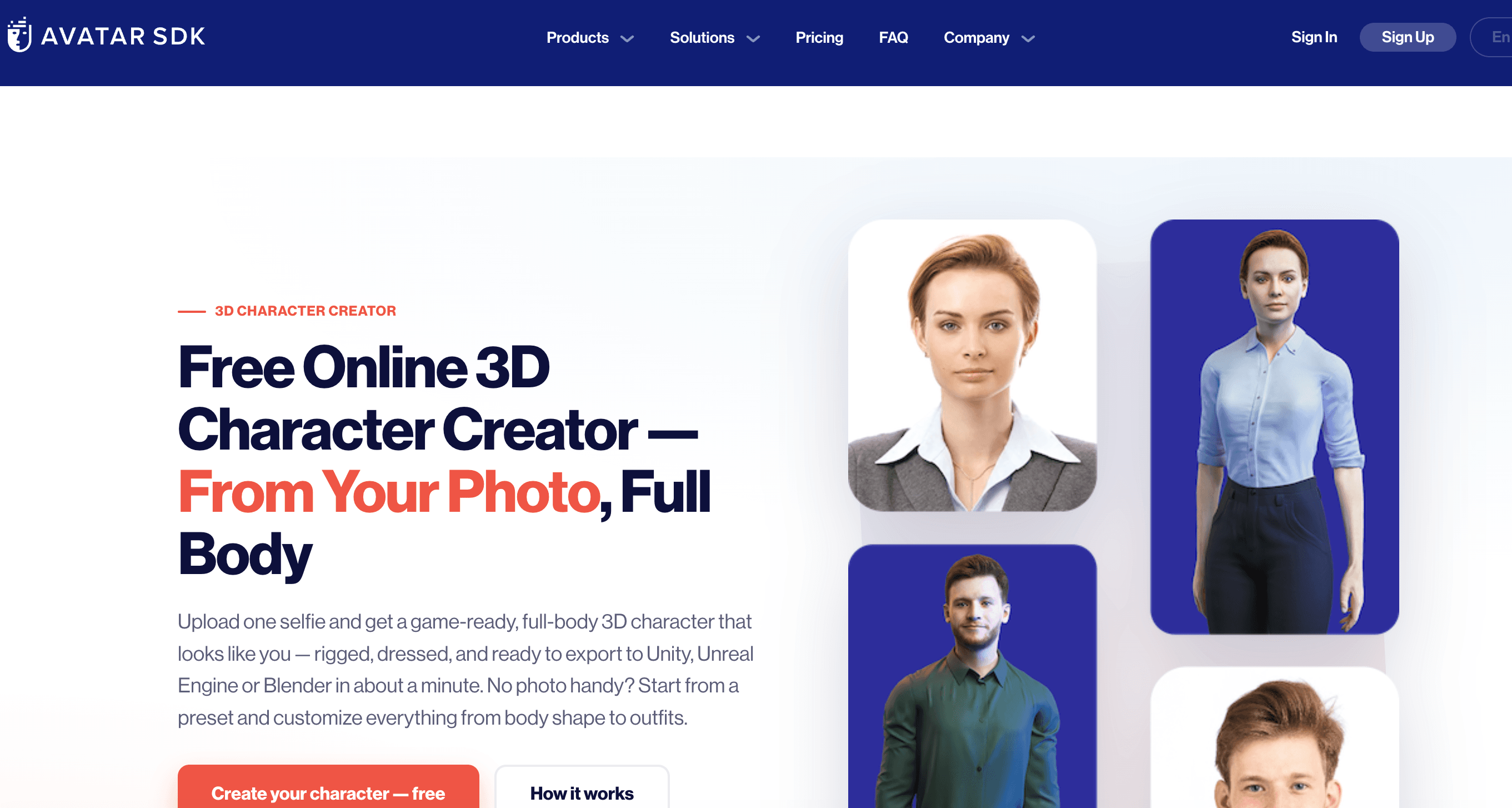
Avatar SDK's MetaPerson Creator is one of the clearest answers to the query “3D human model maker online free.” Upload a front-facing selfie or start from a preset, adjust the face, body, hair, clothing, and accessories, then export a rigged character as GLB/glTF or FBX.
The first character and a default LOD1 export with 1K JPG textures are free. Higher texture resolutions, another level of detail, animation options, and further characters use in-app credits. For companies, Avatar SDK pricing lists a $800-per-month Pro package covering 6,000 avatars and integration features. This separation makes the personal creator approachable while preserving an enterprise path.
Pros:
- Runs in a desktop or mobile browser with no local installation.
- Generates a recognizable, customizable full-body avatar from one selfie.
- Exports rigged GLB/glTF or FBX compatible with major engines and Mixamo.
- The first standard character export is free, making evaluation straightforward.
Cons:
- The free export is limited to LOD1, JPG textures, and 1K resolution.
- Additional characters and premium export settings consume paid credits.
- Preset clothing and body customization cannot reproduce every reference exactly.
- The developer/API tier is priced for volume deployment, not occasional individual use.
Recommended for:
- Beginners, educators, indie teams, and creators who need one usable rigged avatar without installing software.
5. SAM 3D: Best for Human Pose and Body Reconstruction Research
Meta's SAM 3D is not a conventional character creator. SAM 3D Body recovers a person's body shape and pose from a single image, including partially visible or unusual poses, and accepts prompts such as masks or 2D keypoints. It uses the Momentum Human Rig representation to separate skeletal structure from surface shape. SAM 3D Objects can complement it by reconstructing nearby objects and scene elements.
The online Playground lowers the barrier to experimentation, while Meta also releases checkpoints and inference code. Local use is still a developer workflow: it requires Python, PyTorch, model access through Hugging Face, and a CUDA-capable setup. Meta also notes limitations in human-object interaction reasoning and hand-pose accuracy. In other words, SAM 3D is excellent for analysis and research, but it does not replace an avatar editor with hair, clothing, facial materials, and clean entertainment-ready exports.
Pros:
- Reconstructs full-body pose and shape from challenging real-world images.
- Supports user guidance through masks and 2D keypoints.
- Released code, checkpoints, research papers, and a browser Playground support experimentation.
- Strong fit for computer vision, biomechanics, robotics, and scene-understanding projects.
Cons:
- Local installation and checkpoint access are technical compared with consumer tools.
- It is not a dress-up character creator or a one-click game-asset pipeline.
- Human-object and multi-person interaction reasoning remains limited.
- Hands and production details may need specialist refinement.
Recommended for:
- Researchers, engineers, technical artists, and developers who need pose-aware human mesh recovery rather than a finished commercial avatar.
6. HumGen3D: Best Human Model Maker for Blender
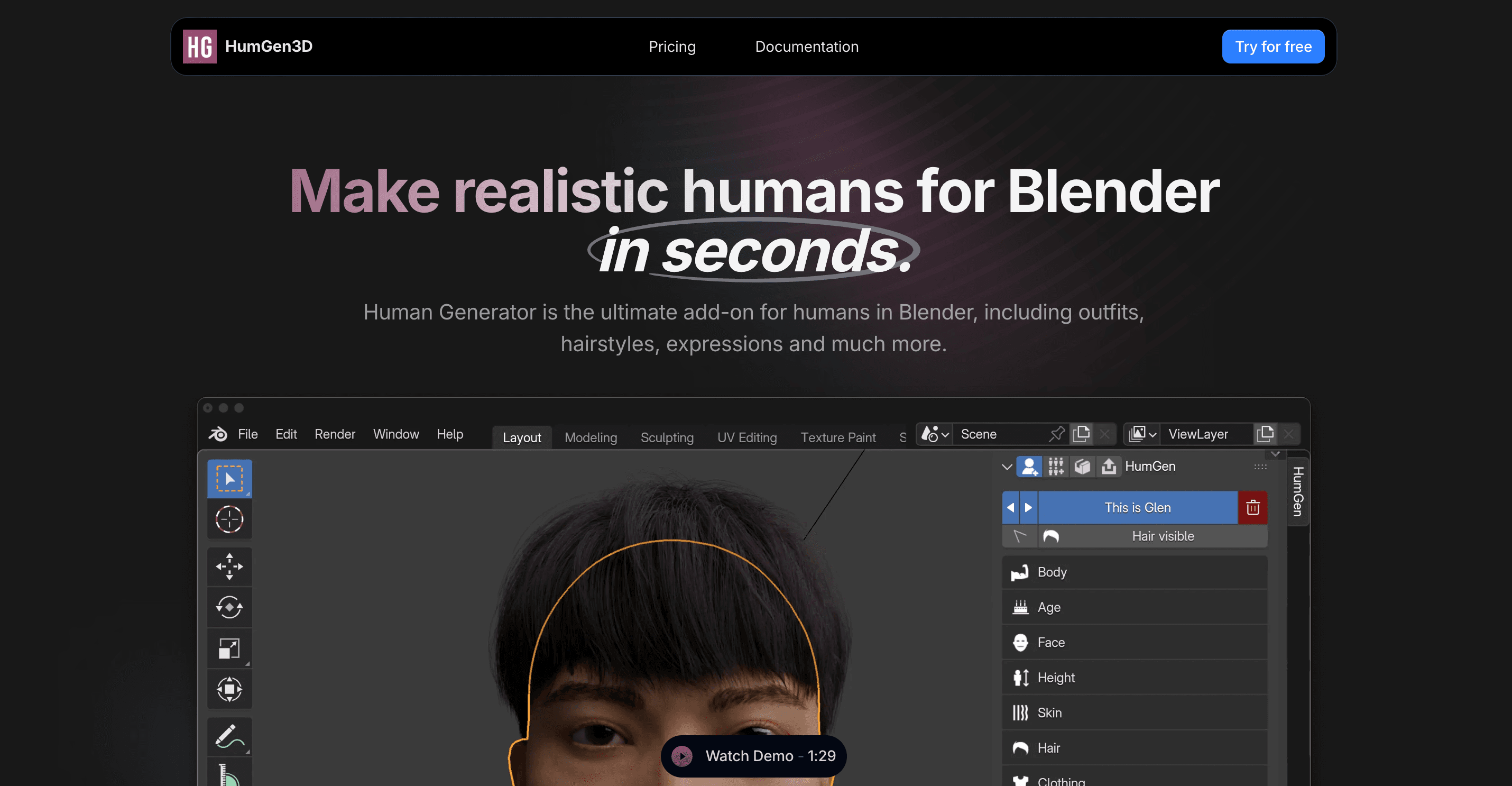
HumGen3D is a Blender add-on for building realistic, parametric people directly in a familiar 3D environment. Users choose a starting human and adjust more than 100 face and body controls, then add hairstyles, outfits, poses, and expressions. Generated humans are rigged, support Rigify compatibility, and can use textures from 512 px through 8K. LOD generation, batch creation, ARKit face animation, texture baking, and a Python API make it particularly useful for populated scenes.
Unlike photo-reconstruction tools, HumGen3D is strongest when you want controlled variation across many believable people. The limited trial includes watermarked 4K textures. Current pricing lists a $68 Personal/Portfolio lifetime license and a $128 Commercial lifetime license. The license permits rendered and in-game use under the appropriate tier but restricts sharing or selling the underlying models and textures to unlicensed people.
Pros:
- Keeps character generation, posing, lighting checks, and mesh editing inside Blender.
- Provides extensive face/body controls, rigs, expressions, clothing, hair, and up to 8K textures.
- Batch generation and LOD tools are valuable for crowds and game scenes.
- One-time pricing is easier to budget than an ongoing subscription.
Cons:
- Requires Blender knowledge and local hardware; it is not a simple browser generator.
- It builds from a parametric library rather than reconstructing a specific person from one photo.
- The free trial uses watermarked textures and limited content.
- Asset redistribution restrictions require care when collaborating or selling editable models.
Recommended for:
- Blender artists, architectural visualizers, animators, and game teams producing controllable humans or crowds.
7. Canva: Best for 3D-Style Character Images, Not 3D Meshes
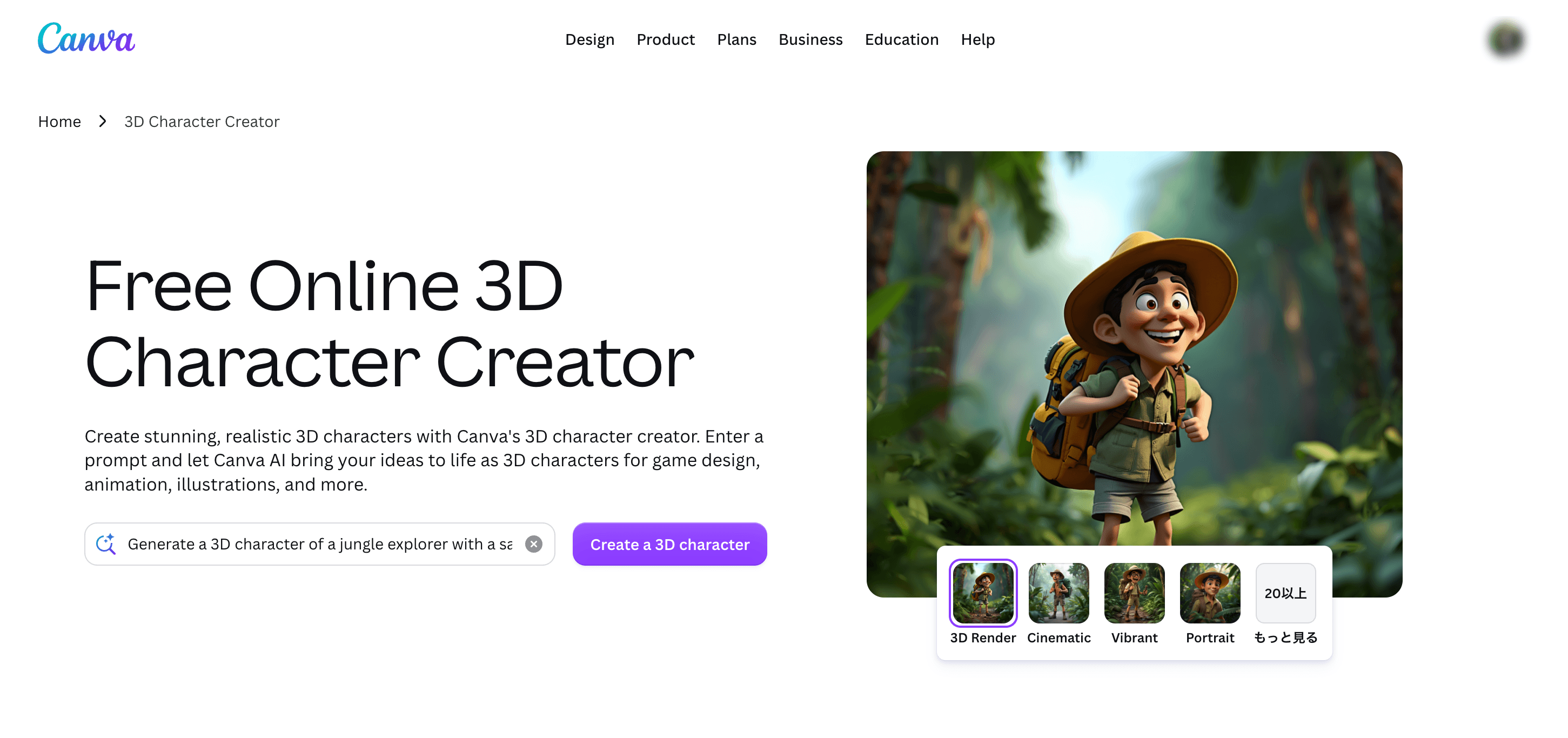
Canva's 3D character creator is useful for concept art, profile graphics, presentations, and social posts. You describe a character, refine appearance and pose through prompts, and continue editing the result in Canva. The important limitation is the output: Canva documents downloads as PNG or JPG. It creates an image that looks three-dimensional, not an editable mesh for Blender, Unity, animation, or 3D printing.
Canva Free includes a limited AI allowance; the current US pricing page lists up to 20 Standard or Premium AI uses, while Pro is $144 per year for one person with a larger shared AI allowance. It belongs here because many searchers encounter it under “3D character creator,” but it answers a different need.
Pros:
- Extremely easy prompt-based workflow with no 3D software knowledge required.
- Strong templates, layout tools, and collaboration for finished visual content.
- Rapid regeneration makes it useful for exploring character style, clothing, and pose.
- A limited free allowance is available for low-volume concept work.
Cons:
- Exports PNG or JPG images, not OBJ, FBX, GLB, or another 3D mesh format.
- The character cannot be rotated, rigged, posed in 3D, or printed as generated.
- Free AI usage is limited and advanced use may require a paid plan.
- Prompt iteration offers less precise anatomical control than real 3D modeling tools.
Recommended for:
- Marketers, teachers, social creators, and designers who need a 3D-looking character illustration rather than a model.
How to Create a 3D Human Model With AI
Hi3D keeps the path from reference image to downloadable model short. These three steps focus on the decisions that have the largest effect on the result.
1. Upload an Image
Go to the Hi3D homepage and select Try it free to open the workspace. Upload the person or character you want to process. Use a sharp, well-lit image with a simple background and a clearly separated subject. A full-body view is preferable when proportions, pose, clothing, and footwear all matter. If the workflow offers multi-view input, add consistent side or rear references to reduce guesswork in hidden areas.
2. Choose the Right Parameters
After upload, adjust the settings on the left for the intended output:
- Model Version: Choose from the available Hi3D generations. Start with the latest v3.0 model when you want the strongest currently documented fidelity, fine-detail retention, and structural completion.
- Model Type: Select High Quality for a practical balance of quality and generation time. Choose Master when maximum detail matters more than speed or credit cost.
- Generate Type: Choose geometry-only generation when you plan to texture elsewhere, or the textured option when you need a colored model from the same workflow.
Do not assume the highest setting is always necessary. A small game prop, distant crowd model, or quick blockout may benefit more from a faster generation followed by targeted editing.
3. Download the Model
After a short wait—Hi3D says a usable model can be ready in as little as about two minutes—rotate the preview and inspect the face, fingers, hair, underarms, back, garment edges, and ground contact. Regenerate with a clearer reference or add views if an important hidden area looks implausible. Download a format that matches the next tool: GLB or OBJ for general editing, STL or 3MF for many printing workflows, and USDZ when that ecosystem is required. Availability can vary by feature and plan, so confirm the export shown for the current task before spending credits.
Conclusion
The best 3D human model maker is the one that delivers the right asset, not the most photogenic preview. Hi3D is our best overall recommendation because it accepts varied 2D references, produces genuine 3D geometry, emphasizes detailed reconstruction in v3.0, and continues into texturing and print preparation. It is the strongest starting point for users who do not want to commit immediately to a desktop character ecosystem.
Choose Avaturn or Avatar SDK when a standardized rigged avatar is the goal, HEADSHOT 3 when facial likeness and manual refinement justify a professional suite, HumGen3D for parametric Blender humans, and SAM 3D for pose-aware research. Canva is useful only when a 3D-style image is enough. If you need a 3D human model maker free to evaluate, Hi3D's credit plan and Avatar SDK's first free export are the most relevant starting points—just review licensing and download limits before commercial use.