Coding and terminal agents
- Codex
- Claude Code
- Kimi Code
- Qwen Code
- Gemini CLI
- OpenCode
- Kiro CLI
Hi3D MCP · Free to connect
Use Hi3D to turn my uploaded image into a figurine-style reference photo and generate a complete realistic figurine.
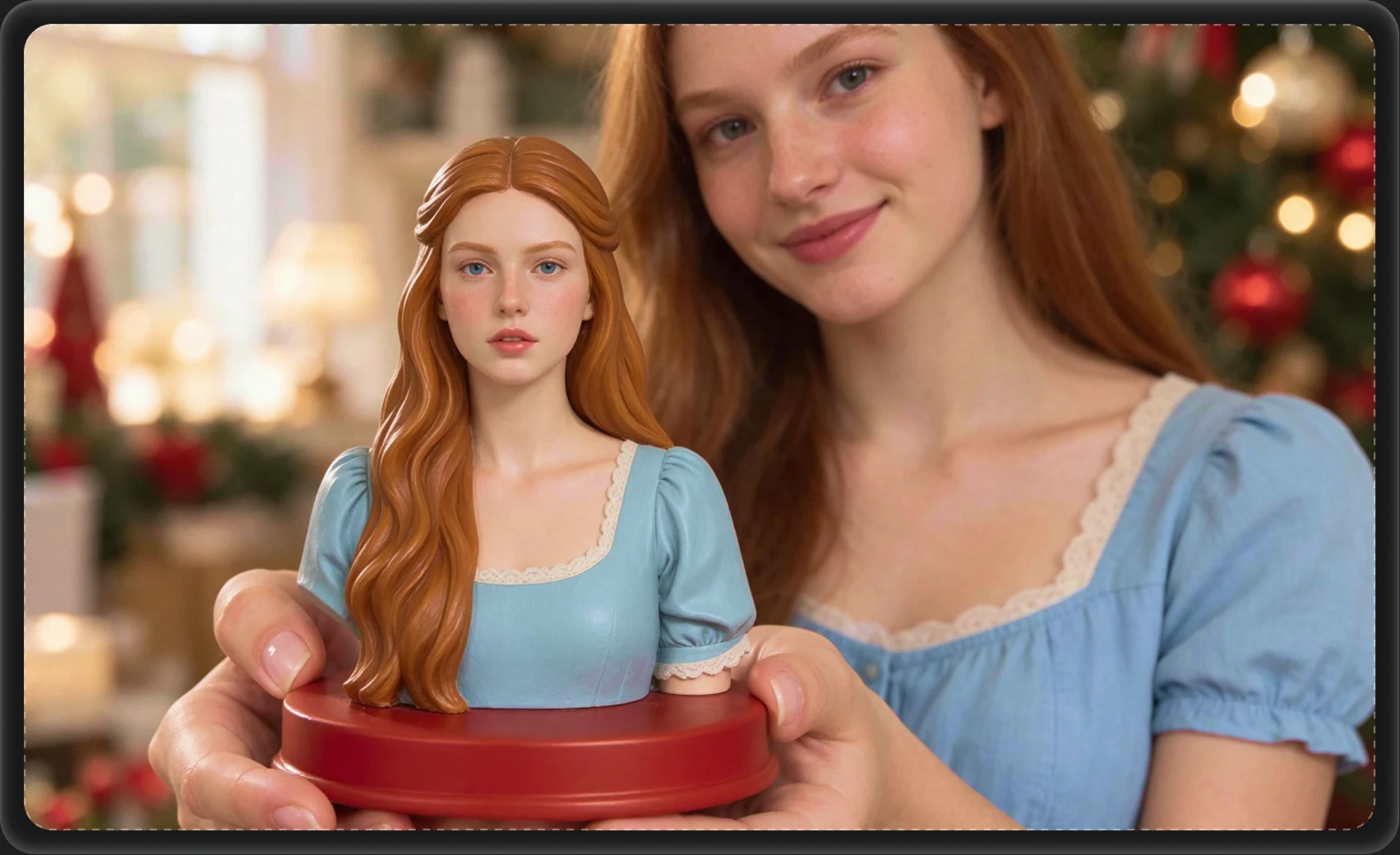
Send the prompt to Codex or Claude Code, authorize your Hi3D account in the browser, then return to the conversation to see the available tools.
Send this configuration to the product you use
Configure Hi3D MCP in the current client (Codex or Claude Code): - Name: hi3d - Transport: Streamable HTTP - URL: https://agent.hi3d.ai/mcp - Authentication: OAuth Update any existing hi3d entry and preserve other settings. Guide me through browser authorization, verify the connection, and list the available tools. Finally, tell me whether a restart is needed and briefly explain any unfinished steps.
Try connecting from products that support remote MCP services.
The model understands your request and breaks it into tasks. The product hosting the model connects to and calls Hi3D MCP.
These are potential integration options, not individual Hi3D certifications. Connectivity depends on the product version's support for remote Streamable HTTP and OAuth. Verify with an actual connection.
Turn images into 3D models or reliefs. Segment existing models or convert them to multiple colors. Use each capability independently.
 Image to 3D
Generate a textured 3D model from a reference image. If you only have text, ask your agent product or Hi3D to create a reference image first.
 Image to 3D relief
Create a relief model or an engraving depth map directly from an image.
 Model segmentation
Split character or general models into parts for editing, printing and assembly.
 Multicolor models
Convert a textured model to a specified number of colors for multicolor printing.
Review costs, track progress and get results in your conversation. Use the Hi3D website to sign in and authorize.

Before each generation, you can ask to see the parameters, workspace, estimated credits and balance.
Get a task ID on submission. Use it to check progress after closing the conversation, without creating another task or paying twice.
Refresh expired download links without regenerating. Sign in to the Hi3D website with the same account to find tasks, assets and charges.
Explore how a potion cottage scene connects reference images, individual assets and the final composition.
Start with a complete scene image to align the cottage, characters and base.
Ask your agent to break the scene into 9 reference images, each containing one object.
Generate each model with Hi3D MCP, then assemble them using the scene as a reference.
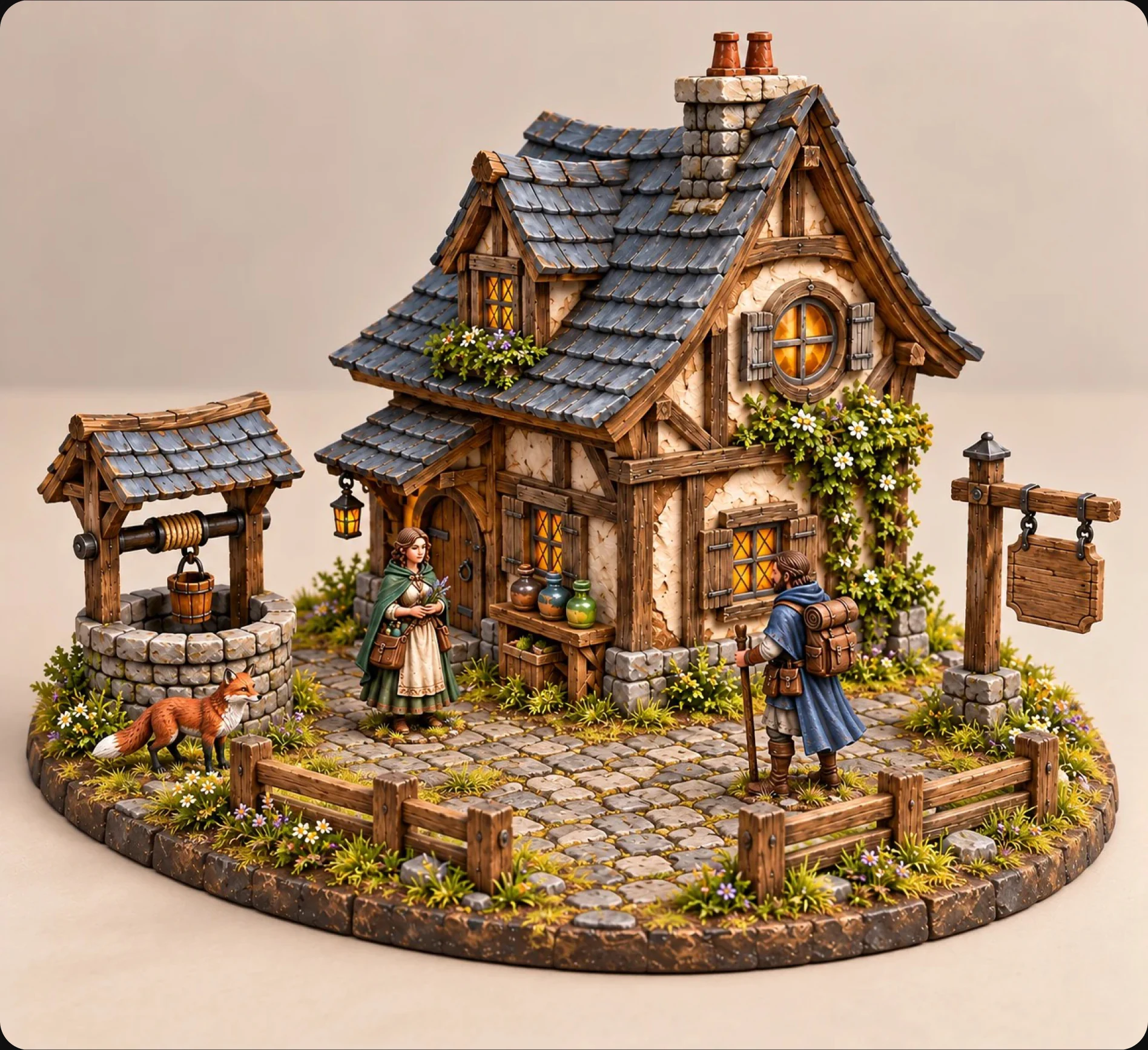
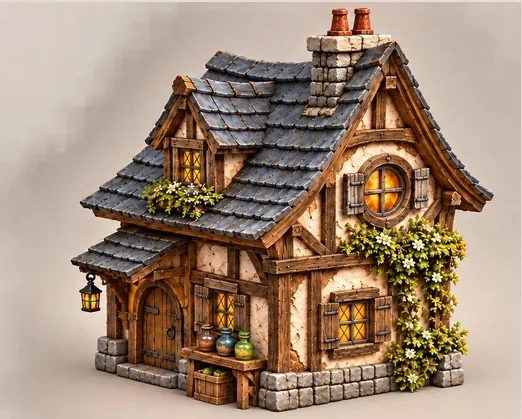
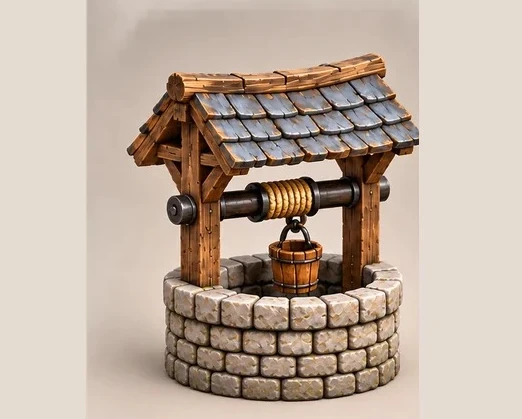
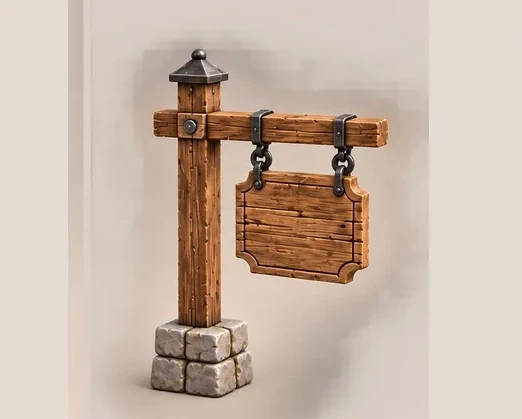
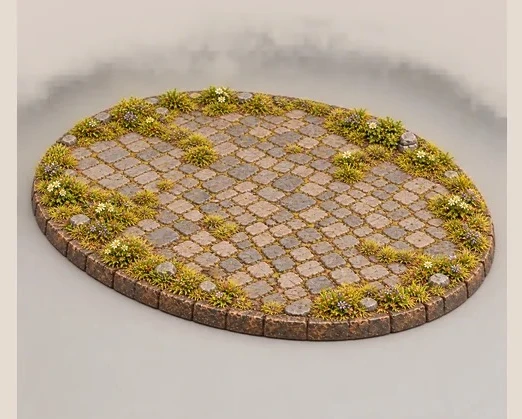
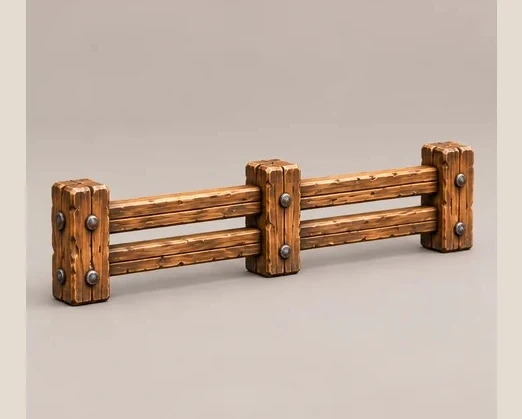
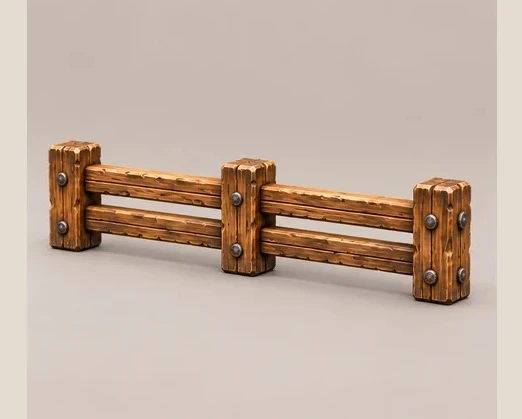
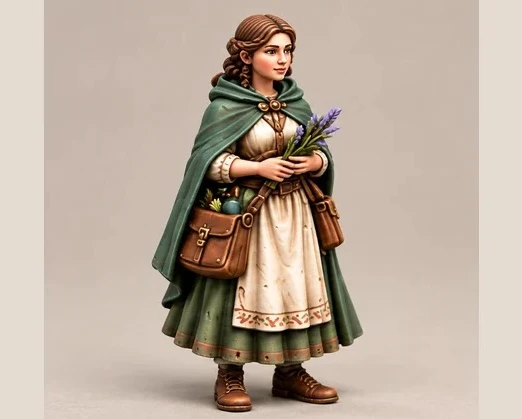
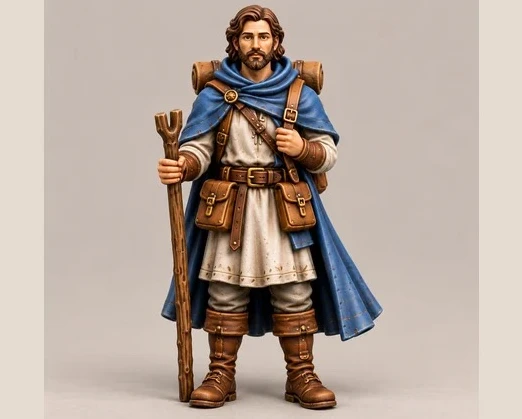
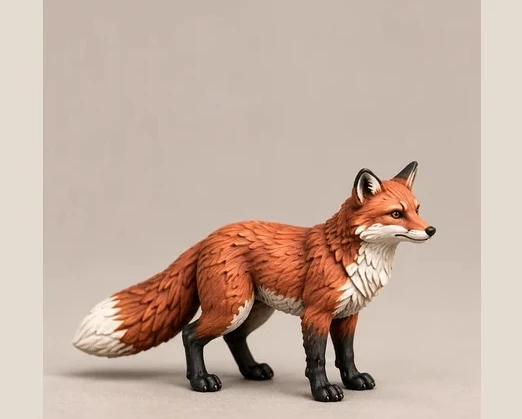
These are concept and modeling reference images, not printed products. Check proportions, structure and assembly after generation.
No. Adding the service, authorizing access, and checking your balance or progress cost no credits. A paid task is created only after you confirm the quote in the conversation.
Copy the prompt, send it to your client and authorize to start creating models in your conversation.