


Why Maker Terminology Matters
The first time you move from AI-generated visuals to real fabrication, the vocabulary can feel overwhelming. Suddenly you are dealing with file formats, machine settings, geometry issues, and production rules that are not obvious from the design alone.
The goal is not to make every beginner an engineer. The goal is to help you understand just enough to avoid the most common mistakes. Once you know what these terms mean, it becomes much easier to use Hi3D in a practical way and move confidently into 3D printing, laser cutting, engraving, or blade cutting.
Below is a beginner-friendly glossary that covers some of the most useful terms in digital making.
1. STL
STL is one of the most common file formats for 3D printing. It stores the surface geometry of a model but not advanced material or texture data. If your goal is FDM printing, STL is often one of the first export formats you need to understand.
2. OBJ
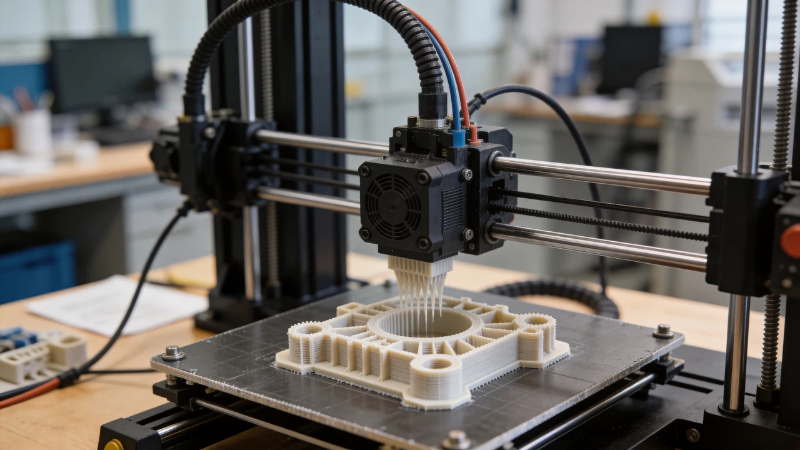
OBJ is another popular 3D format. It is often better than STL for workflows that involve textures, UVs, or visual detail. For creators who want to keep editing or previewing a model in other 3D software, OBJ can be a practical option.
3. 3MF
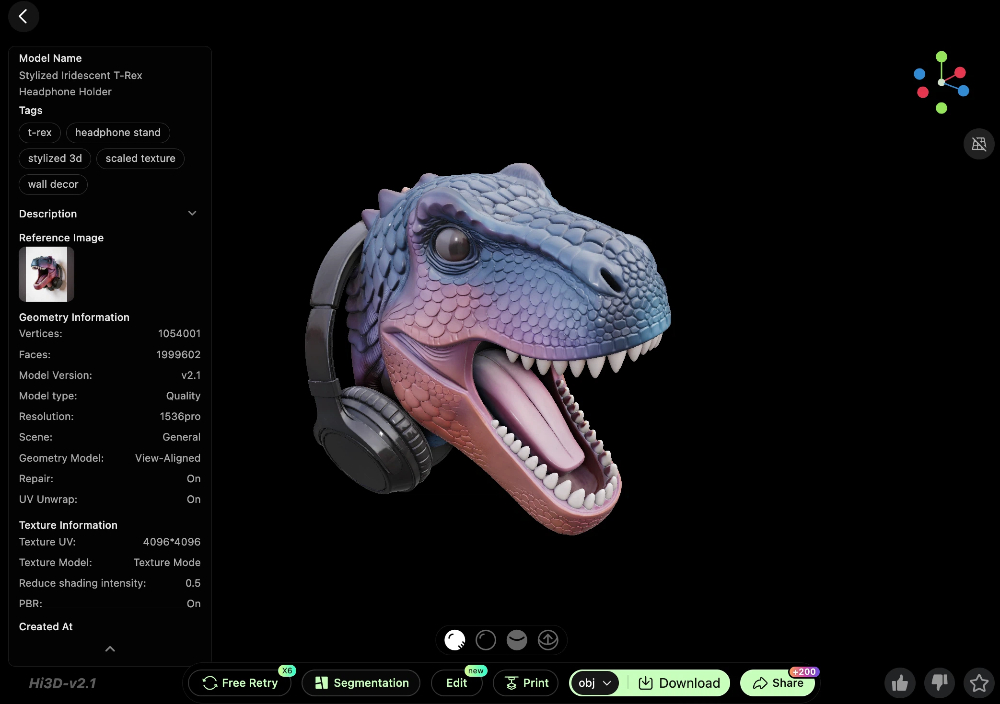
3MF is a newer file format designed for modern 3D printing workflows. It can store richer information, such as units, colors, materials, and other print-related data. Many makers prefer 3MF when the slicer supports it well.
4. FBX
FBX is commonly used in animation, game assets, and broader 3D content pipelines. It is useful when a model created with Hi3D is going to Blender, Maya, Unity, Unreal Engine, or another 3D production environment.
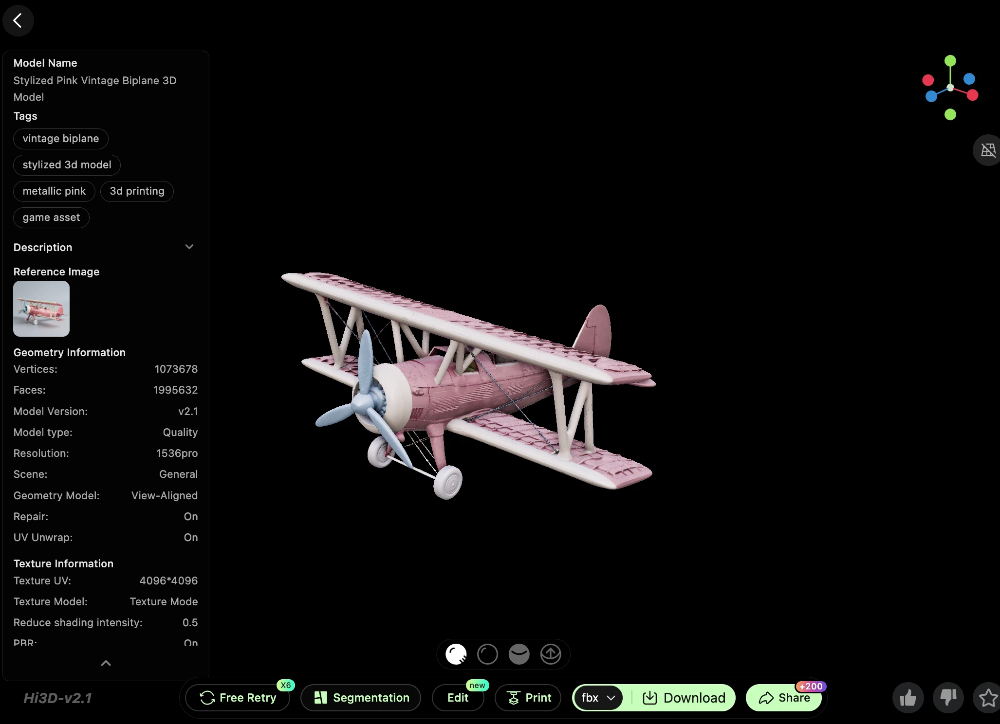
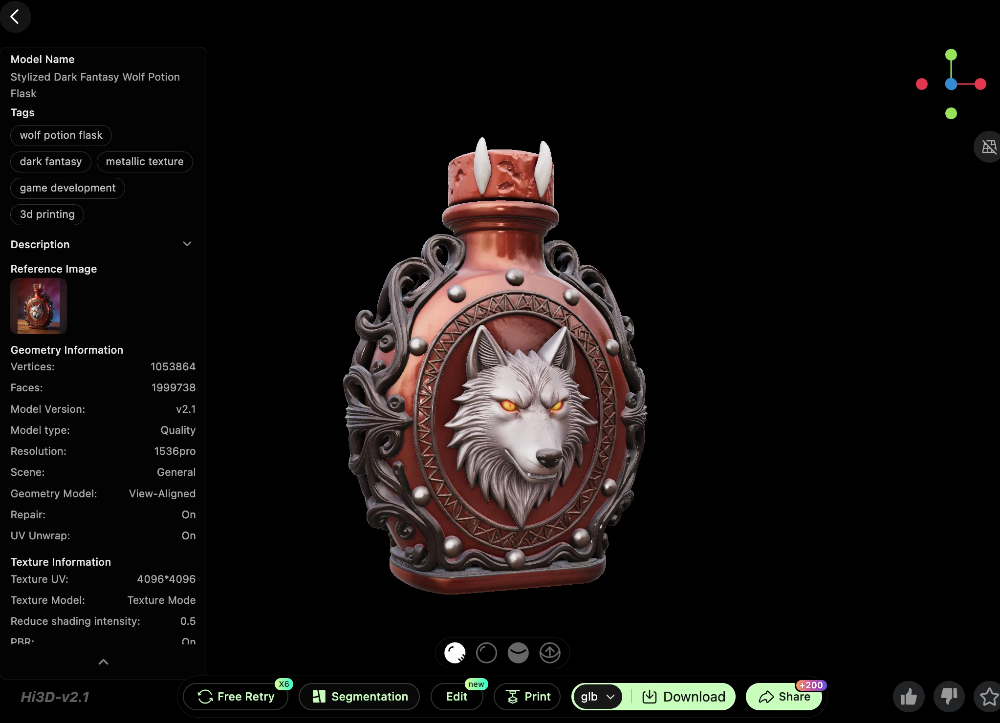
5. GLB
GLB is a compact 3D format that works well for web previews, interactive viewers, and lightweight sharing. It is especially useful when you want clients, teammates, or an online audience to preview a model in the browser.
6. Slicing
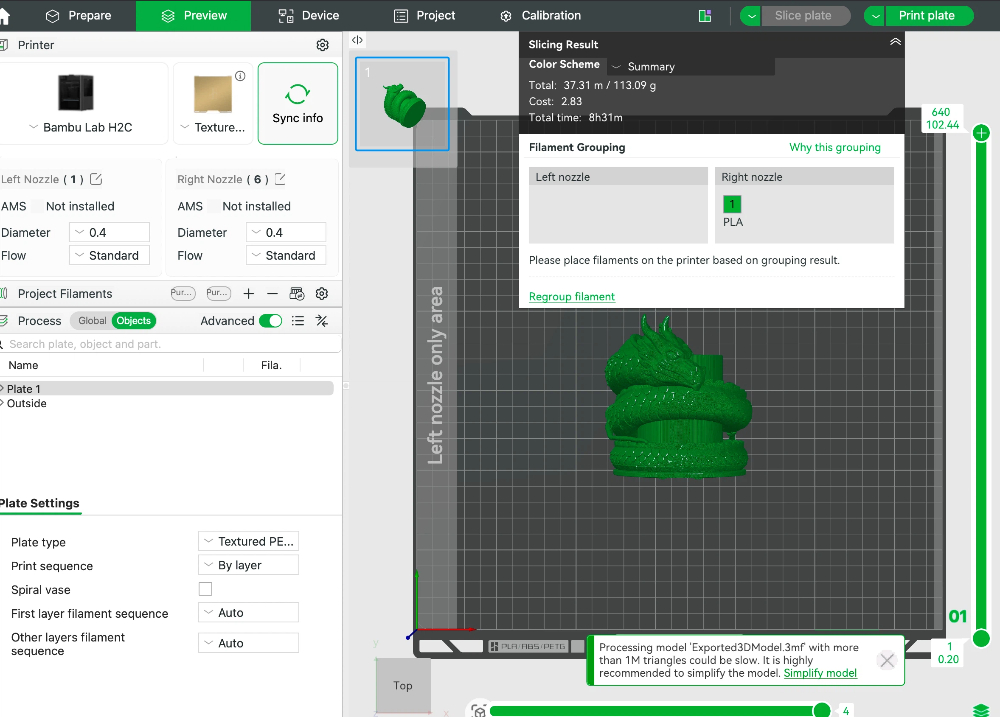
Slicing is the step where a 3D model gets converted into printable layers and machine instructions. In FDM printing, slicing is what turns a digital model into a toolpath your printer can actually follow.
7. Layer Height
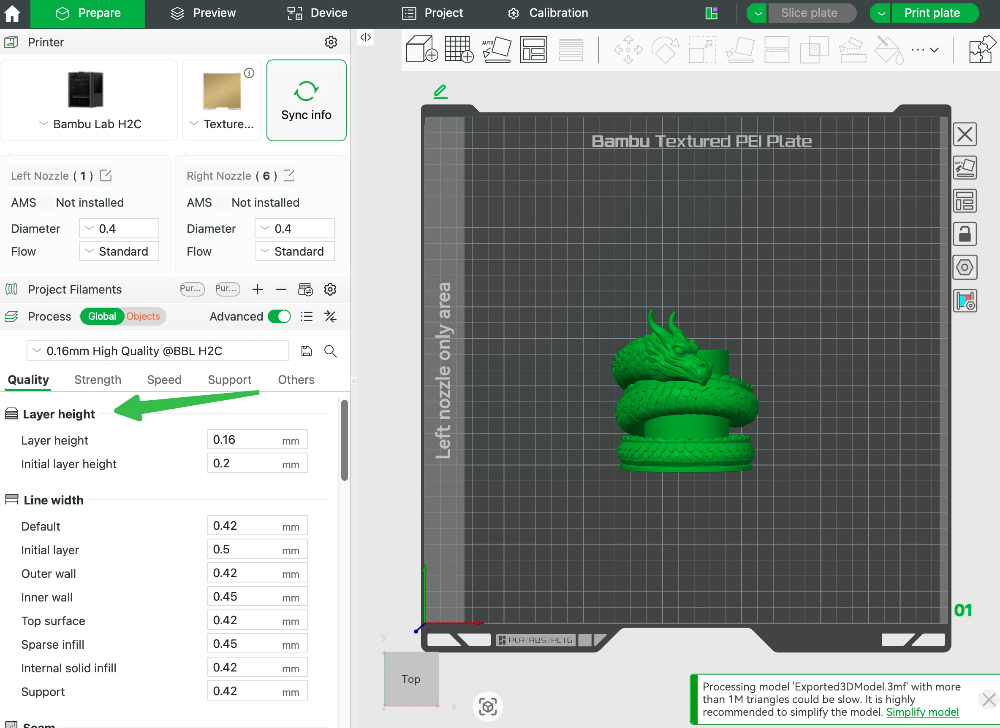
Layer height refers to the thickness of each printed layer. A lower layer height usually means finer detail but longer print time. A higher layer height is faster, but the layer lines become more visible.
8. Infill
Infill is the internal structure inside a 3D print. Higher infill generally creates a stronger part, but it also uses more filament and increases print time. Decorative pieces often need less infill than functional parts.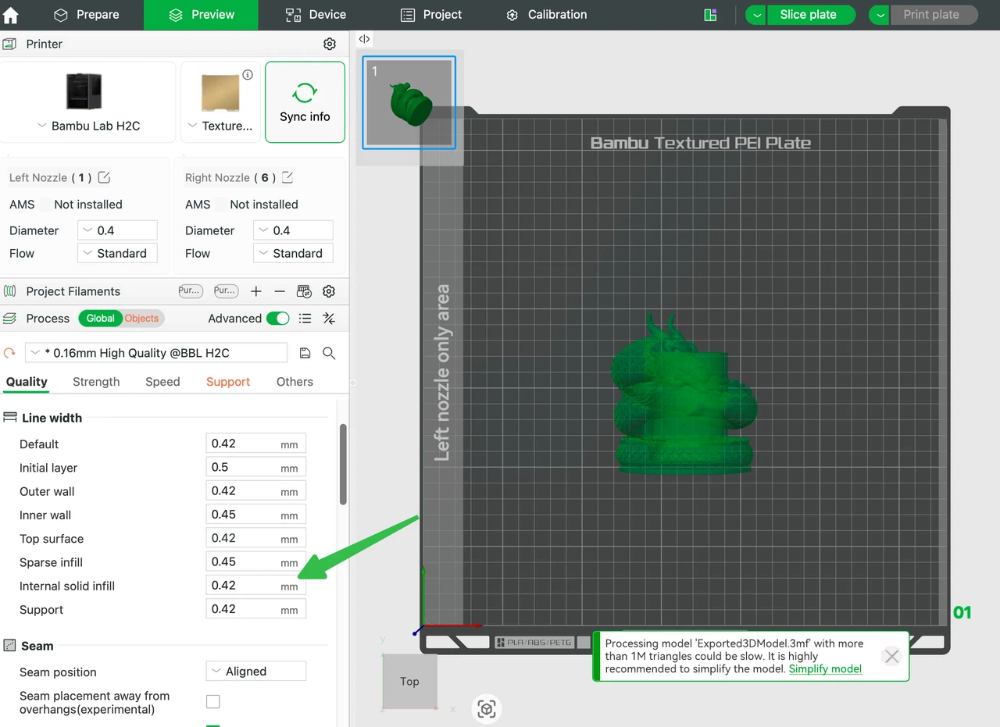
9. Wall Thickness
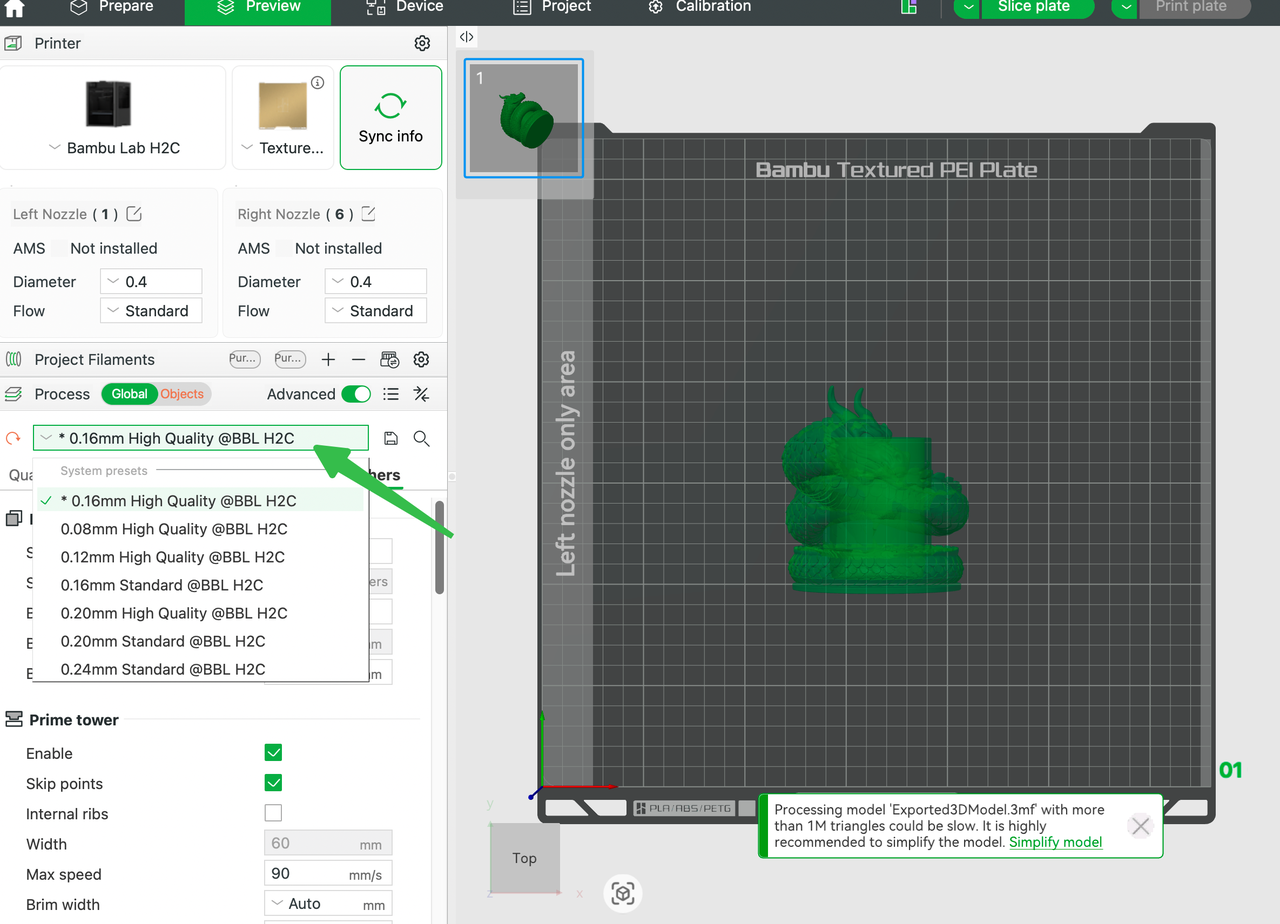
Wall thickness is the thickness of the outer shell of a model. Thin walls are a common reason AI-generated models fail in real printing. If a detail is too thin, it may break, disappear, or slice poorly.
10. Overhang
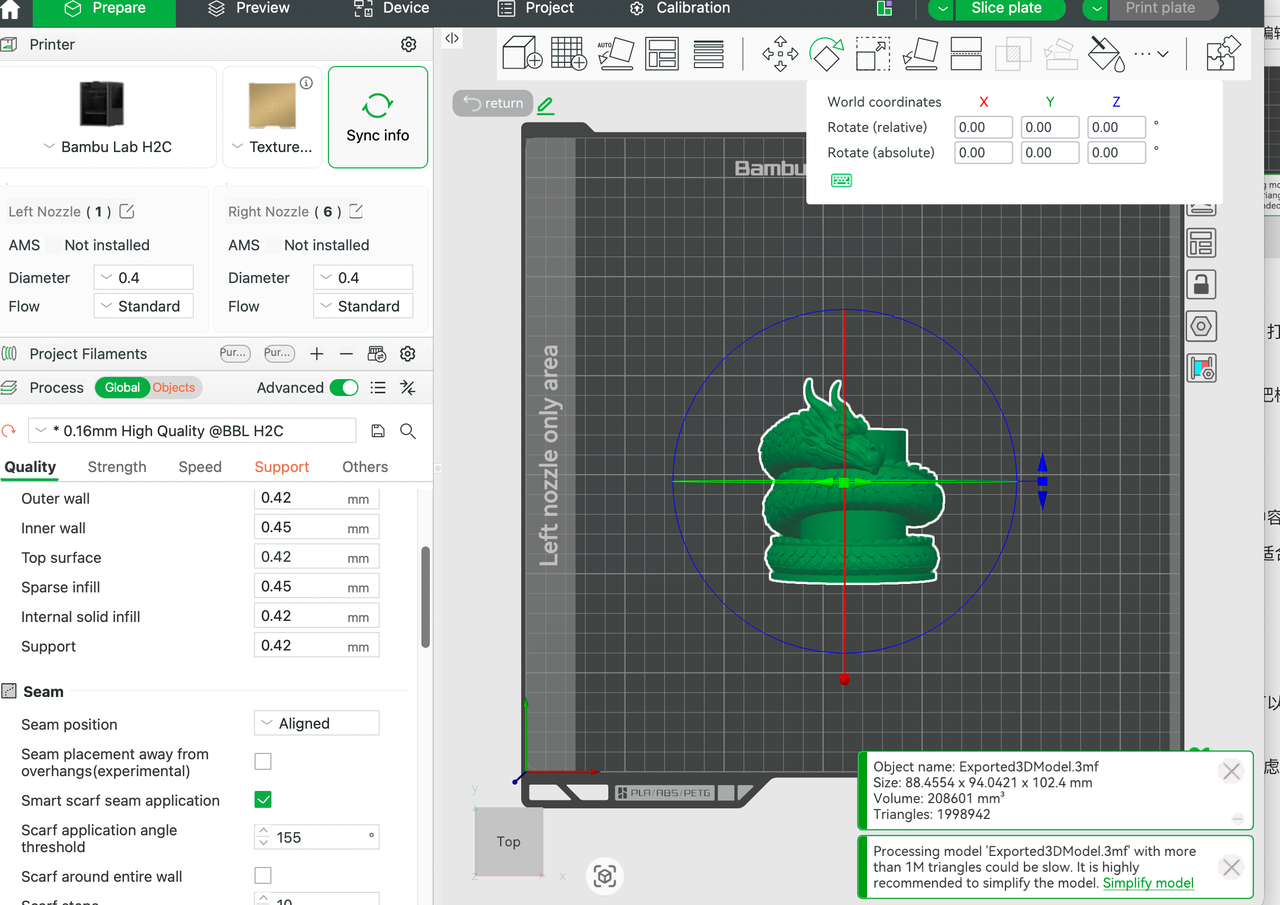
An overhang is a part of a model that extends outward and is not fully supported below. Large overhangs can cause sagging or print failure. Good FDM prompts usually avoid excessive unsupported geometry.
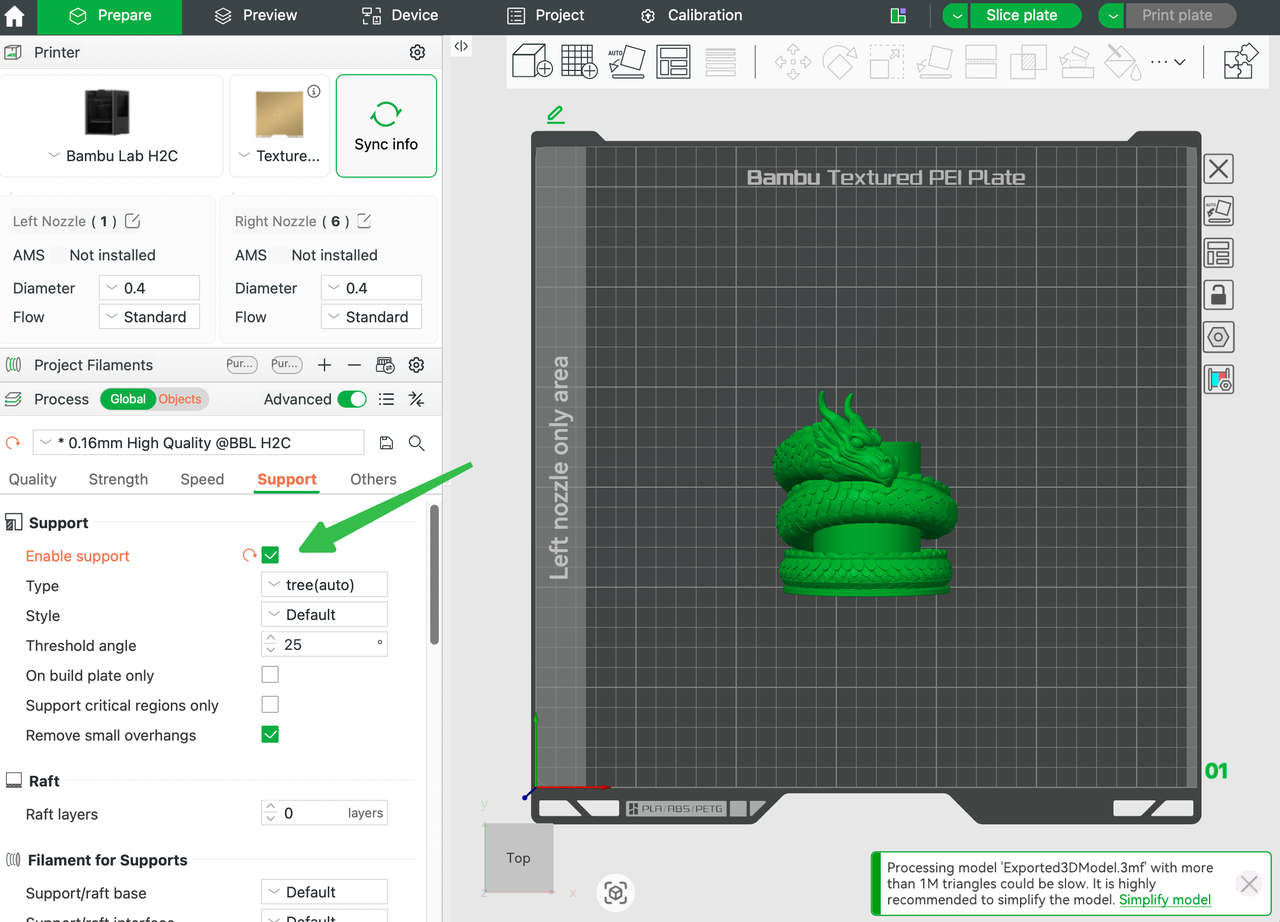
11. Support
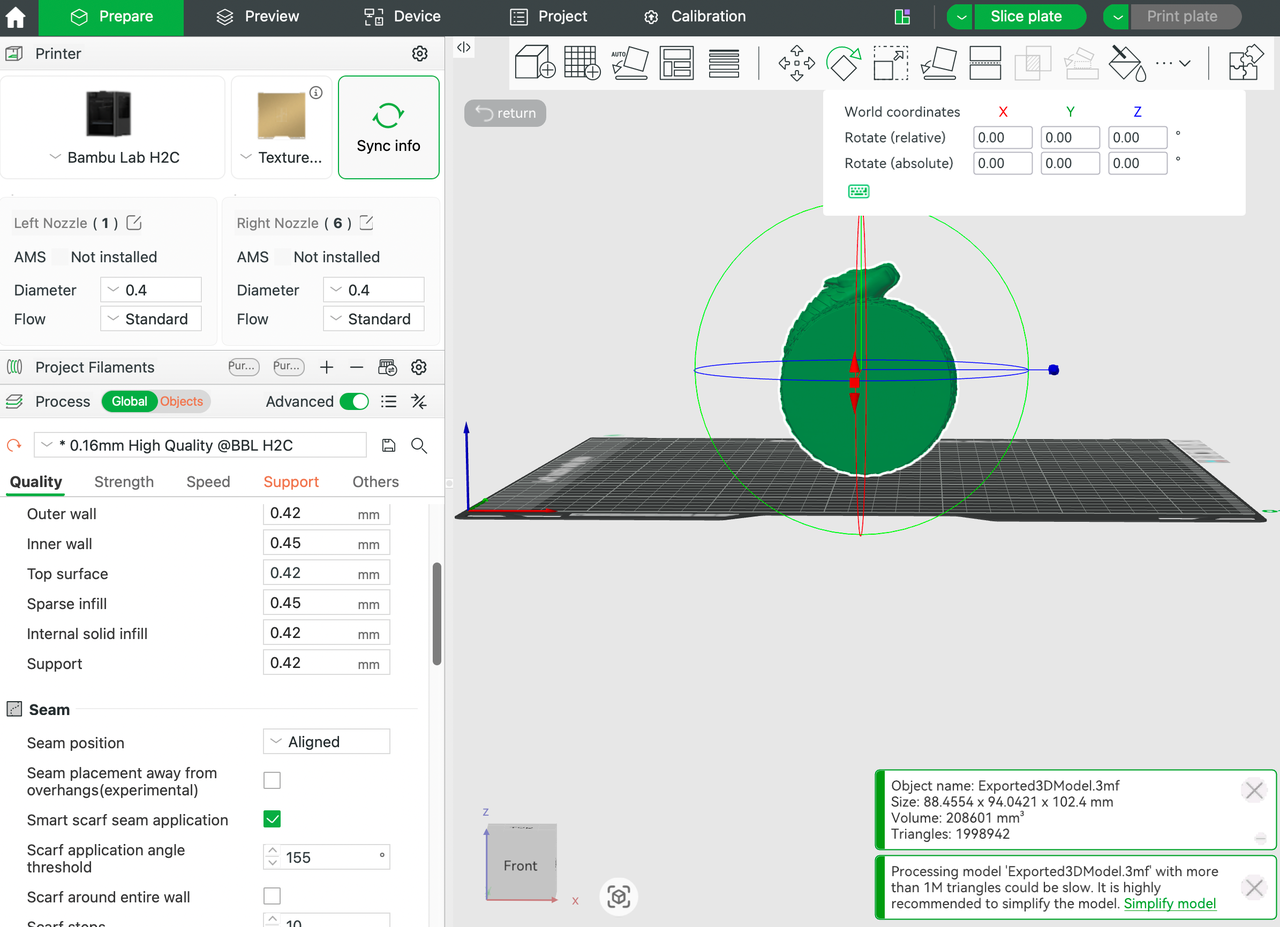
Support structures are temporary printed elements used to hold up difficult geometry during printing. They help make certain designs possible, but they also increase cleanup time and material use.
12. Bed Adhesion / Contact Area
This refers to how well the model connects to the print bed. Designs with a larger, flatter base are usually easier to print. Small contact areas increase the risk of warping, tipping, or detachment.
13. Bridge / Bridging
A bridge is when the printer spans a gap between two points without full support beneath it. Short bridges may print well, but wide gaps can droop or create weak surfaces.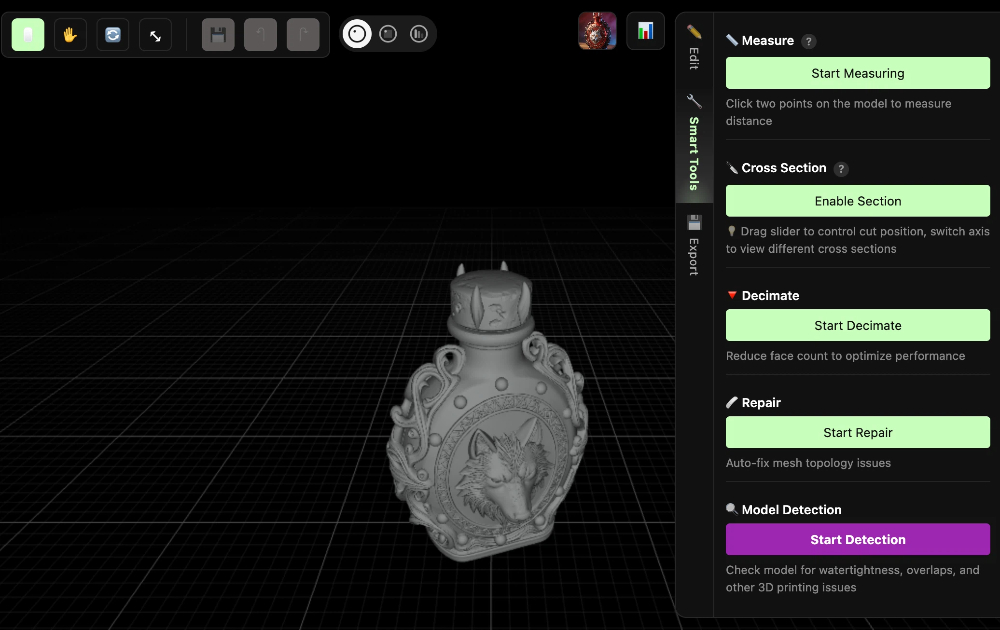
14. Watertight / Manifold Model
A watertight or manifold model is a clean, printable mesh without holes or broken geometry. Non-manifold models often cause slicing problems and unpredictable manufacturing results.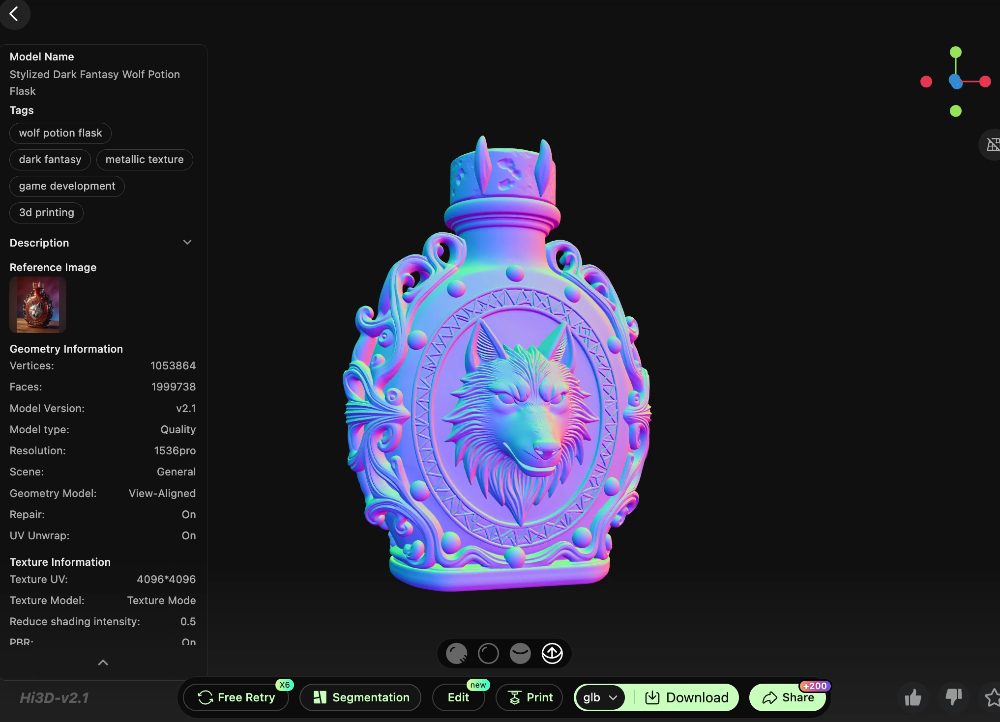
15. Normals
Normals define the facing direction of a surface in a 3D model. Incorrect normals can confuse rendering software and sometimes cause issues in downstream editing or repair workflows.
16. SVG
SVG is a vector graphics format commonly used in laser cutting, engraving preparation, and blade cutting workflows. It is great for clean lines, scalable paths, and contour-based graphics.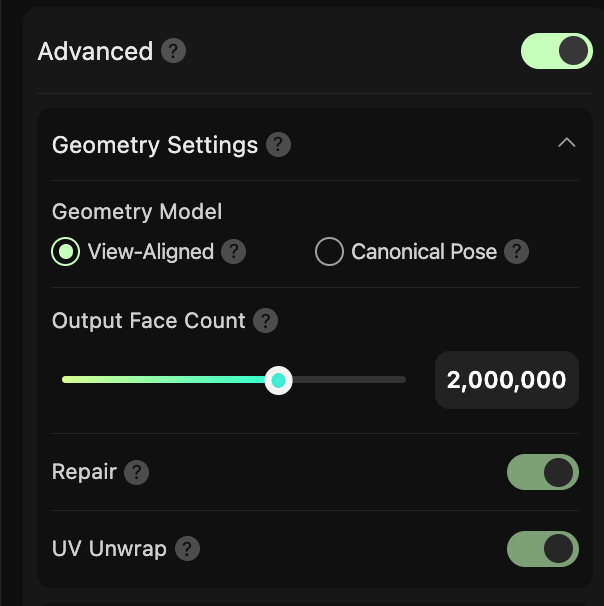
17. DXF
DXF is another vector-based format used widely in CAD, laser cutting, and manufacturing software. It is often preferred when precise line geometry or cross-platform fabrication compatibility matters.
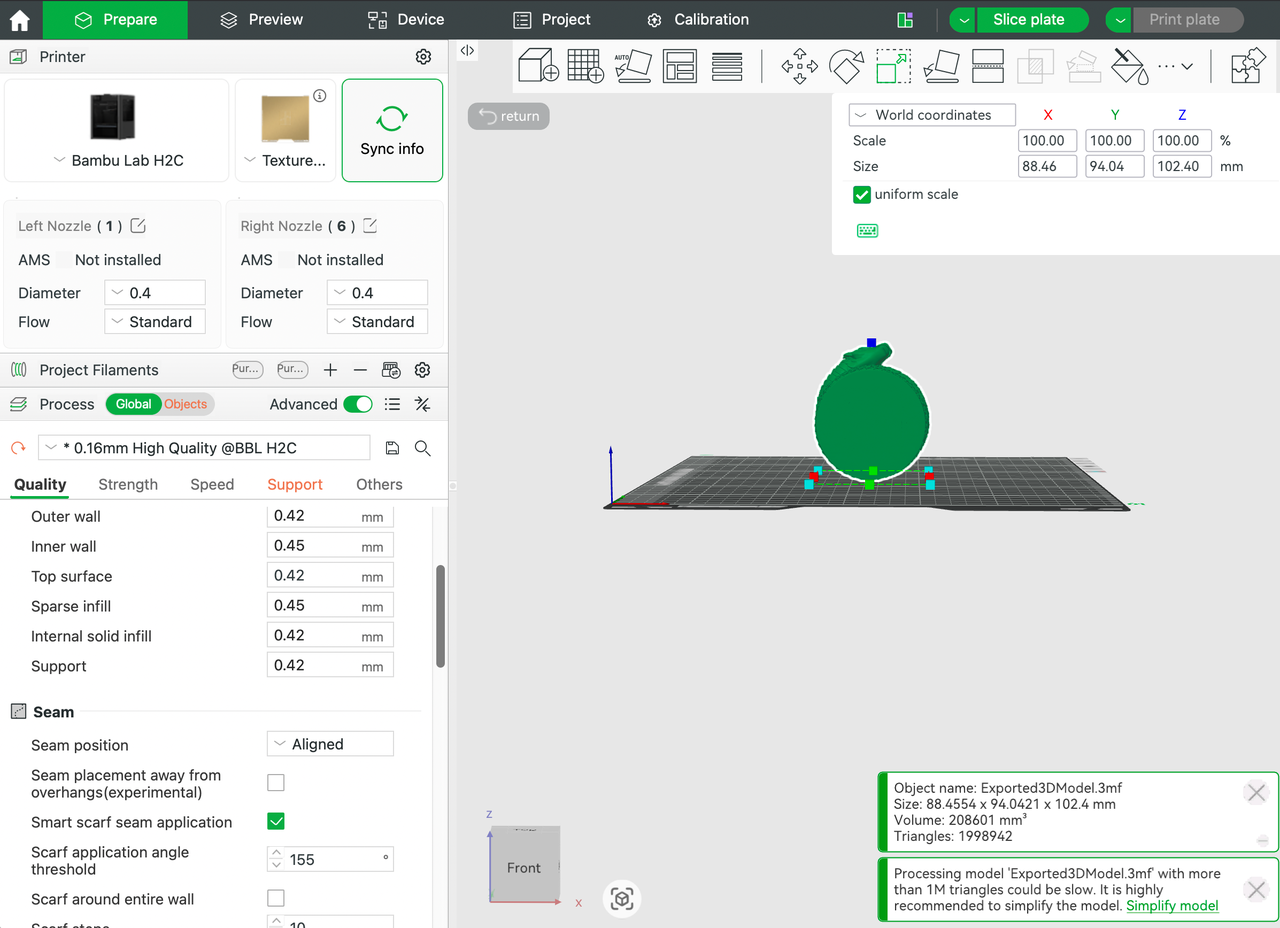
18. Bleed
Bleed is the extra area added outside the final visible edge of a print or cut design. It helps avoid unwanted white gaps after trimming or cutting, especially in sticker, packaging, and print workflows.
19. Laser Power and Speed
In laser workflows, power and speed determine how deeply or aggressively the material is engraved or cut. Too much power can burn material. Too little may not cut through cleanly. Getting this balance right is essential.
20. Cut Pressure / Blade Force
In blade cutting workflows, cut pressure controls how hard the blade presses into the material. Too much force can damage the backing or mat. Too little leaves incomplete cuts. This matters a lot in sticker, paper craft, and heat transfer vinyl projects.
How These Terms Connect to Hi3D
Hi3D helps reduce the creative barrier, but it does not remove the need to understand fabrication logic. That is actually a good thing. Once you know the basics, you can write better prompts, choose better export formats, and generate designs that are easier to make in the real world.
For example:
- If you know what wall thickness means, you can ask for sturdier 3D printable details.
- If you understand SVG and DXF, you can prepare ideas for laser or cutter workflows more confidently.
- If you know what bleed or cut pressure means, your sticker and craft projects become far more practical.
- If you understand slicing, support, and bed adhesion, your FDM results improve immediately.
Practical Advice for Beginners
You do not need to memorize every term at once. Start by learning the terms that match your current machine or goal.
- For 3D printing, focus on STL, 3MF, slicing, layer height, infill, support, wall thickness, and overhangs.
- For laser work, focus on SVG, DXF, power, speed, engraving depth, and material safety.
- For blade cutting, focus on contour lines, bleed, white borders, cut pressure, and weed-friendly design.
That way, every project teaches you a little more without becoming overwhelming.
Final Takeaway
Understanding these keywords makes Hi3D far more useful. Instead of just generating something that looks cool, you can generate something that is much closer to being printable, cuttable, engravable, or sellable.
For makers, AI creators, and digital fabrication beginners, vocabulary is not just theory. It is the bridge between a creative idea and a finished object.
If you are just getting started, keep this glossary nearby and use it when writing prompts, exporting files, or preparing your next project. A small amount of terminology knowledge can save a huge amount of production frustration later.