The $2 Problem That Ruined a 20-Hour Print
You start a large cosplay helmet on Friday night.
Everything looks perfect. The first layers go down smoothly. By Saturday afternoon, the print is nearly finished.
Then disaster strikes.
The printer starts under-extruding. Layers become thin and inconsistent. Gaps appear in the walls. After nearly 20 hours of printing, the entire piece becomes unusable.
Most makers immediately blame the filament, the model, or the slicer settings.
But often the real culprit is something much simpler:
A worn nozzle.
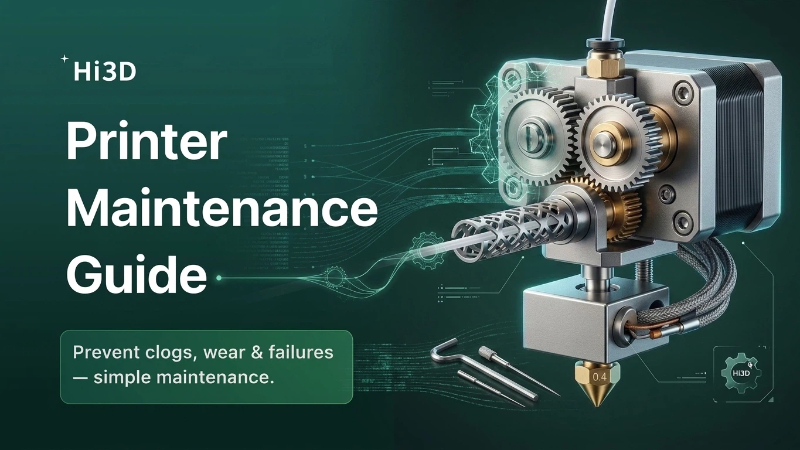
Many print quality issues aren’t caused by settings at all—they’re caused by hardware that hasn’t been maintained. Just like a car needs oil changes, a 3D printer needs regular care to keep producing reliable results.
The good news? Most maintenance tasks take only a few minutes and can prevent hours of wasted printing.
Scenario #1: “My Printer Suddenly Started Under-Extruding”
One day your prints look perfect.
The next day:
- Layers look thin.
- Walls have gaps.
- Top surfaces aren’t fully closed.
- Extrusion becomes inconsistent.
Most people immediately increase nozzle temperature or flow rate.
In reality, the problem is often a partially clogged nozzle.
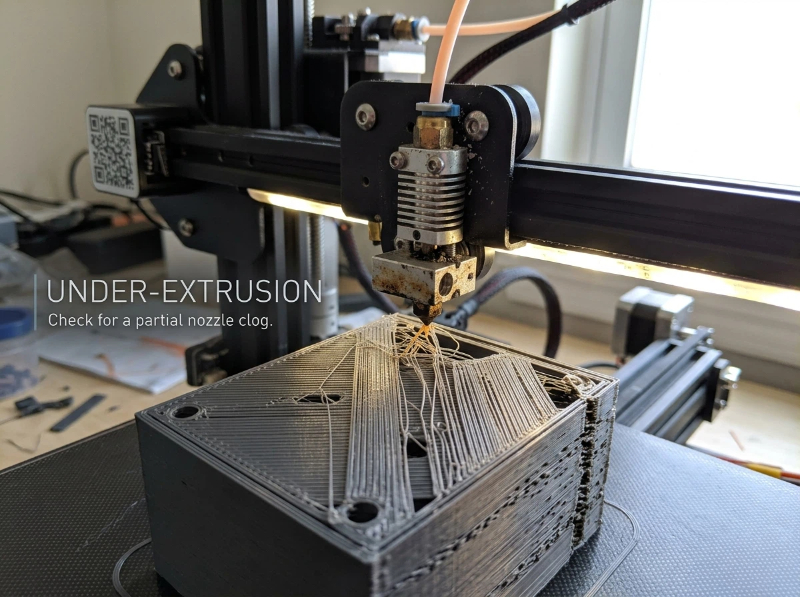
How Nozzle Clogs Happen
Every filament leaves behind small residues inside the hotend.
Over time these residues accumulate.
Common causes include:
- Frequent material changes
- Printing dusty filament
- Burned filament left inside the nozzle
- Low-quality materials with contaminants
The clog usually develops slowly, which is why many users don’t notice it until print quality suddenly drops.
How to Prevent It
A simple cleaning routine goes a long way.
Every few weeks:
- Inspect the nozzle tip.
- Remove filament residue.
- Perform a cold pull if extrusion becomes inconsistent.
Many makers wait until a complete blockage occurs. By then, a failed print has usually already happened.
Scenario #2: Carbon Fiber PLA Destroyed My Print Quality
You switch to carbon fiber PLA because it looks amazing.
The first few prints come out beautifully.
A few spools later, even standard PLA starts printing poorly.
- Dimensions are off.
- Corners are rounded.
- Small details disappear.
What happened?
Your nozzle is worn.
image - 2026-06-16T125205.421.jpg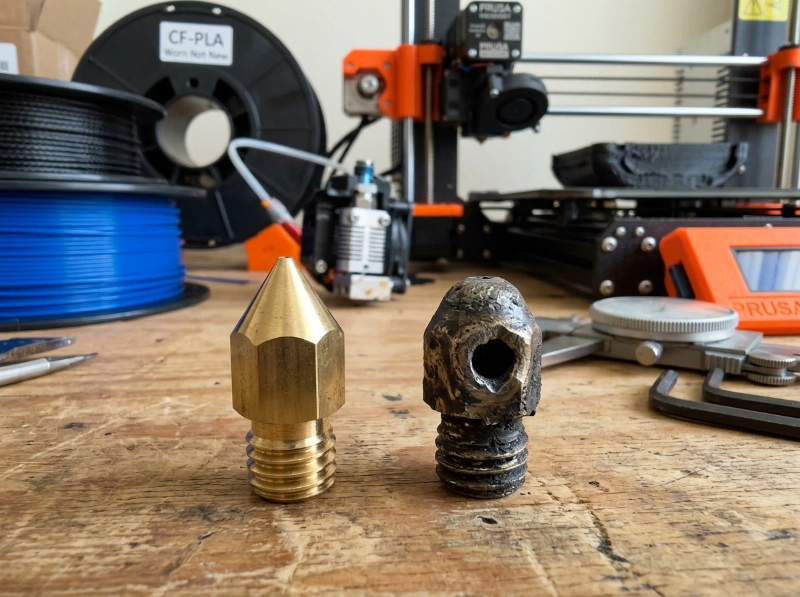
The Hidden Cost of Abrasive Filaments
Materials containing:
- Carbon fiber
- Glass fiber
- Metal particles
- Glow-in-the-dark additives
act like sandpaper inside the nozzle.
Brass nozzles wear surprisingly fast under these conditions.
As the nozzle opening gradually enlarges:
- Line widths become inconsistent.
- Details become softer.
- Flow rates change unpredictably.
When Should You Replace a Nozzle?
Many makers use the same nozzle for years.
In reality, nozzles are consumables.
If you regularly print abrasive materials, consider:
- Hardened steel nozzles
- Tungsten carbide nozzles
- Ruby-tipped nozzles
A replacement nozzle often costs less than a failed print.
Scenario #3: Random Layer Shifts Keep Ruining Prints
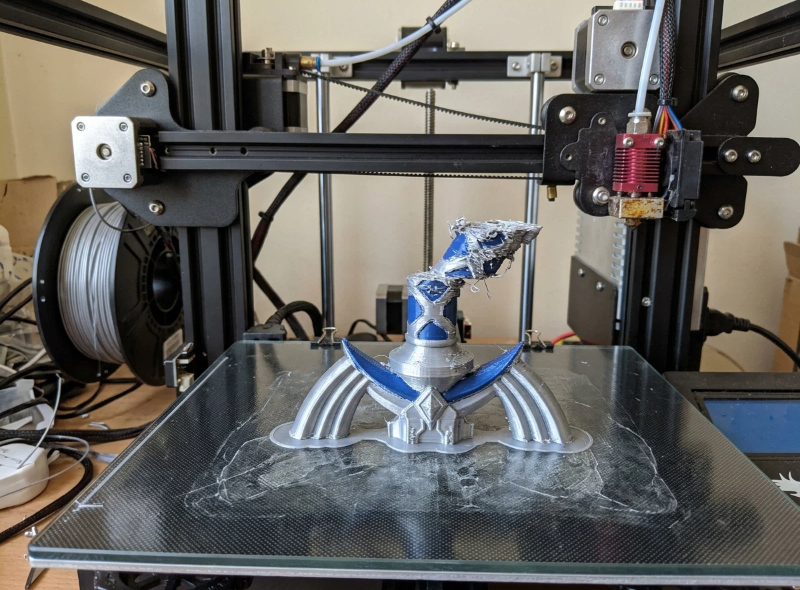
Imagine spending twelve hours printing a prop sword.
Everything looks perfect until halfway through the print, when the layers suddenly shift several millimeters.
The result is unusable.
Many users assume this is a software issue.
Usually, it isn’t.
Check Your Belts First
Loose belts are one of the most common causes of layer shifting.
Over time belts naturally stretch.
Symptoms include:
- Shifted layers
- Rounded corners
- Reduced dimensional accuracy
- Visible ringing artifacts
A properly tensioned belt should feel firm but not overly tight.
Think of it like tuning a guitar string—you want tension, but not excessive force.
Don’t Ignore Motion Components
Modern printers move thousands of times during a single print.
Eventually, components wear.
Inspect regularly:
- Belt condition
- Pulleys
- Bearings
- Linear rails
- Lead screws
Many reliability problems start as tiny mechanical issues that gradually become larger failures.
Scenario #4: The Extruder Is Grinding Filament
You hear a clicking sound.
The printer keeps moving, but filament stops feeding properly.
Soon afterward, under-extrusion appears.
This is usually an extruder problem.
Why Extruder Gears Wear Out
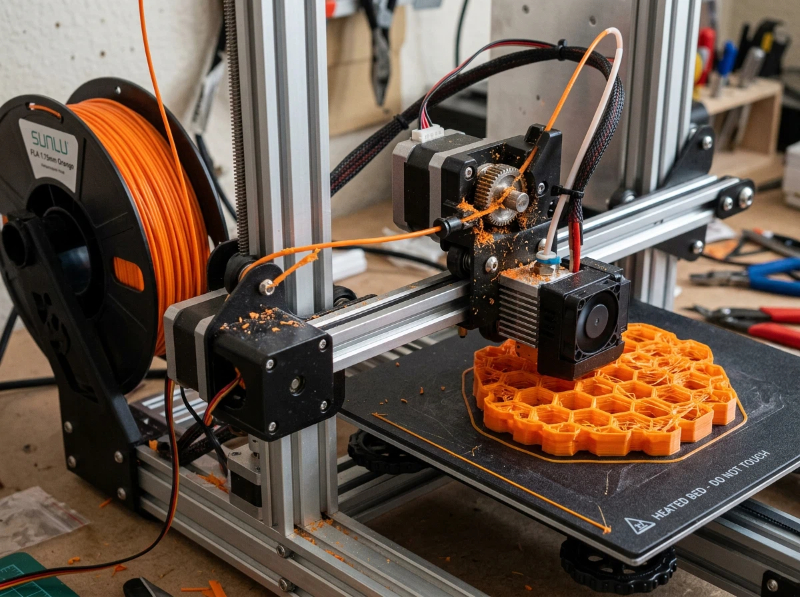
The extruder is responsible for pushing filament through the hotend.
After hundreds of printing hours:
- Dust accumulates
- Filament particles build up
- Gear teeth wear down
The extruder begins losing grip.
Instead of feeding smoothly, it starts grinding the filament.
A Five-Minute Fix
Regularly inspect:
- Drive gears
- Idler tension
- Filament path
Simply cleaning accumulated filament dust often restores consistent feeding.
It’s one of the easiest maintenance tasks—and one of the most commonly ignored.
Scenario #5: My Printer Was Fine for Months, Then Everything Got Worse
This is often a lubrication issue.
Many users never lubricate their printer.
For a while, that’s fine.
Then movement gradually becomes rougher.
Print quality slowly declines.
Noise increases.
Small dimensional inaccuracies appear.
Where Lubrication Matters
Depending on your printer design:
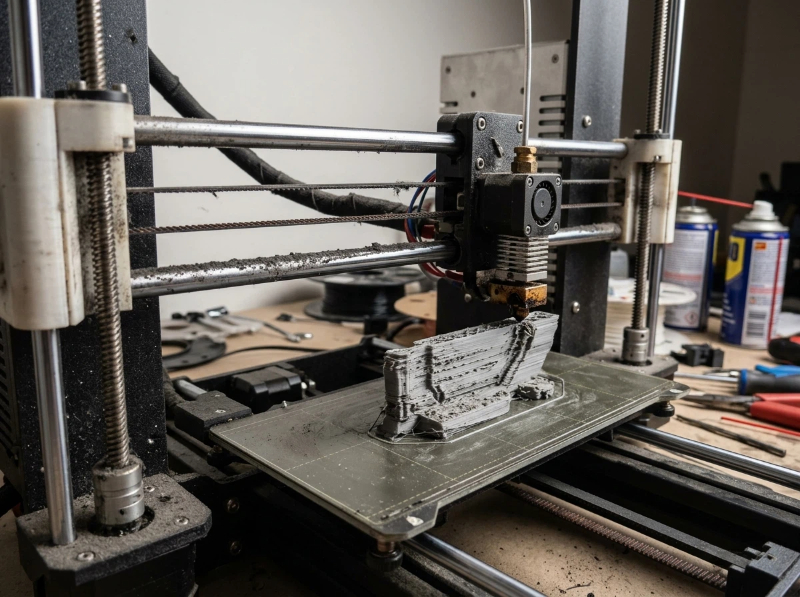
- Linear rods
- Linear rails
- Lead screws
- Bearings
all require periodic lubrication.
Proper lubrication:
- Reduces wear
- Improves motion consistency
- Extends hardware lifespan
- Helps maintain dimensional accuracy
Always use lubricants recommended by the printer manufacturer.
More lubricant is not always better.
The Real Cost of Skipping Maintenance
Many makers view maintenance as wasted time.
But consider the alternative:
- Failed overnight prints
- Lost material
- Lost time
- Poor print quality
- Endless troubleshooting
A five-minute maintenance check can easily prevent a twenty-hour failure.
That’s one of the best returns on investment in all of 3D printing.