AI image-to-3D model converters can turn a photo, illustration, or concept sketch into a mesh that you can inspect, edit, export, or prepare for printing. For most creators, Hi3D is the strongest all-in-one option in this list because it connects single-image and multi-view generation with model inspection, texturing, Split-to-Print, Multi-Color Print, and multi-format export. Tripo is a strong alternative for character production tools, while Meshy offers a broad asset workflow for games and visualization.
The word free needs some context. Some tools provide recurring credits, some limit downloads or commercial use, and others offer only a trial or a basic model. Alpha3D is included as the requested paid benchmark, while Canva creates 3D-style images without editable mesh output. Always check generation allowances, export rights, privacy, and licensing before committing a model to commercial work.
This guide compares the 10 requested tools by workflow, free access, pricing, advantages, limitations, and best use case. Prices and plan terms were checked in USD or the product's published currency on October 13, 2026. Promotions, regional pricing, taxes, and account-level experiments can change what you see.
How to Get Better Results from an AI Image-to-3D Model Converter?
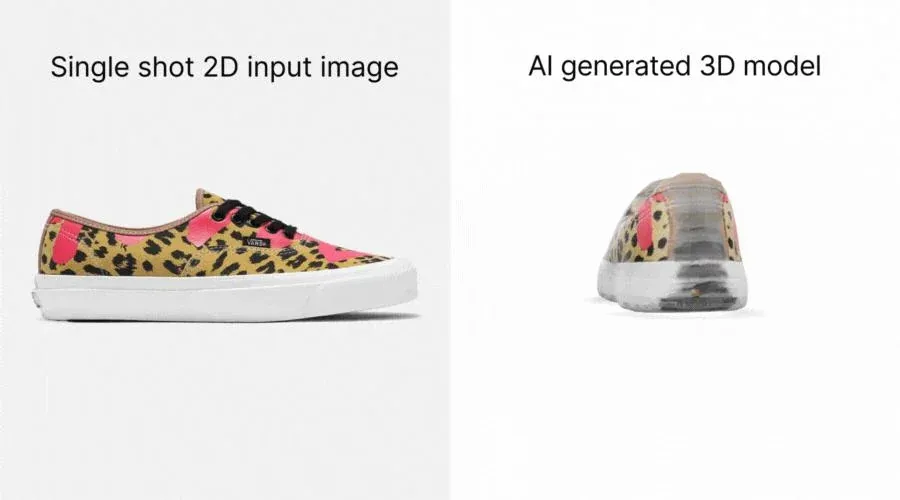
Image-to-3D systems infer geometry from visible pixels. A clean reference reduces guesswork, but every single-image result still needs inspection because the source does not reveal the back, underside, or hidden connections.
1. Start With a Clear, High-Quality Image
Choose a reference with a clearly visible subject, sufficient resolution, and even lighting. Sharp silhouettes and readable details help the model separate geometry from surface color. A well-lit product photo usually provides more useful structural information than a dark, heavily compressed image. Avoid motion blur, strong reflections, deep shadows, and filters that hide edges. If dimensional accuracy matters, treat the generated asset as a starting point and verify measurements in dedicated 3D software.
2. Use a Simple Background
A busy background can introduce stray geometry or make subject separation less reliable. Use a plain white, gray, or transparent background when possible, and avoid objects that overlap the main silhouette. Background removal can help, but inspect fine structures such as hair, straps, handles, and antennae after removal because automatic masks may cut them away.
3. Show as Much of the Object as Possible
A front-facing image leaves the sides and back unknown, so the system must invent them. A three-quarter view usually reveals more depth, and uncropped images preserve the full silhouette. When a platform supports multi-view generation, provide consistent front, side, and rear images with similar lighting and proportions. Multiple views can improve structural consistency, but they do not guarantee correct topology or real-world dimensions.
4. Choose the Right Tool for Your Use Case
The most attractive preview is not automatically the best downloadable asset. A 3D-printing workflow needs suitable geometry, scale checks, repair, slicing, and often STL or 3MF export. Game artists may prioritize textures, polygon control, retopology, rigging, and engine-friendly formats. Before choosing a converter, separate four questions: what the free plan can generate, what it can download, what license applies, and how much cleanup the result needs.
10 Best Free AI Image to 3D Model Converters
These products cover several meanings of free: permanent free plans, recurring credits, no-sign-up basic generation, limited AI allowances, and paid testing tiers. Compare the usable output and license first; the headline credit number tells only part of the story.
1. Hi3D: Best for Detailed Models, Reliefs, and Print Preparation
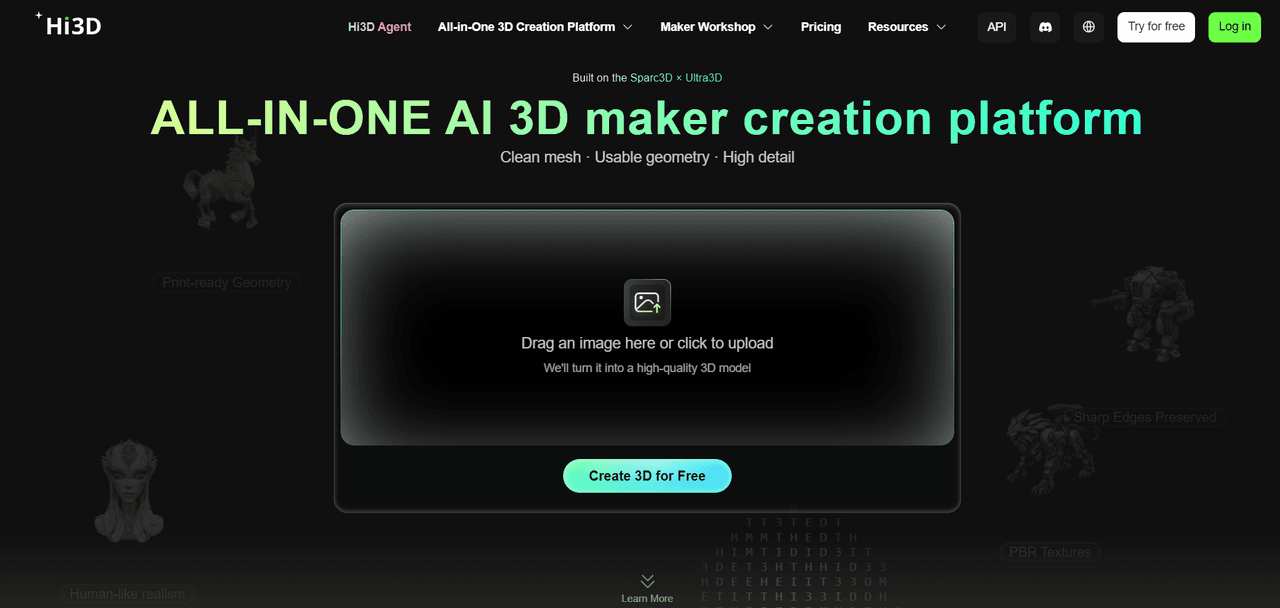
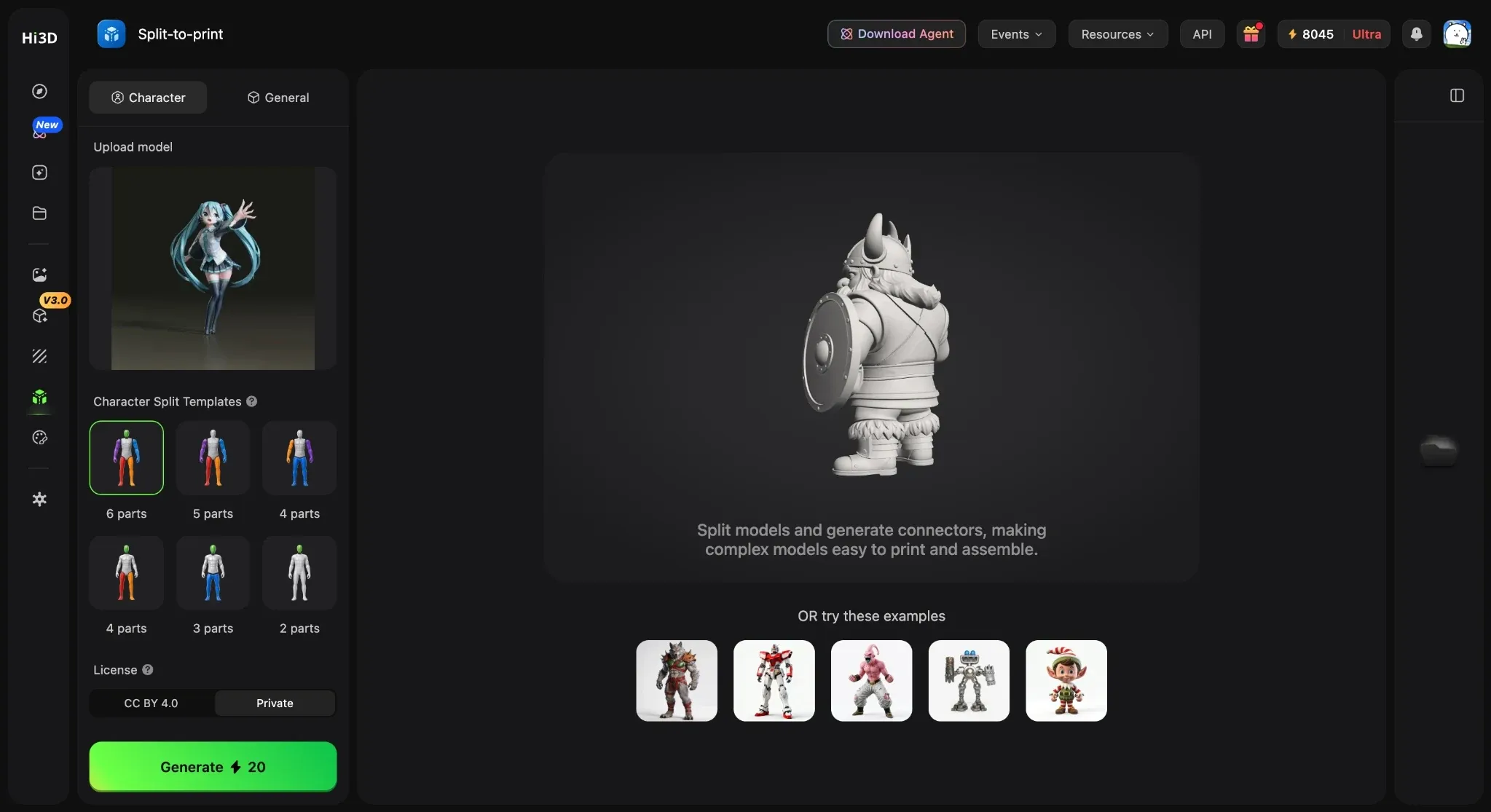
Hi3D is a browser-based, all-in-one 3D creation platform that carries an image beyond first-pass generation. A creator can start with a single reference or multiple views, inspect the generated form, work with geometry and textures, and continue into print-oriented tools such as Split-to-Print and Multi-Color Print. Its separate 3D Relief workflow is useful for raised or recessed decorative work, including plaques, ornaments, and jewelry concepts. Hi3D V3.0 focuses on detailed geometry and high-resolution textures, although high density does not by itself prove clean topology or print readiness. The connected workflow makes Hi3D particularly useful when the goal is to move from a visual reference toward an editable digital asset or a file that can be checked in a slicer. This reduces tool switching during early iteration.
Key Features:
- Single-image and multi-view 3D generation
- Geometry and texture options
- 3D Relief
- Stylized Texture
- Split-to-Print
- Multi-Color Print
- GLB, OBJ, STL, FBX, USDZ, and 3MF export options, subject to plan and feature access
Pricing:
- The Hi3D subscription page lists Free at $0 with 100 lifetime credits.
- The maintained standard prices are Pro at $19.90/month or $119.40/year ($9.95/month equivalent), Max at $39.90/month or $239.40/year ($19.95/month equivalent), and Ultra at $129.90/month or $779.40/year ($64.95/month equivalent).
- The current public comparison table lists Free-plan downloads as unavailable; paid plans include unlimited downloads and private commercial use.
- Ignore introductory first-month banners when comparing standard prices.
Pros:
- Connects generation, inspection, texture work, print preparation, and export
- Supports single-image and multi-view inputs
- Dedicated relief workflow
- Broad handoff options for Blender, slicers, game engines, web, and AR workflows
Cons:
- Free credits are limited and the current Free plan does not list model downloads
- Plan and model access vary; hidden surfaces are inferred
- Generated meshes still require topology, scale, manifold, and slicing checks before production.
Best For
Makers, 3D-printing enthusiasts, relief artists, collectible designers, jewelry concept creators, and artists who want one connected image-to-3D workflow.
2. Tripo AI: Best for Fast Character and Game-Asset Workflows
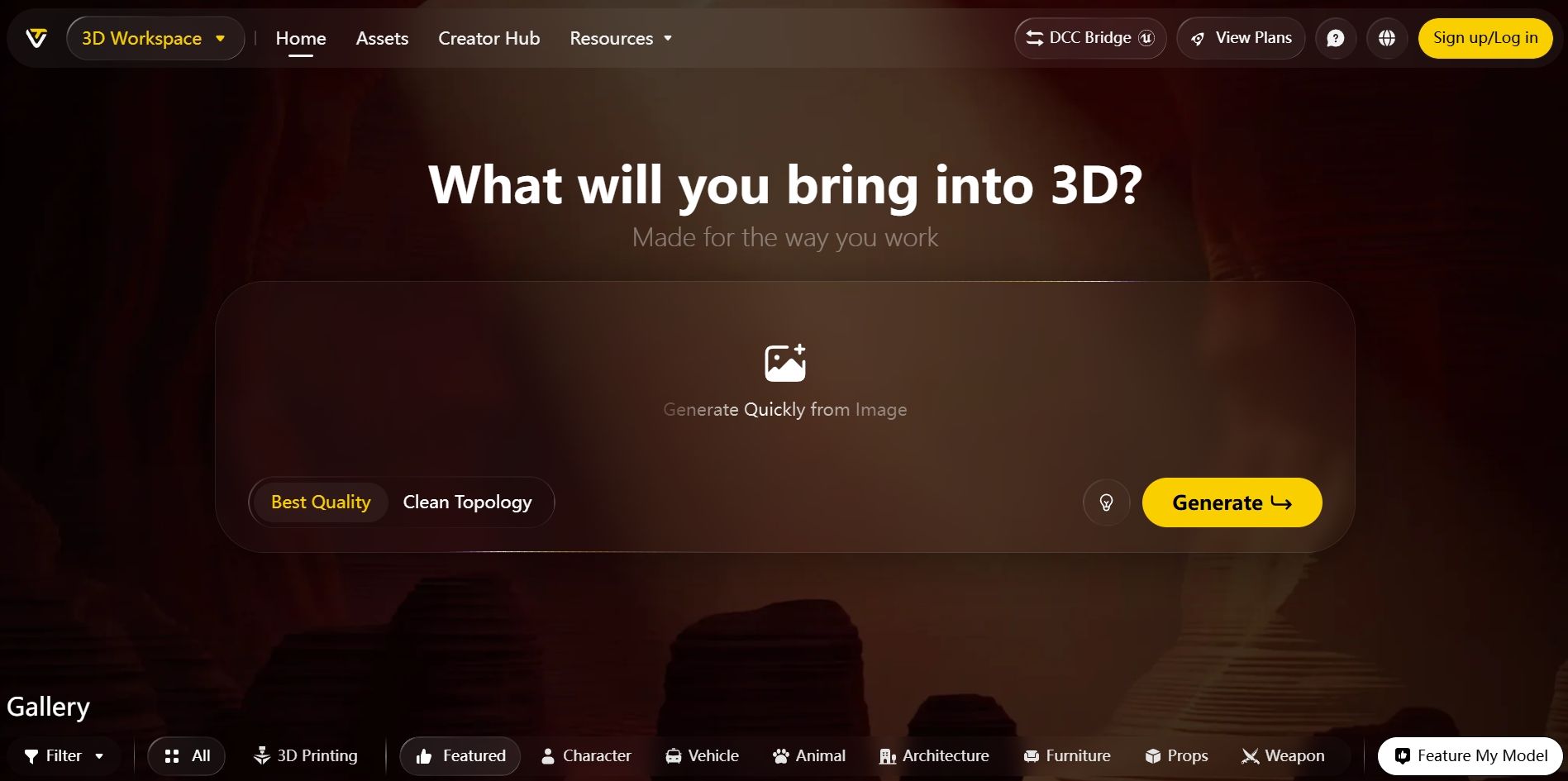
Tripo AI combines image-to-3D generation with a growing production toolkit for creators who want to keep working after the initial mesh appears. Its web workspace includes texturing, texture editing, retopology, segmentation, rigging, and animation features, with multi-view generation and higher-quality modes available on paid plans. That breadth makes it especially relevant to character and game-asset workflows that continue beyond the first download. The Free plan can support genuine experimentation, but its public-model requirement, non-commercial status, quality limits, and restricted exports matter more than the headline credit count. Tripo is therefore a good fit for learning the workflow or prototyping an asset before deciding whether the paid production tools and commercial license justify an upgrade. Its value grows when the next task is rigging or animation.
Key Features:
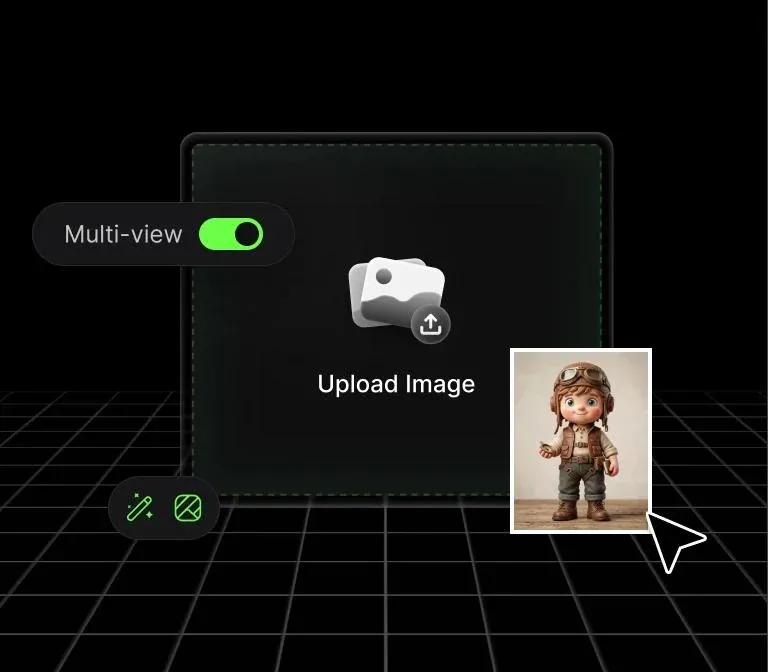
- Single-image and multi-view generation
- Texture generation and editing
- Retopology; smart segmentation; rigging and animation; DCC bridges
- High-detail and advanced mesh options on eligible plans
Pricing:
- Free includes 200 monthly credits, approximately 13 models, one concurrent task, public models, non-commercial use, and limited exports.
- The annual view checked on October 13, 2026 lists Pro at $240/year ($20/month equivalent) and Max at $1,080/year ($90/month equivalent).
- Monthly billing, team-seat requirements, and promotional prices should be checked on the live pricing toggle before purchase.
Pros:
- Broad post-generation toolset
- Recurring free credits
- Useful character controls
- Paid plans support private models and commercial work
- Suitable for creators who want rigging or animation in the same platform
Cons:
- Free models are public and non-commercial
- Export and quality access are limited
- Multi-view and advanced production tools sit behind paid plans
- Generated topology and rigs still need project-specific validation
Best For
Indie game developers, character artists, animators, and creators who want generation plus asset-refinement tools.
3. Meshy: Best for Textured Assets and Broad 3D Workflows
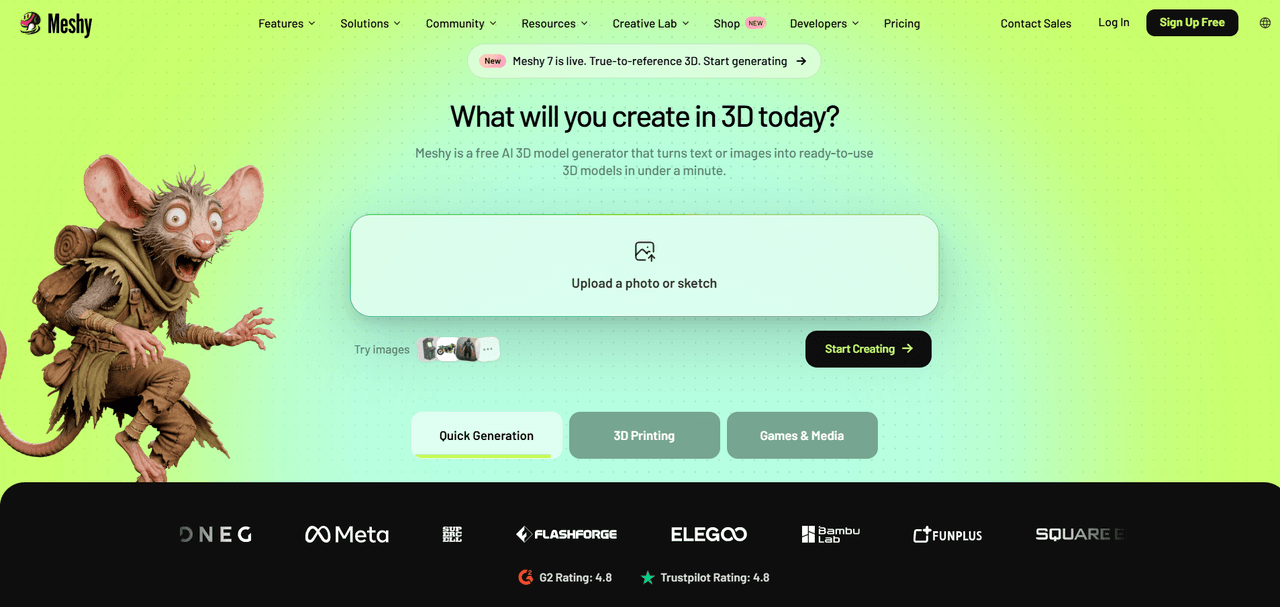
Meshy turns reference images and prompts into 3D assets and surrounds generation with texturing, remeshing, rigging, animation, and print-oriented features. Its common export formats and integrations make it practical for Blender, game engines, visualization, and 3D-printing experiments. The free allowance is useful for testing prompts and comparing generations, but the current Free plan does not provide general downloads of newly generated Meshy 6 or Meshy 7 models. This makes Meshy Free best suited to evaluation, with a paid plan needed for a dependable export pipeline. Paid plans add unlimited downloads, private assets, commercial rights, API access, multi-view generation, and larger monthly credit pools. Users should still inspect topology, texture seams, thin features, and mesh integrity before treating an output as game-ready or printable. It is strongest when several follow-up tools matter.
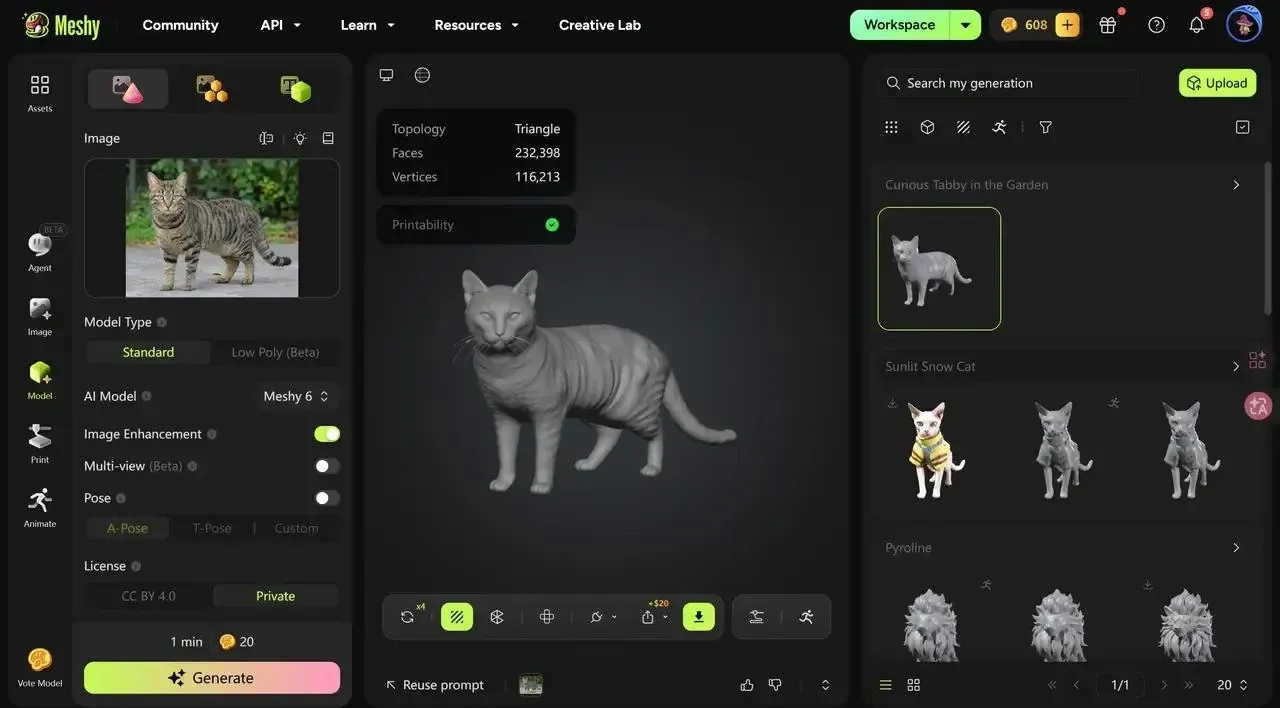
Key Features:
- Image-to-3D and text-to-3D
- AI texturing; remesh and topology tools; rigging and animation
- Multi-view generation on paid plans
- Common 3D exports and 3D-printing workflows.
Pricing:
- Free is $0 with 100 monthly credits, one queued task, public CC BY 4.0 assets, and no general model downloads.
- Current monthly prices are Pro $20 with 1,000 credits, Premium $40 with 3,000 credits, and Ultra $100 with the highest individual allowance shown on the live plan.
- New-user first-month promotions may appear.
- Exact annual totals were not publicly exposed in the official material reviewed and should be checked at checkout.
Pros:
- Mature range of generation and follow-up tools
- Recurring free credits
- Extensive paid export and commercial options
- Useful across games, visualization, animation, and printing
Cons:
- The Free plan is mainly for evaluation because downloads are restricted
- Multi-view and commercial workflows require payment
- Credit use varies by model and operation
- Generated meshes may need repair or optimization
Best For
Game-asset creators, 3D artists, product-visualization teams, and users who want a broad hosted workflow around generated models.
4. SupaVoxel: Best for Quick Daily Image-to-3D Experiments
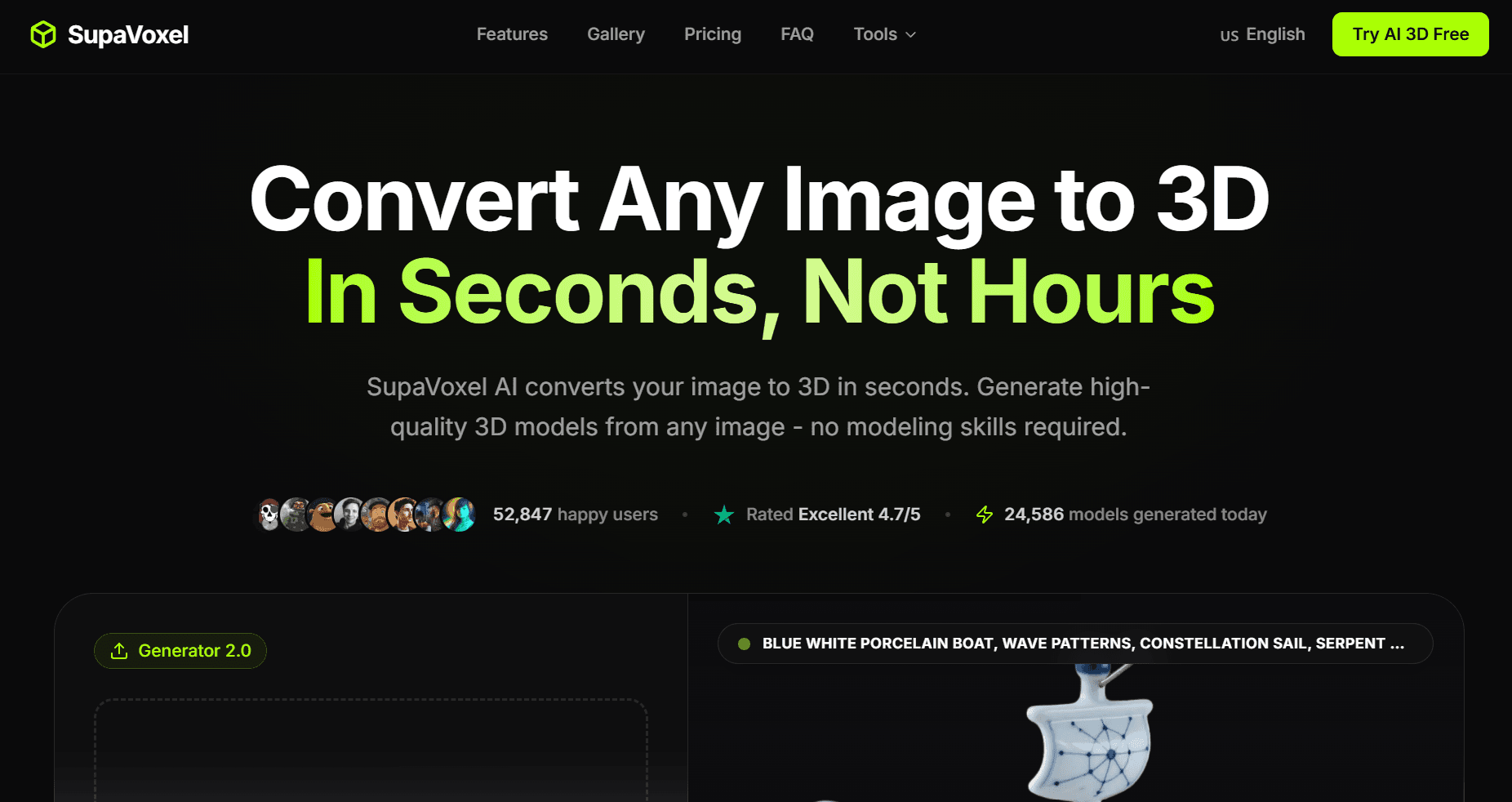
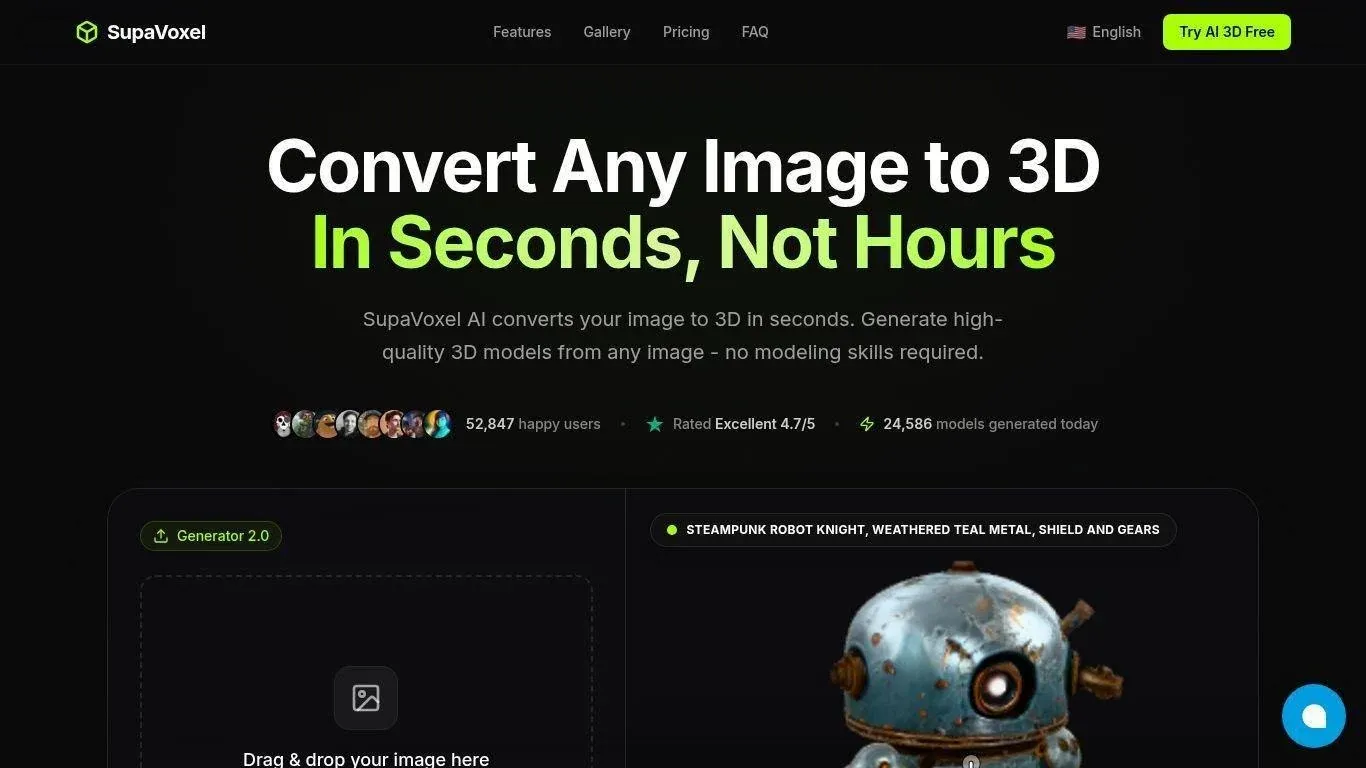
SupaVoxel offers a direct browser workflow for converting a reference image into a textured or geometry-only 3D asset. Its main appeal is speed and accessibility: the homepage advertises three free models per day without requiring a credit card, which gives beginners room to test different references over time. The paid workflow uses inexpensive credit costs for mesh-only and textured generations and provides a broad export list for general 3D, AR, and printing pipelines. SupaVoxel is best treated as a rapid concept and prototyping tool; each model still needs structural validation. Complex shapes, thin parts, and obscured geometry can require cleanup. Users planning commercial work should also confirm whether their free output receives the same private commercial license that the paid Starter plan explicitly includes.
Key Features:
- Browser-based image-to-3D generation
- Mesh-only or textured output
- Background removal; browser preview
- GLB, GLTF, FBX, OBJ, STL, PLY, and USDZ exports on eligible plans
Pricing:
- The site advertises three free models per day.
- Starter is $19/month with 400 credits, currently promoted at $9 for the first month.
- Pro is $29/month with 600 credits.
- Ultra is $99/month with unlimited 3D generations subject to lower priority during busy periods.
- The public page reviewed did not expose an annual billing total.
Pros:
- Low-friction free testing
- Simple interface
- Broad paid export support
- Low stated credit cost for basic meshes
- Recurring daily allowance
Cons:
- Free license and export conditions need account-level confirmation
- Promotional prices can distract from the standard monthly rate
- Complex or occluded geometry may need substantial refinement
Best For
Beginners, hobbyists, rapid prototypers, and creators who want a small recurring allowance for quick image-to-3D tests.
5. 3D AI Studio: Best for Comparing Multiple Generation Engines
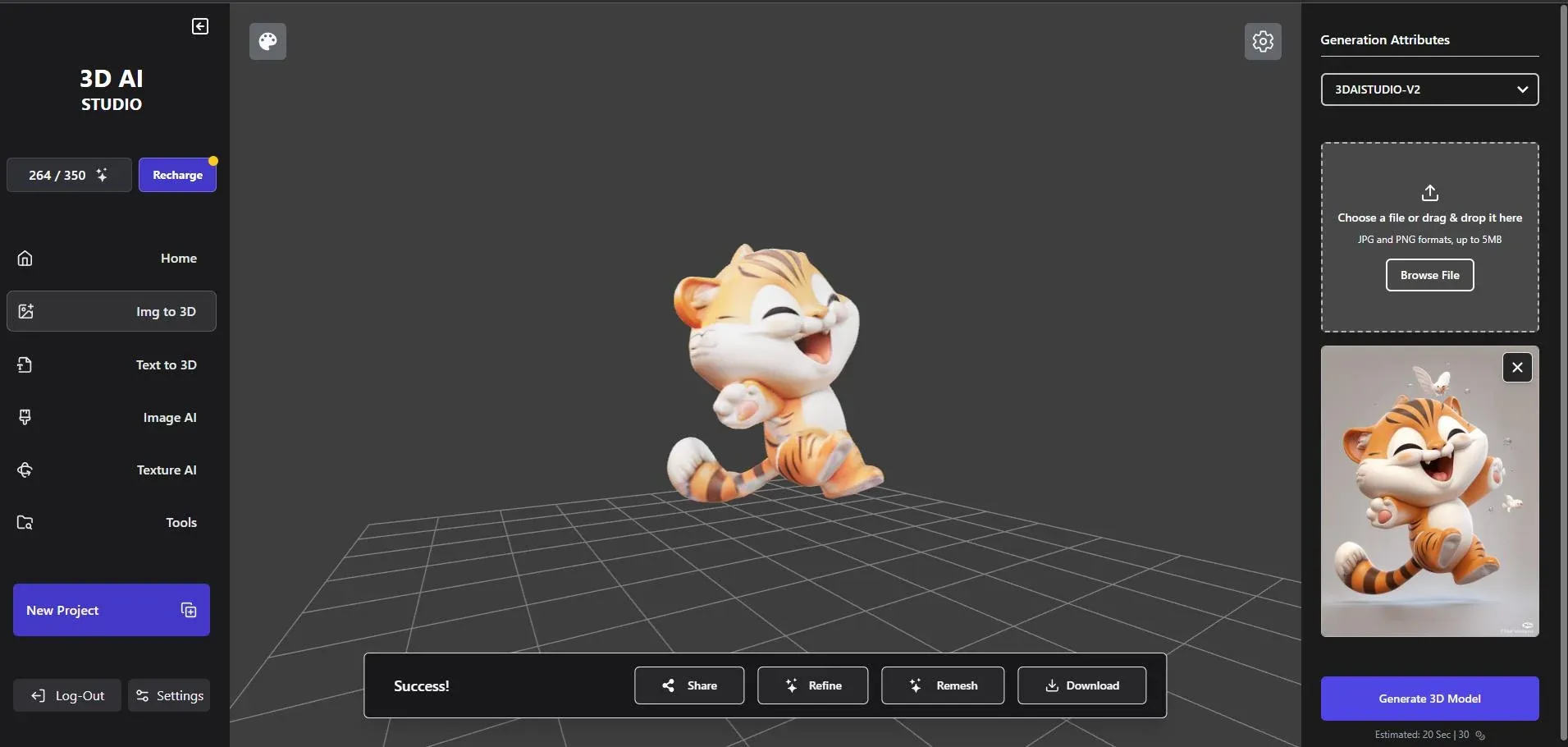
3D AI Studio places multiple AI 3D engines and supporting image tools in one workspace. That setup is valuable when one model handles a particular character, prop, or surface style better than another, because users can change the generation approach without moving the whole project to a separate platform. Its paid tiers cover image-to-3D, text-to-3D, image creation and editing, multi-image generation, major export formats, and commercial use. Selected tools and introductory credits can be tested without a card, but the public page does not promise a permanent, fixed free allowance for every engine. Credit consumption also varies by task, so frequent users need to compare the cost of their preferred engine rather than judging the plan only by its total credit balance.
Key Features:
- Multiple image-to-3D engines and text-to-3D
- AI image generation and editing
- Multi-image generation on higher plans
- Major 3D exports
- Private commercial assets on paid tiers
Pricing:
- Selected tools can be tried with free credits.
- The annual-billing view lists Basic at $144/year ($12/month equivalent) with 1,000 monthly credits, Studio at $276/year ($23/month equivalent) with 3,500 monthly credits, and Pro at $1,668/year ($139/month equivalent) with 18,000 monthly credits and three team seats.
- Check the monthly toggle for current month-to-month prices.
Pros:
- Multiple engines in one account
- Useful for comparing results
- Combines image and 3D tools
- Paid plans include private commercial assets and broad exports
Cons:
- No stable public free-credit quantity was shown in the reviewed pricing surface
- Engine-specific credit use can complicate budgeting
- The number of choices may be excessive for a first-time user
Best For
Experienced creators, 3D artists, small teams, and users who want to compare several AI generation models inside one interface.
6. Canva: Best for 3D-Style Marketing Images, Not Editable Meshes
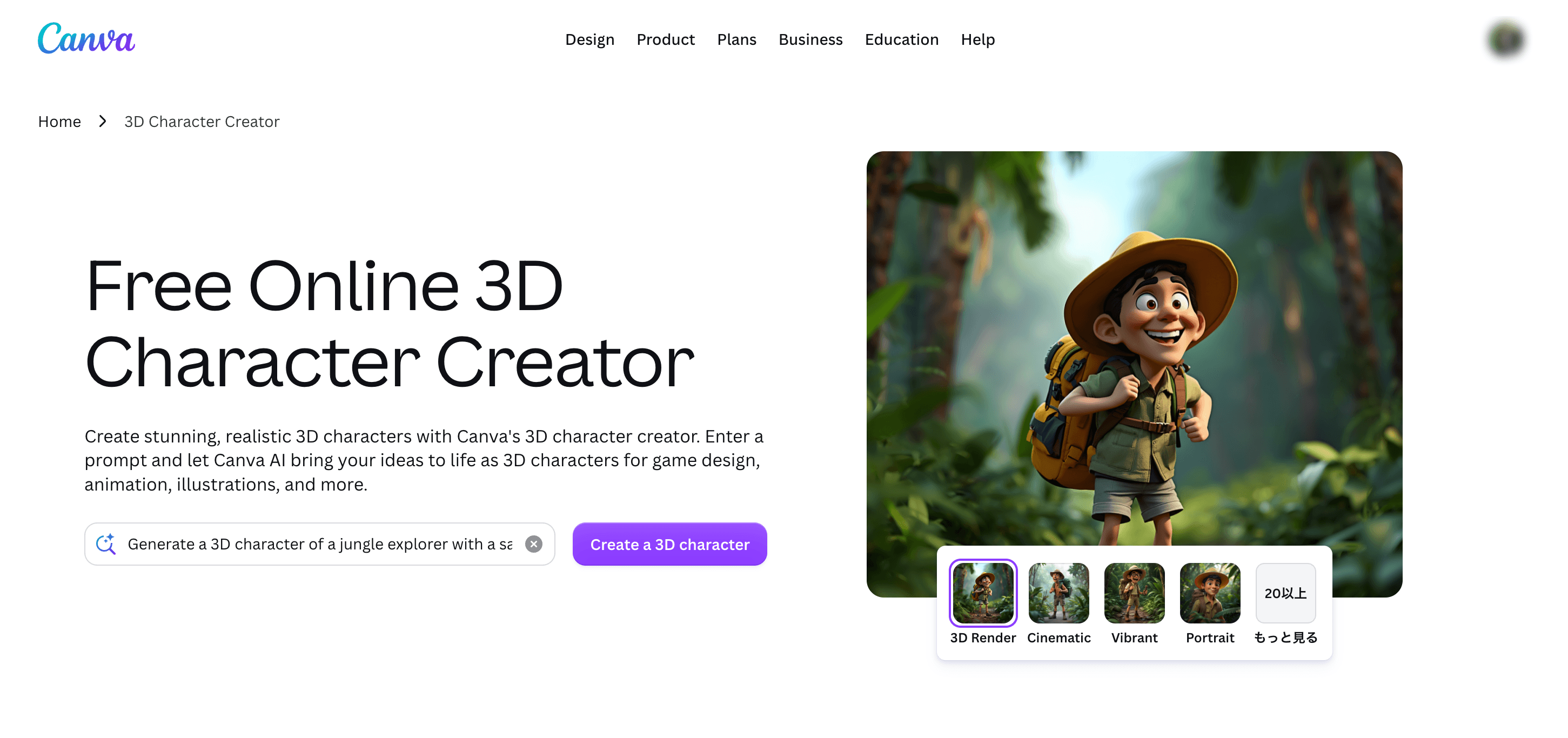
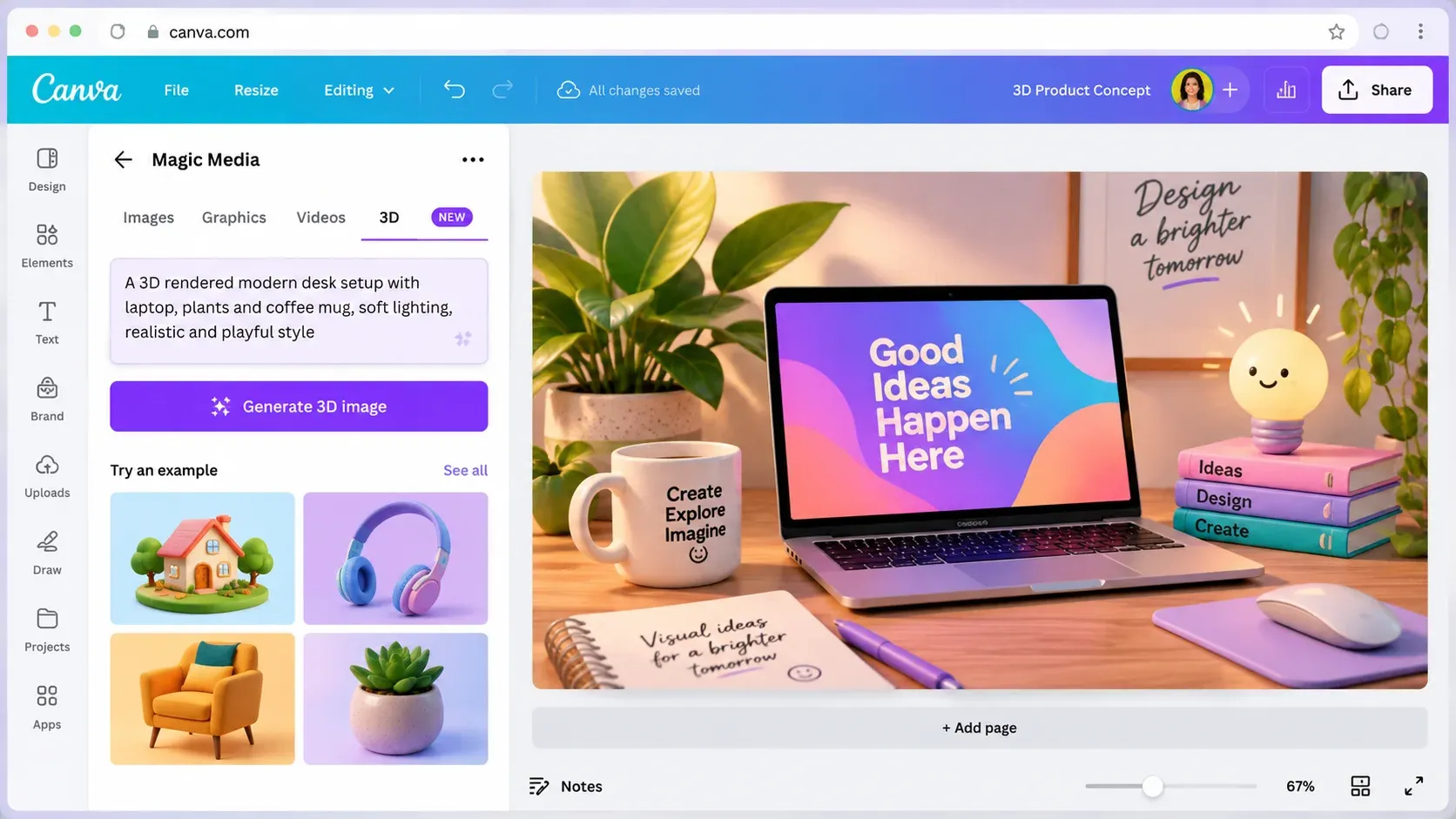
Canva's AI 3D Model Generator is the outlier in this comparison. It creates 3D-style images from text prompts for presentations, mockups, social content, and marketing designs; it does not convert an uploaded image into an editable STL, OBJ, FBX, or GLB mesh. The result can be adjusted in Canva's design editor and exported as a conventional design or image, which makes the tool useful during concept development or when a campaign needs a dimensional visual without a working 3D asset. Canva belongs here as a boundary case that helps readers avoid confusing a 3D-looking render with real geometry. Choose another product in this list if you need to rotate the object freely, edit vertices, rig a character, slice a print, or import a mesh into Blender or a game engine.
Key Features:
- Text-to-image generation in 3D visual styles
- Prompt and style controls
- Aspect-ratio options
- Canva editor integration
- Image, presentation, and document export formats
Pricing:
- Canva Free provides limited monthly AI usage that resets each month.
- Paid plans provide larger AI allowances, but prices and feature access vary by country, account, and billing surface.
- Confirm the current local Canva Pro or Business price in the account pricing page; this tool does not include a 3D-mesh export entitlement at any tier.
Pros:
- Easy for non-3D designers
- Integrates with layouts, text, and brand assets
- Useful for concept images, storyboards, presentations, and marketing visuals
Cons:
- Produces a 2D image with a 3D appearance
- No editable mesh, topology, UVs, rig, STL, OBJ, or GLB output
- Free AI usage is limited
Best For
Marketers, educators, presentation designers, and creators who need 3D-style visuals without a downloadable mesh requirement.
7. AI3DGen: Best for No-Sign-Up Basic Mesh Tests
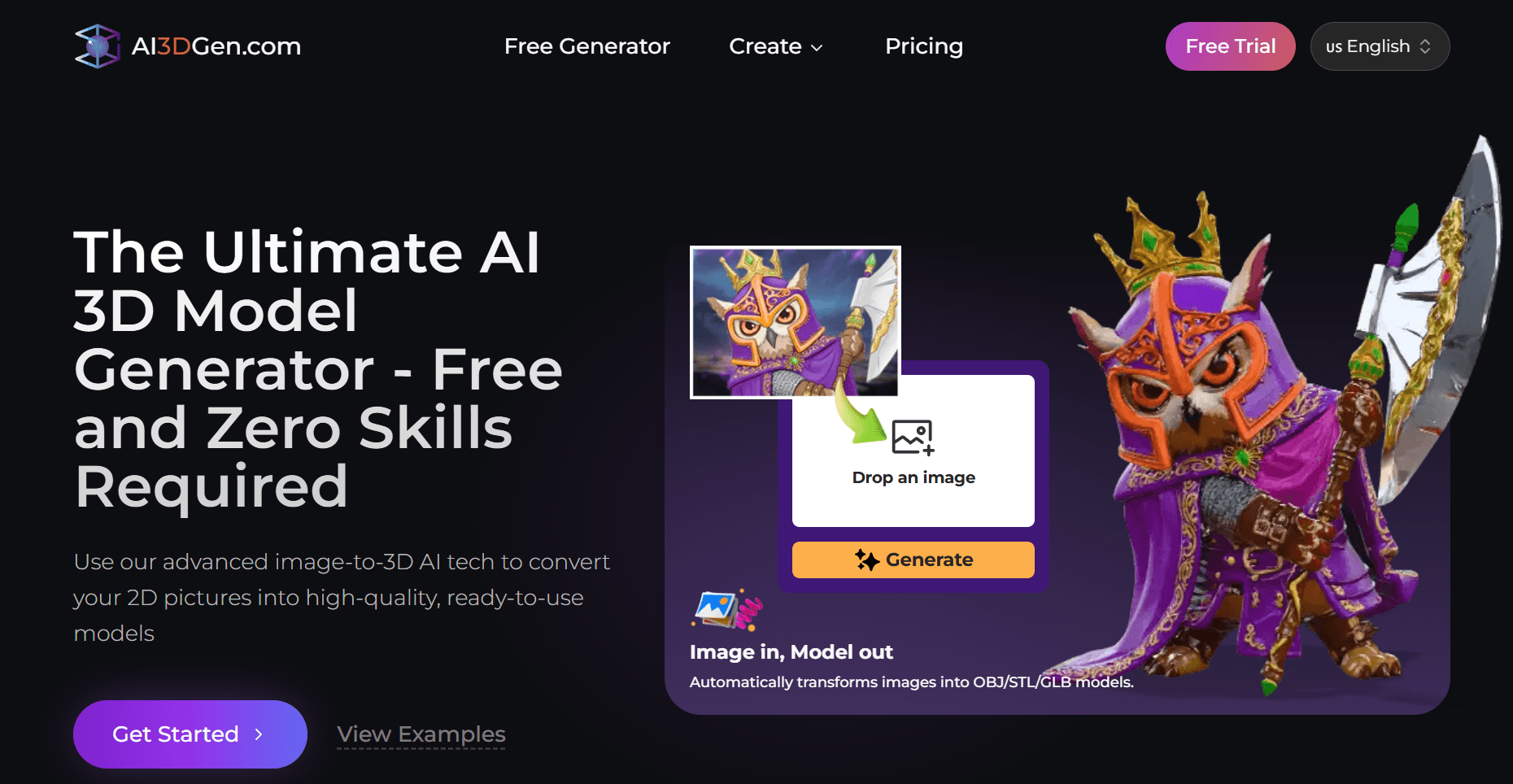
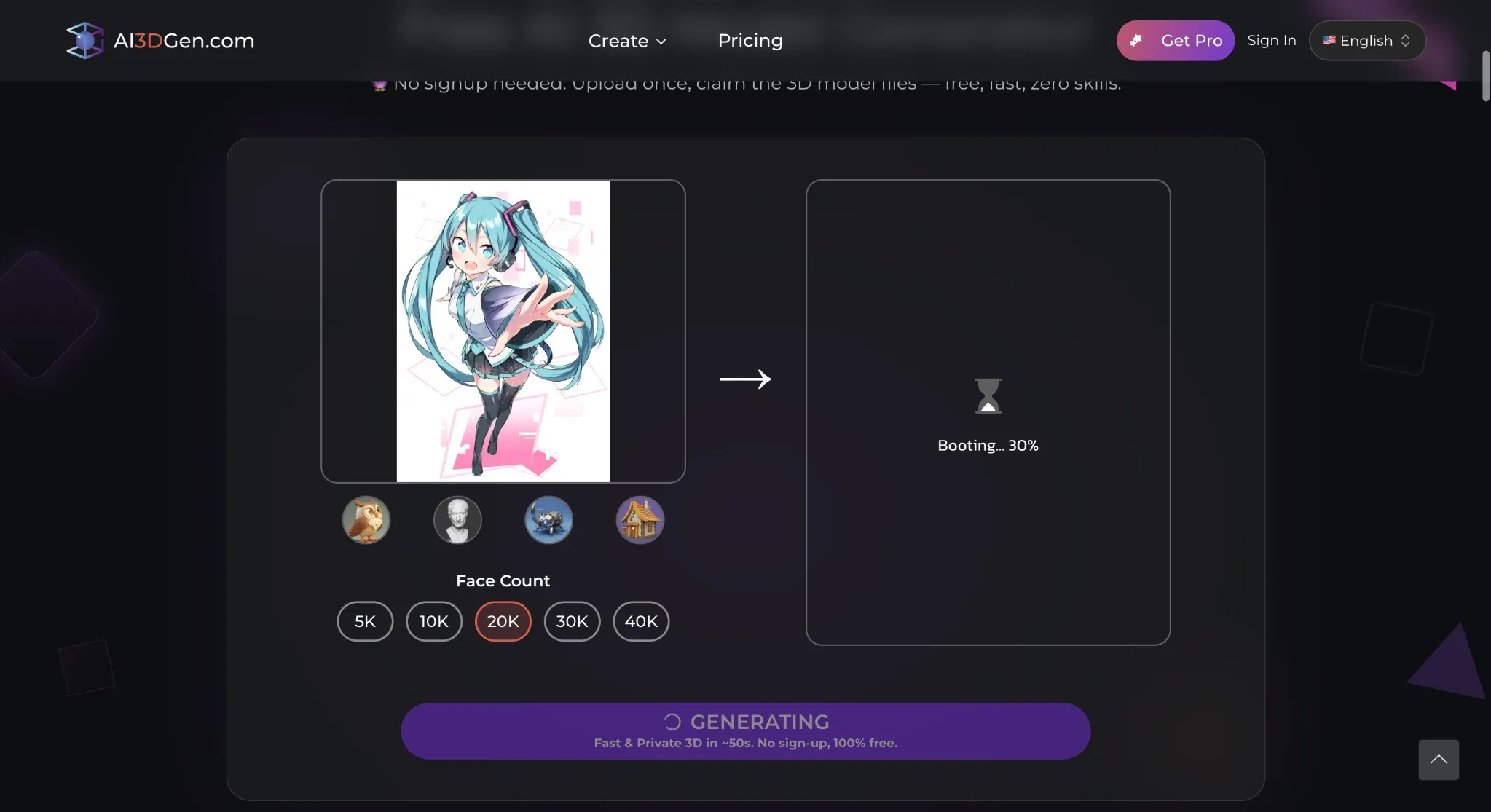
AI3DGen offers a lightweight way to test image-to-3D generation without creating an account or entering payment information. Its free Lite model produces a basic untextured mesh and places users in a queue during busy periods, making it most useful for checking whether a reference image can produce a recognizable starting form. The current official comparison limits free output to OBJ and personal use, while paid models add better geometry, PBR textures, more formats, adjustable settings, priority processing, and commercial rights. This separation is important because a downloadable free OBJ is still a draft asset rather than a production-ready model. Face count represents mesh density, not topology quality, so examine deformation, disconnected parts, normals, and surface continuity before continuing in Blender or a slicer.
Key Features:
- No-sign-up Lite generation
- Basic image-to-3D reconstruction
- Browser preview
- Adjustable controls on paid models
- OBJ, GLB, and STL across the wider paid workflow
Pricing:
- Lite generation is free without sign-up, with queueing, limited daily generations, OBJ-only output, no textures, and personal-use rights.
- Paid plans unlock Base, Pro, and Ultra models plus commercial licensing, but the official pricing page did not expose stable plan amounts in the public HTML reviewed on October 13, 2026.
- Check the live checkout before relying on a price.
Pros:
- Minimal setup; genuine downloadable free OBJ
- Useful for basic geometry experiments
- No card required for the Lite tool
Cons:
- Free output is untextured, lower-detail, queued, limited, and personal-use only
- GLB, STL, PBR textures, advanced settings, and commercial rights require paid access
Best For
Students, beginners, occasional hobby users, and anyone who wants to test a simple image as a basic OBJ before subscribing elsewhere.
8. Neural4D: Best for Free Blank-Mesh Exports and Broader Creative Tools
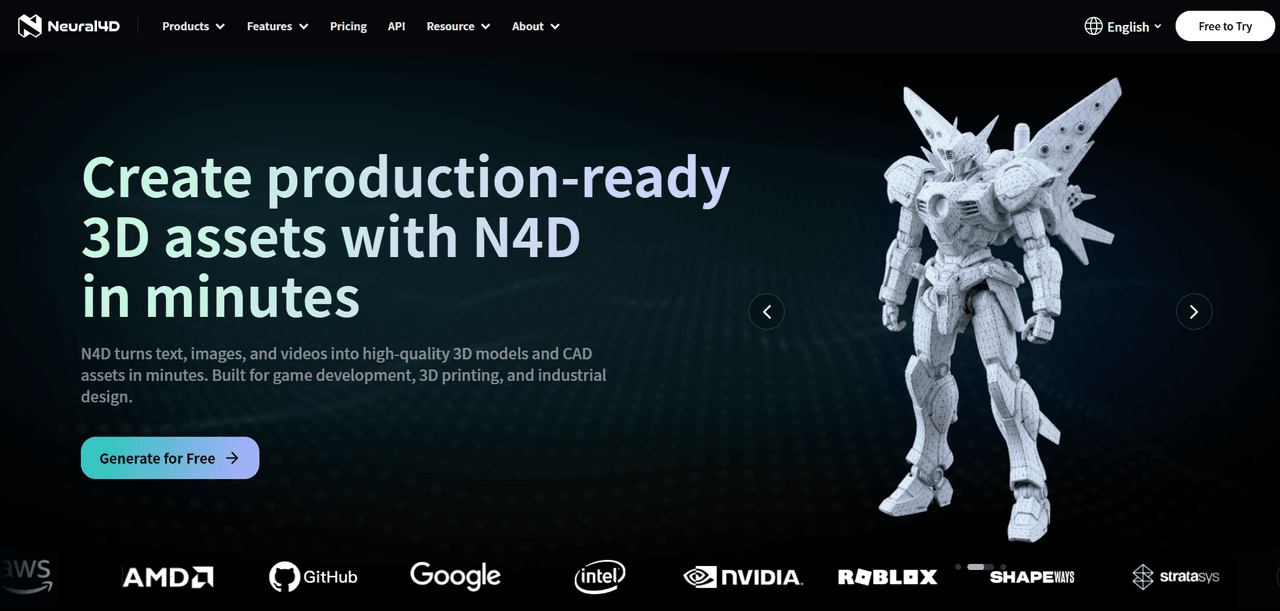
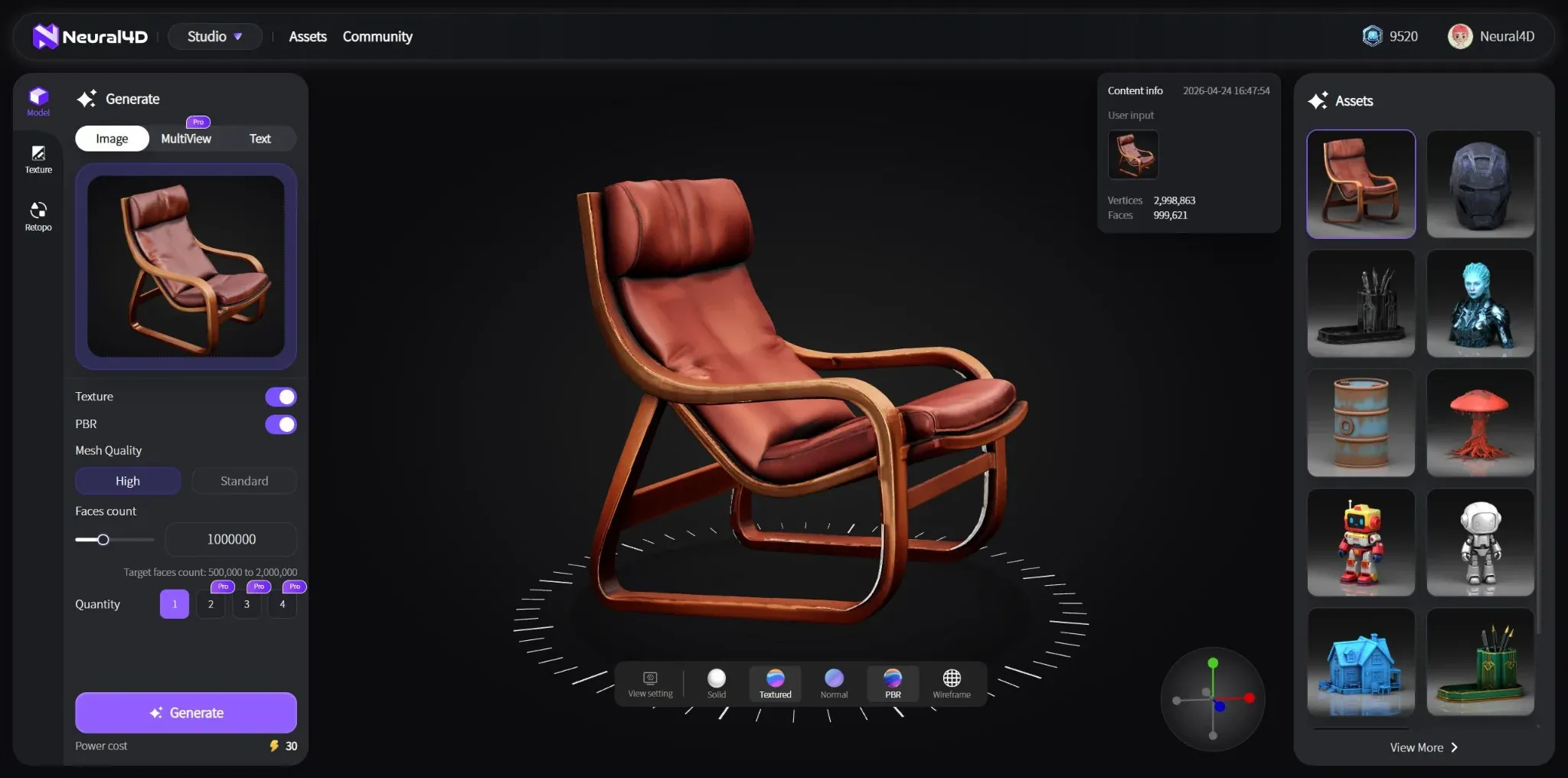
Neural4D combines image-to-3D and text-to-3D with texturing, remeshing, splitting, multicolor preparation, image generation, and video tools. Its recurring free credits and support for downloading untextured meshes make it more useful than a preview-only trial for creators who want to examine geometry in another application. Paid plans add textured downloads, private assets, commercial ownership terms, multi-view generation, higher mesh quality, and greater concurrency. Neural4D's public pages currently use inconsistent wording for the status of free-plan commercial output: one page describes free work as public-domain content with requested attribution, while another calls free models trial assets. Treat commercial use as unresolved until the current Terms and the asset's account-level license agree. The broader suite is attractive, but users should avoid assuming every model can move between every Neural4D tool.
Key Features:
- Image-to-3D and text-to-3D
- Blank-mesh export
- AI texturing and remesh
- Split and multicolor tools
- Image and video generation
- OBJ, FBX, GLB, USDZ, STL, and Blender-format support on eligible workflows
Pricing:
- Free provides 50 credits per week, with a basic generation costing 10 credits before optional texture or PBR charges.
- Published monthly pricing is Go at $19.90/month after a $9.90 first-month offer, Plus at $39.90/month after a $19.90 first-month offer, and Pro at $99.90/month after a $49.90 first-month offer.
- The pricing page advertises an annual discount but did not expose exact annual totals in the public text reviewed.
Pros:
- Recurring weekly free allowance
- Downloadable blank meshes
- Broad format support
- Paid plans connect generation with refinement and multicolor tools
Cons:
- Official free-license wording is inconsistent and requires verification
- Free textures and private assets are restricted
- Some assets cannot move between separate Neural4D tools
- The broad interface takes time to learn
Best For
3D artists, game developers, printing enthusiasts, and experimenters who want recurring credits plus basic mesh exports.
9. Fast3D: Best for Recurring Credits and Limited Free Downloads
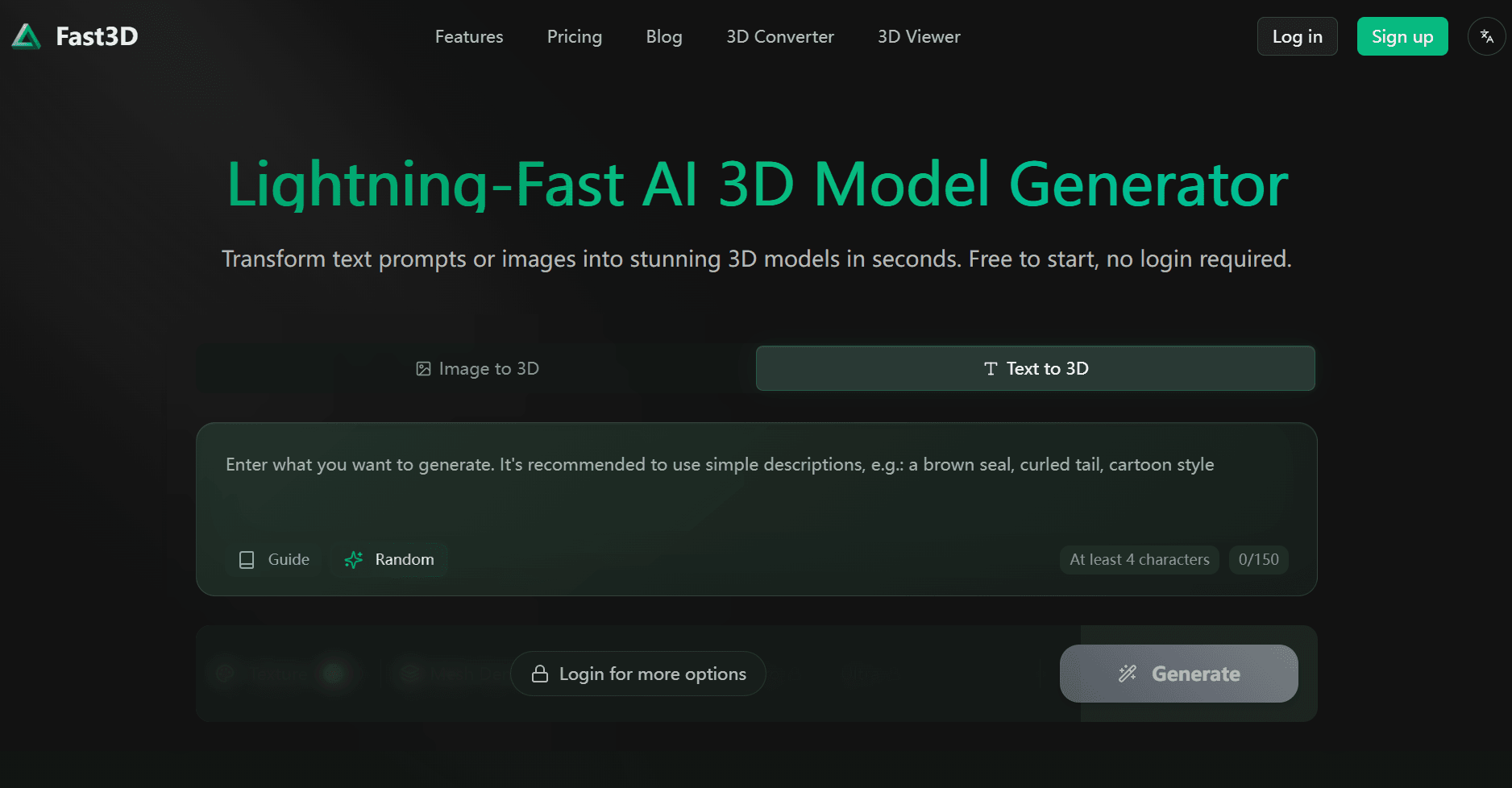
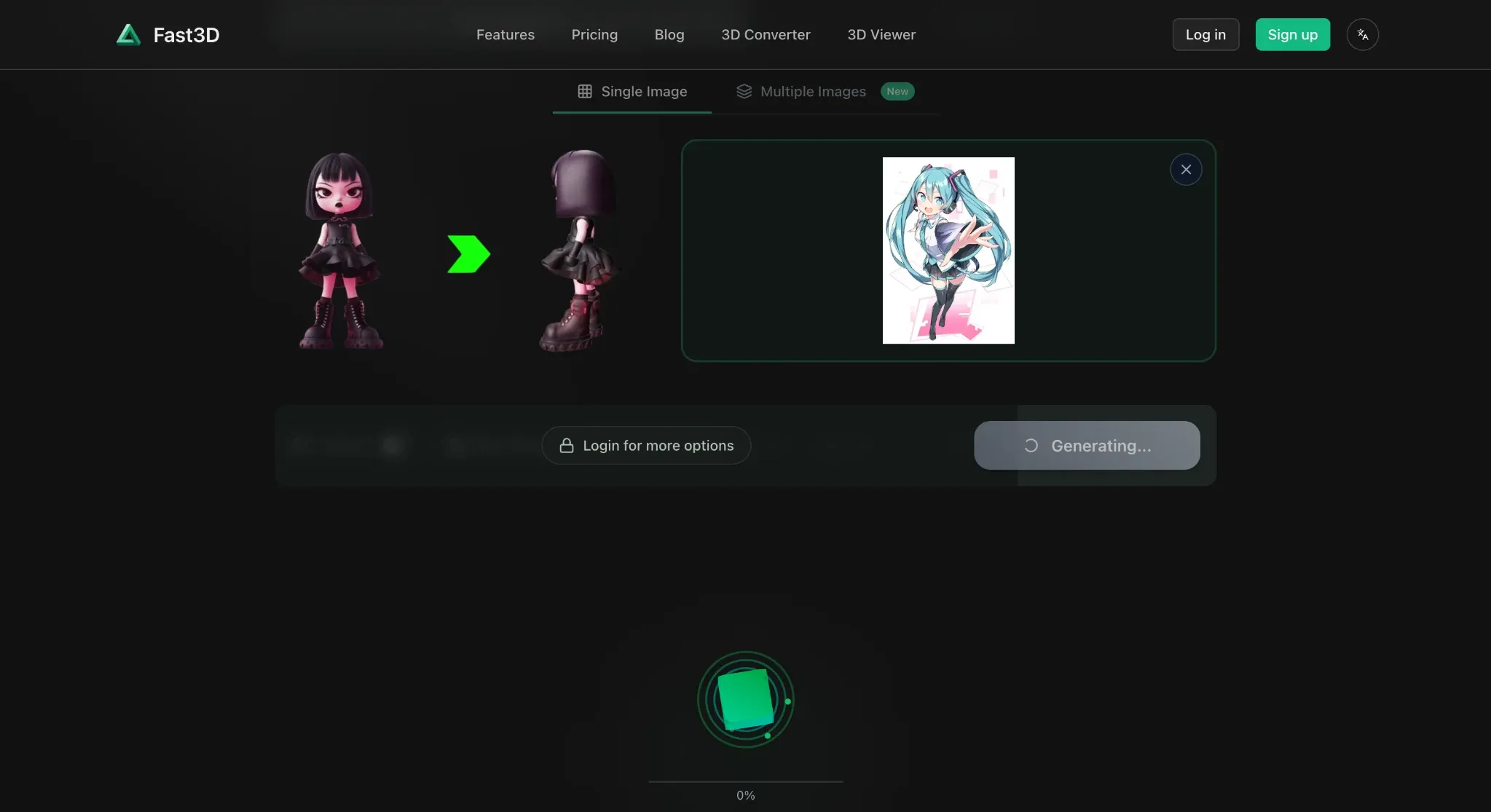
Fast3D centers on a streamlined reference-image-to-model workflow with several quality levels and optional textures. Its Free plan is unusually clear about the practical limits: 300 monthly credits, one concurrent task, two downloads per day, lower queue priority, and CC BY 4.0 assets. That combination makes it useful for creators who want recurring experimentation and a small number of actual exports without paying immediately. Paid tiers increase credits, remove the daily download cap, keep assets private, and add PBR textures, multi-view input, and higher quality levels. As with other fast generators, a quick result should be treated as a prototype until the mesh has been inspected for unwanted merging, thin features, holes, texture artifacts, and suitability for the target engine or slicer.
Key Features:
- Image-to-3D
- Quality-level choices
- Optional advanced texturing
- Multi-view generation on paid plans
- GLB/GLTF, FBX, OBJ/MTL, and STL export
Pricing:
- Free is $0 with 300 monthly credits, one concurrent task, two downloads per day, and CC BY 4.0 assets.
- Pro is $10 on monthly billing or $84/year ($7/month equivalent), with 10,000 monthly credits.
- Max is $20 monthly or $168/year ($14/month equivalent), with 30,000 credits.
- The pricing page also lists a custom unlimited tier.
Pros:
- Recurring free credits
- Defined daily export allowance
- Transparent free license
- Simple workflow
- Paid tiers add private ownership, PBR, multi-view, and higher quality
Cons:
Free downloads are capped at two per day
Free assets require attribution
Higher-quality modes and PBR need paid access
Complex geometry can still require manual cleanup
Best For
Hobbyists, students, educators, and rapid prototypers who want a predictable monthly allowance and limited free exports.
10. Alpha3D: Best Paid Benchmark for E-Commerce and Asset Pipelines
Alpha3D is included as the requested paid benchmark; it is not a permanent free converter. Its current platform connects single-image, multi-view, and text-based generation with topology optimization, UV unwrapping, AI texturing, rigging, format conversion, and workflow automation. That fuller pipeline suits product visualization, AR/VR, game assets, and teams that need repeatable processing beyond the first generated mesh. The lowest Tester plan includes downloads but omits several advanced refinement tools, while Basic unlocks the wider feature set. Alpha3D's production-oriented positioning does not remove the need for validation: e-commerce assets should be checked against real product dimensions, and game or printing outputs need their own topology, performance, and manifold tests. Readers seeking a strictly $0 workflow should choose another entry; Alpha3D is here to show what a low-cost paid pipeline adds.
Key Features:
- Single-image, multi-view, and text-to-3D
- Smart Topology; UV unwrapping; AI texturing; rigging
- GLB, OBJ, FBX, and STL conversion
- Browser, API, MCP, and Blender access
Pricing:
- No permanent free exportable plan was confirmed.
- Tester is €5/month with 90 3D credits and 1,000 agent tokens; Basic is €16/month with 1,000 3D credits and 3,500 tokens; Creator is €100/month with 3,200 3D credits and 10,000 tokens; Enterprise starts at €200 per user/month.
- The official surface reviewed did not list annual billing totals.
Pros:
- Broad end-to-end asset pipeline
- Downloads included from Tester
- Paid commercial licensing
- Topology, UV, texture, rigging, and conversion tools available in higher tiers
Cons:
- It is not a permanent free option
- Tester omits low-poly, retopology, UV, and rigging tools
- Accurate product dimensions and production readiness still require independent checks
Best For
E-commerce teams, AR/VR creators, game studios, and product designers willing to pay for a connected asset-production workflow.
Comparison: 10 Best Free AI Image to 3D Model Converters in 2026
Free access can mean free generation, recurring credits, a limited export, or a temporary test. Prioritize downloadable output and license terms before comparing secondary features.
| Tool | Best For | Free Access | Download and License Reality | Main Limitation |
|---|---|---|---|---|
| Hi3D | Detailed models, reliefs, and print preparation | 100 lifetime credits | Current Free comparison table lists downloads as unavailable; paid plans provide private commercial use | Free plan is evaluation-focused |
| Tripo AI | Characters and game assets | 200 monthly credits | Limited Free exports; public, non-commercial models | Advanced production tools require payment |
| Meshy | Textured assets and broad workflows | 100 monthly credits | Current Free plan does not provide general generated-model downloads | Best export workflow is paid |
| SupaVoxel | Quick daily experiments | Three free models per day advertised | Confirm free export and license terms in account; paid Starter adds all formats and a private commercial license | Free terms are less detailed publicly |
| 3D AI Studio | Comparing multiple engines | Selected tools and introductory credits | Paid plans provide major exports and private commercial assets | No fixed public free-credit amount shown |
| Canva | 3D-style design images | Limited monthly AI usage | Exports 2D design/image files, not editable 3D meshes | Not an image-to-mesh converter |
| AI3DGen | No-sign-up basic mesh tests | Free Lite generation | Free OBJ only; personal use; paid access for other formats and commercial rights | Basic untextured output and queueing |
| Neural4D | Blank-mesh exports and creative tools | 50 credits per week | Free blank-mesh export; commercial wording needs Terms verification | Inconsistent free-license language |
| Fast3D | Recurring credits and free exports | 300 monthly credits | Two downloads per day; CC BY 4.0 | PBR, multi-view, and private assets are paid |
| Alpha3D | Paid e-commerce and asset pipeline | No permanent free tier confirmed | Downloads begin with €5/month Tester; paid commercial license | Paid-only benchmark in this list |
How to Convert an Image into a 3D Model with AI?
Hi3D provides a connected path from image upload to model inspection and export. The current interface also exposes Split-to-Print and Multi-Color Print when the next step is physical production.
Step 1. Open Hi3D and Upload Your Image
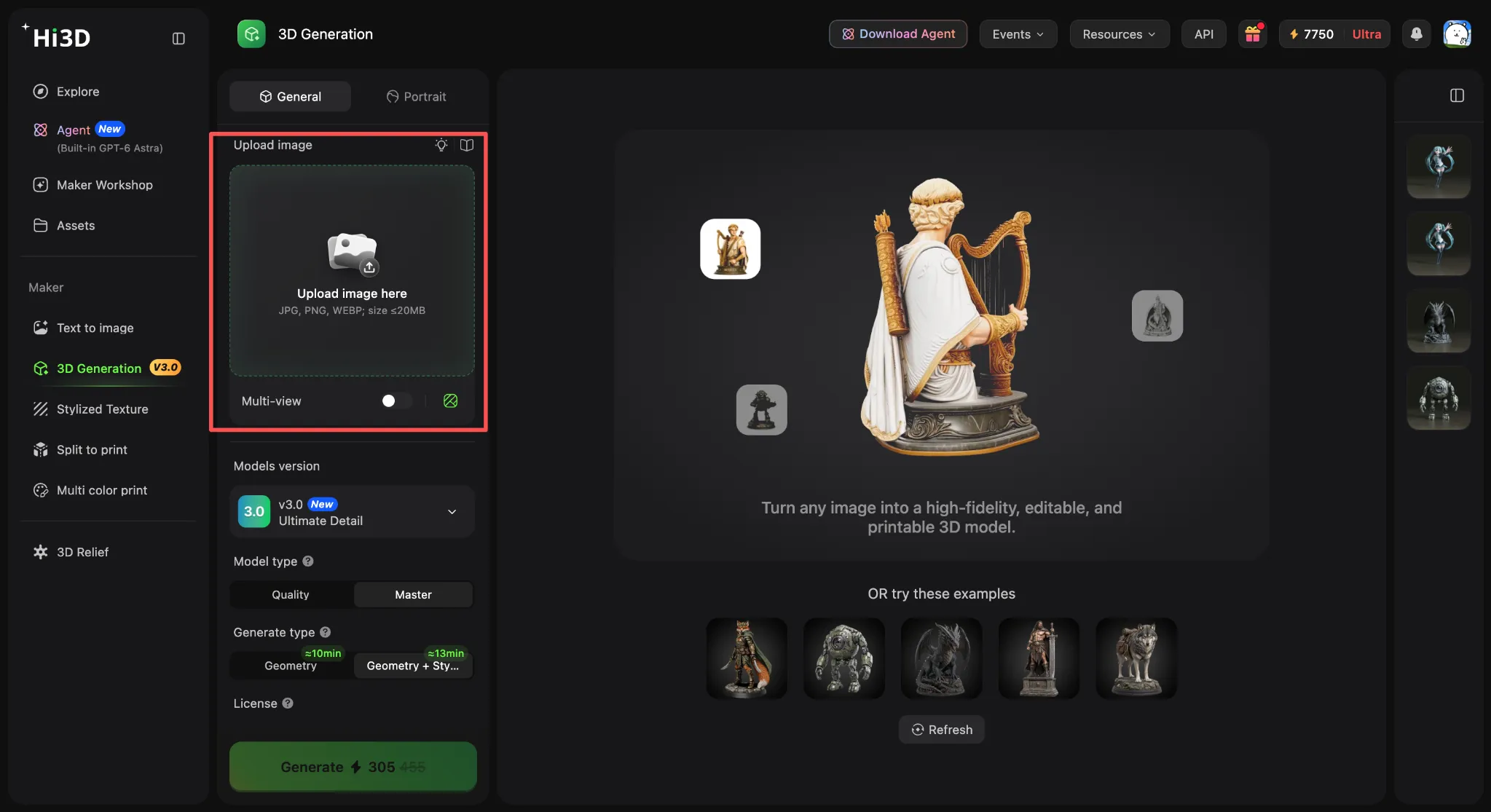
Open Hi3D and sign in. In 3D Generation, upload a JPG, PNG, or WebP reference with a clean background and visible silhouette. The current interface shows a 20 MB upload limit, but check the workspace in case that limit changes. Enable multi-view when you have consistent references from additional angles. Choose 3D Relief for a raised or recessed decorative surface instead of a conventional full object.
Step 2. Generate and Preview Your 3D Model
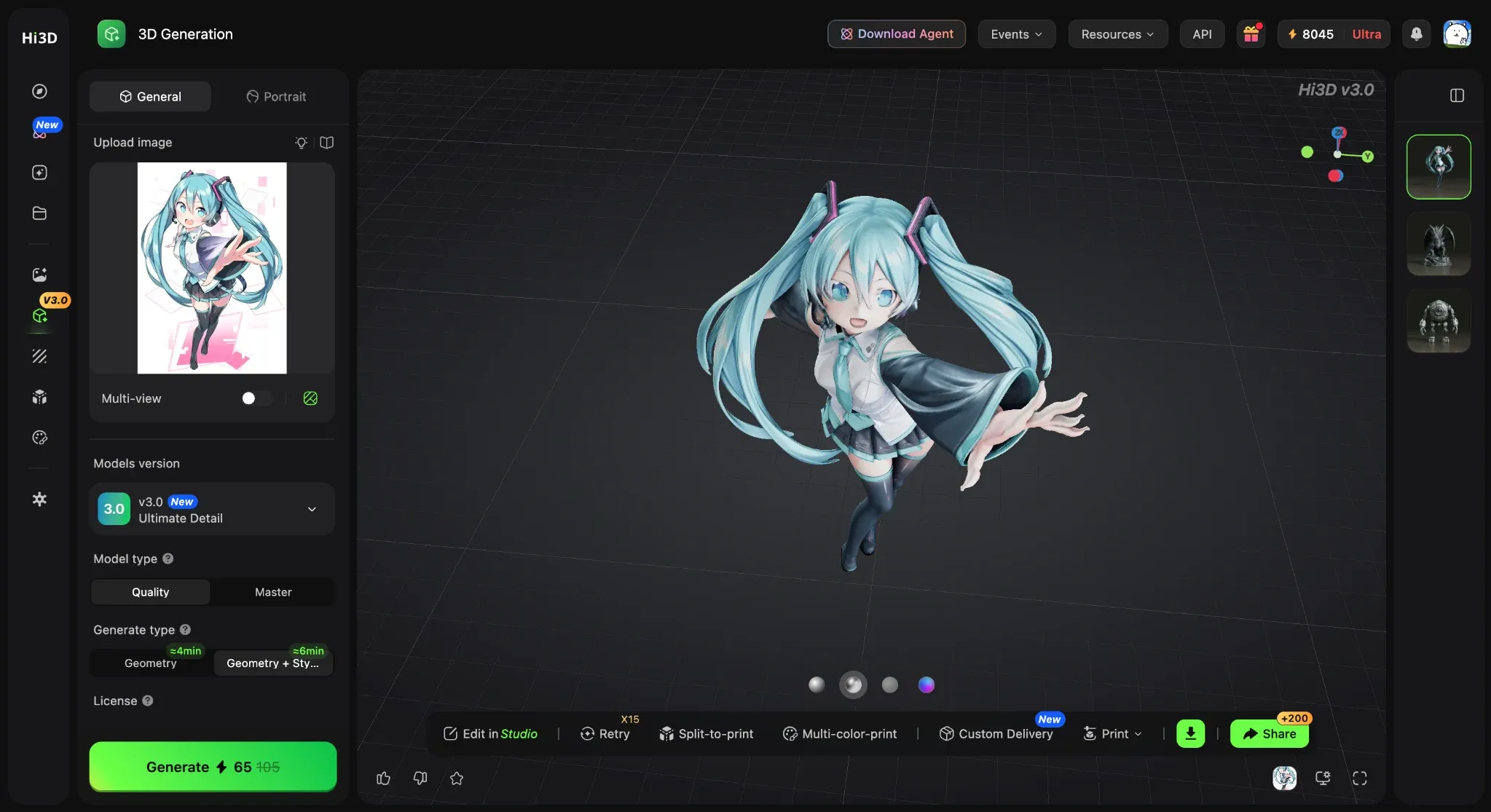
Choose the available model version, quality level, and geometry or texture options that fit the task, then start generation. When the result opens, rotate it through the front, sides, top, underside, and rear. Check the silhouette, facial or structural details, thin parts, unwanted merging, and the areas the source image did not reveal. Regenerate with a clearer reference or use multi-view input when the invented hidden surfaces are unacceptable.
Step 3. Download and Use Your 3D Model
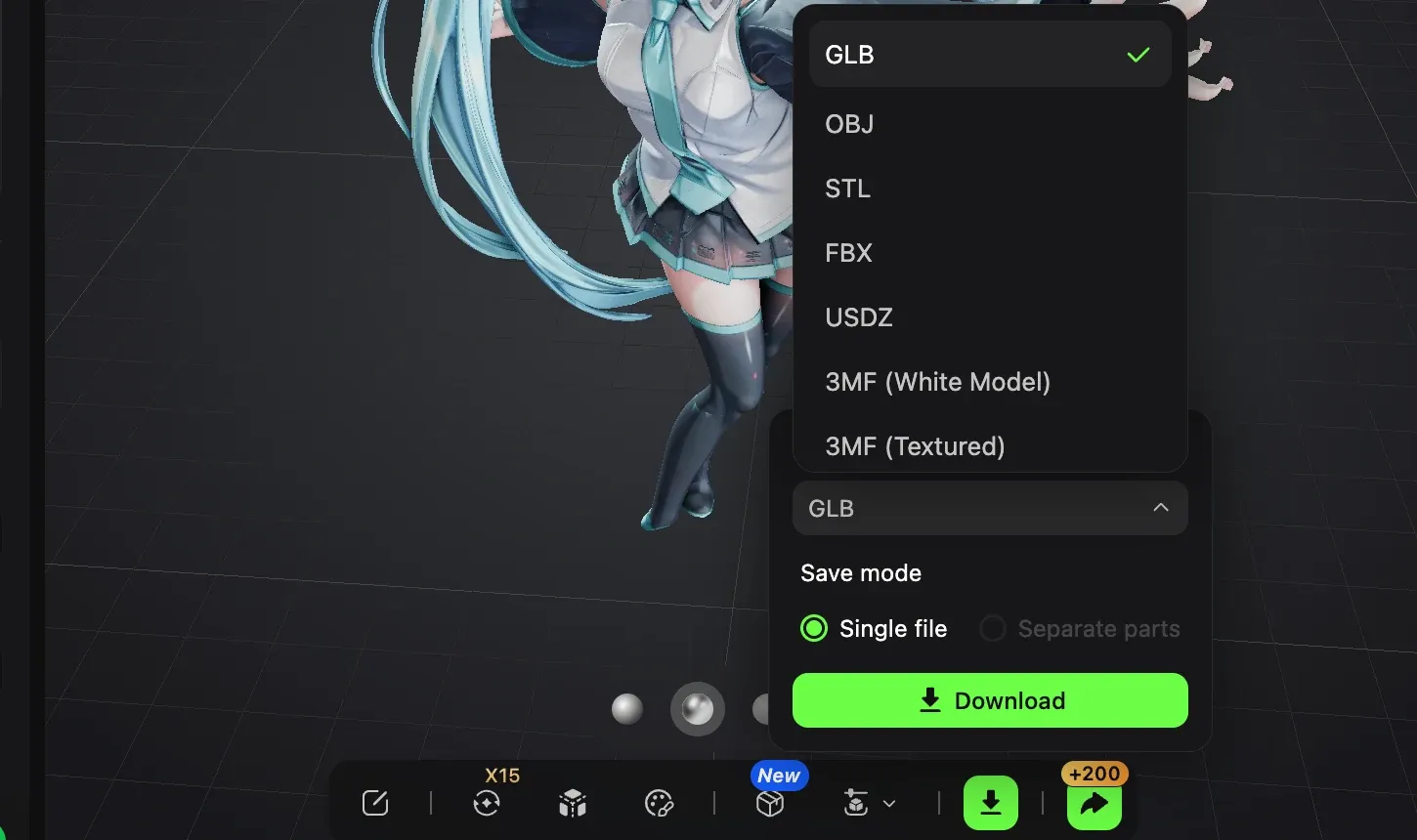
Open the export menu and choose the format that matches the next application and your plan access. GLB works well for compact web and real-time assets; OBJ and FBX support many editing pipelines; STL is common for slicers; USDZ targets Apple-oriented AR workflows; and 3MF can carry richer print information than STL. Before printing, inspect scale, wall thickness, manifold geometry, orientation, and supports. Hi3D users can also continue into Split-to-Print or Multi-Color Print before handing the file to a compatible slicer.
Conclusion
The best free AI image-to-3D model converter depends on what remains usable after generation. Hi3D offers the most connected path in this list for creators who want detailed generation, inspection, relief work, print preparation, and multi-format export in one platform, although the current Free plan is better suited to testing than downloading. Tripo is a strong choice for character tools, Meshy covers a broad asset workflow, Fast3D provides recurring credits with limited free downloads, and AI3DGen offers a simple no-sign-up OBJ test.
Treat Canva as a 3D-style image tool and Alpha3D as a paid benchmark. Whichever service you choose, inspect hidden surfaces, confirm the export license, and test the model in the destination software before using it for animation, commercial production, manufacturing, or 3D printing.